BeyondERP.Newsletter
Menu

Report page · Inventory management

Adjustments

A report that shows all the adjustments made during inventory recalculation or inventory closing.

Business process
Maintain inventory levels
Menu item
output:InventSettlementAdjustment
Show what matters for
PAGE GUIDEWhat the page does and how to use it7 sections. Choose a role to highlight what matters to you.
Everyone

1What it is and why

What it isA report that shows all the adjustments made during inventory recalculation or inventory closing.
What you do hereUse this report to review the cost adjustments that inventory recalculation and closing have made.
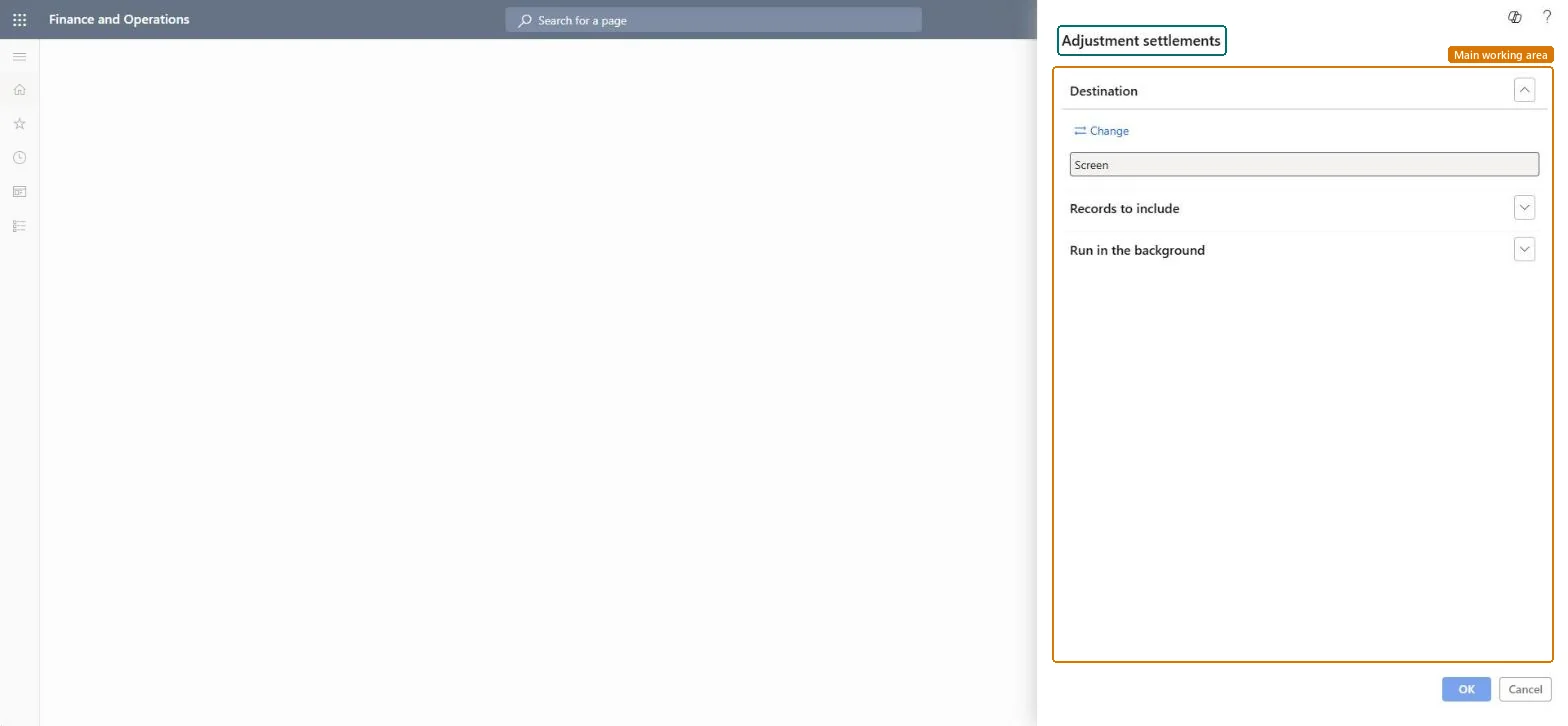
Adjustments page in Dynamics 365
The page in Dynamics 365. page title tab to open what to set or check
Functional consultant · Solution architect

2Where it fits

Business processMaintain inventory levels
Menu pathInventory management › Inquiries and reports › Transactional reports › Adjustments
Set up firstClosing and adjustment Microsoft Learn
End user · Functional consultant

3How to do it

About the examples: Examples and screenshots in this guide use BEAT, a demo company in a Dynamics 365 test environment. Use your own company's codes and values instead of copying them.

When to run it

When to run itAfter each inventory close or inventory recalculation.
How oftenAfter every inventory close or recalculation run.
What the output showsThe cost adjustments that inventory recalculation and inventory close made. These adjustments are also posted to the ledger accounts of the original inventory transactions, so large amounts are worth tracing.

Source: Microsoft Learn

Steps from Microsoft

  1. Go to Inventory management > Inquiries and reports > Transactional reports > Adjustments.
  2. Run it after inventory recalculation or inventory close has finished, so all adjustments of that run are included.
  3. Fill in the report parameters on the dialog to narrow what is listed.
  4. Review the adjustments and trace large ones back to the receipts and issues they settle before you close the period in the ledger.

Source: Microsoft Learn

Solution architect

4Design impact

Can it be undoneNothing to undo: The report only lists adjustments. To undo the adjustments themselves, reverse the inventory close on the Closing and adjustment page. Microsoft Learn
Technical architect

5Technical

Menu itemoutput:InventSettlementAdjustment Checked in Dynamics 365
FormSysOperationTemplateForm Checked in Dynamics 365
Roles to set it up and use itTo use itAccounting manager LedgerAccountingManagerInventory accountant clerk InventCostCostClerkInventory accountant InventCostAccountantGive people one of these roles. On this system, 3 roles can run this page.Checked in Dynamics 365
Developer

6Developer

Open it by URLhttps://<your-environment>/?mi=output:InventSettlementAdjustment
Everyone

7Sources