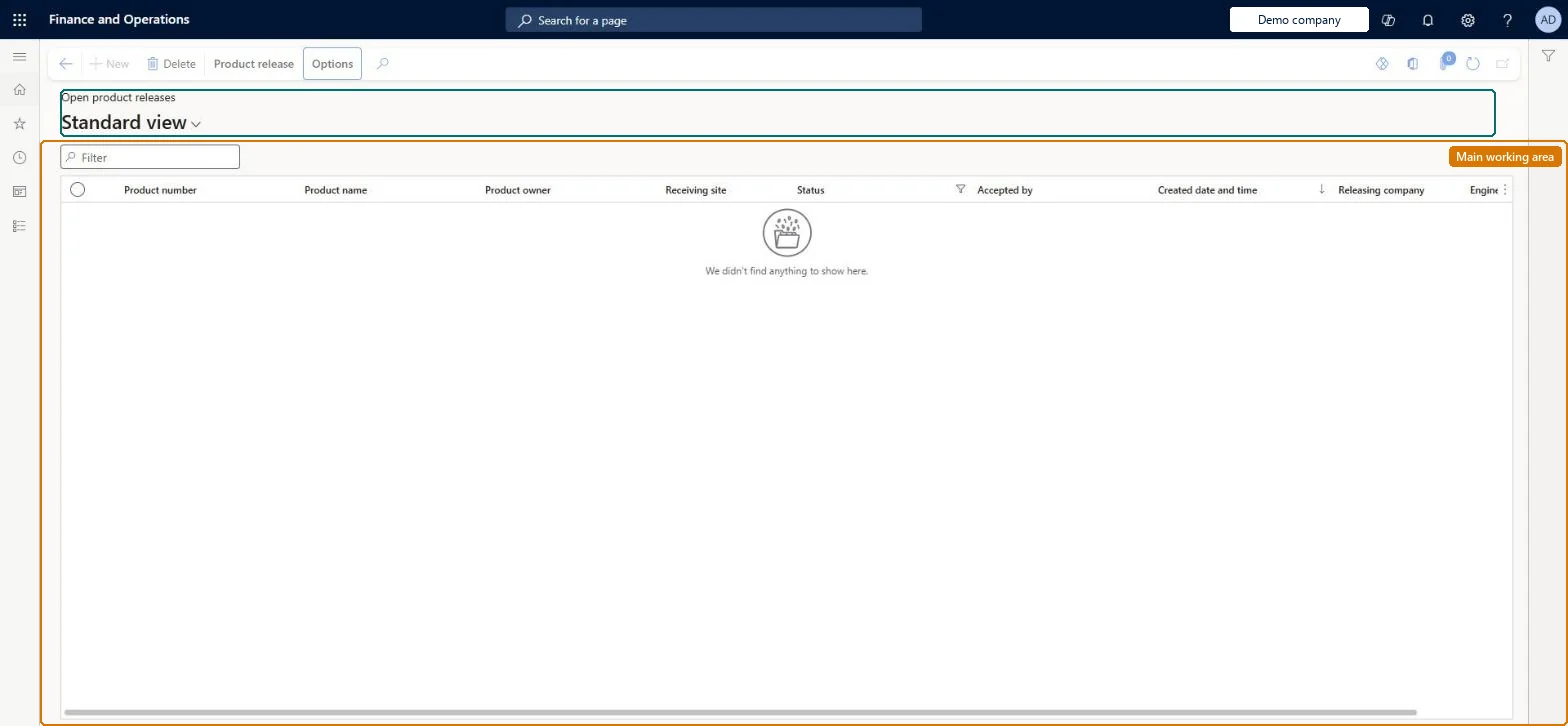
A list page in a receiving (operational) company that shows product releases sent from the engineering company and still waiting to be accepted, when the Product acceptance parameter is set to Manual.
Product designer, Product design manager, Product engineer and 1 more role
Business process
Release product structures in Dynamics 365 Supply Chain Management
Menu item
EngChgProductReleaseListPage_ReceiveOpen
Main table
EngChgProductRelease
Data entity
EngChgReceivedProductReleaseHeaderEntity
Show what matters for
PAGE GUIDEWhat the page does and how to use it7 sections. Choose a role to highlight what matters to you.
Everyone
1What it is and why
What it is
A list page in a receiving (operational) company that shows product releases sent from the engineering company and still waiting to be accepted, when the Product acceptance parameter is set to Manual.
What you do here
Use this page to review the product, version, BOM and route data that engineering has released to your company, adjust local settings such as effectivity dates or the item template, and then accept the release so the product becomes a released product in your company.
Example
For example, after engineering in DEMF releases product Z0001, a user in USMF opens the pending release, checks the releasing company and sites, and selects Actions > Accept.
The page in Dynamics 365. page title tab to open what to set or check
About the examples: Examples and screenshots in this guide use BEAT, a demo company in a Dynamics 365 test environment. Use your own company's codes and values instead of copying them.
Steps from Microsoft
Go to Engineering change management > Common > Product releases > Open product releases.
Make sure you are in the receiving company; the pending release shows the status Pending acceptance.
Select the value in the Product number column to open the Product release details page.
Review the General FastTab (releasing company, releasing site, receiving site), the Release details FastTab and the Route FastTab.
Change settings such as effectivity dates, item template, or whether the BOM and route are received as approved and active, if needed.
On the Action Pane, select Actions > Accept to release the product in your company.
Hard to reverse: Accepting creates the released product or overwrites the engineering version data, attributes, BOM, route and documents in the receiving company. Learn doesn't describe undoing an acceptance. Microsoft Learn
If you change it later
Accepting a release creates or overwrites the product, version, attributes, BOM, route and documents in the receiving company; declining it leaves the company without the update. Microsoft Learn
Technical architect
5Technical
Menu item
EngChgProductReleaseListPage_ReceiveOpenChecked in Dynamics 365
Form
EngChgProductReleaseReceiveListPageChecked in Dynamics 365
Table
EngChgProductReleaseShown as “PRODUCT RELEASE” in Record infoChecked in Dynamics 365
Data entities
EngChgReceivedProductReleaseHeaderEntityReceived product release headers Checked in Dynamics 365EngChgSentProductReleaseHeaderEntitySent product release headers Checked in Dynamics 365
To use itProduct engineer EngChgProductEngineerProduct engineering manager EngChgProductEngineeringManagerProduct designer BOMProductDesignerProduct design manager BOMProductDesignManagerGive people one of these roles. On this system, 4 roles can open this page.Checked in Dynamics 365