Forecast hours expenses and items for work orders in Dynamics 365 Supply Chain Management
Menu item
EntAssetForecastUpdateWorkOrderService
Show what matters for
PAGE GUIDEWhat the page does and how to use it7 sections. Choose a role to highlight what matters to you.
Everyone
1What it is and why
What it is
A periodic job that updates work order forecasts in Asset Management when hour costs, item costs, and expenses change in other modules.
What you do here
Use this job to make sure that work order forecasts use the latest cost prices, for all or selected work orders, either straight away or as a batch job.
Example
For example, after item cost prices are updated, a cost controller runs the job so that forecasts on open work orders show the new prices.
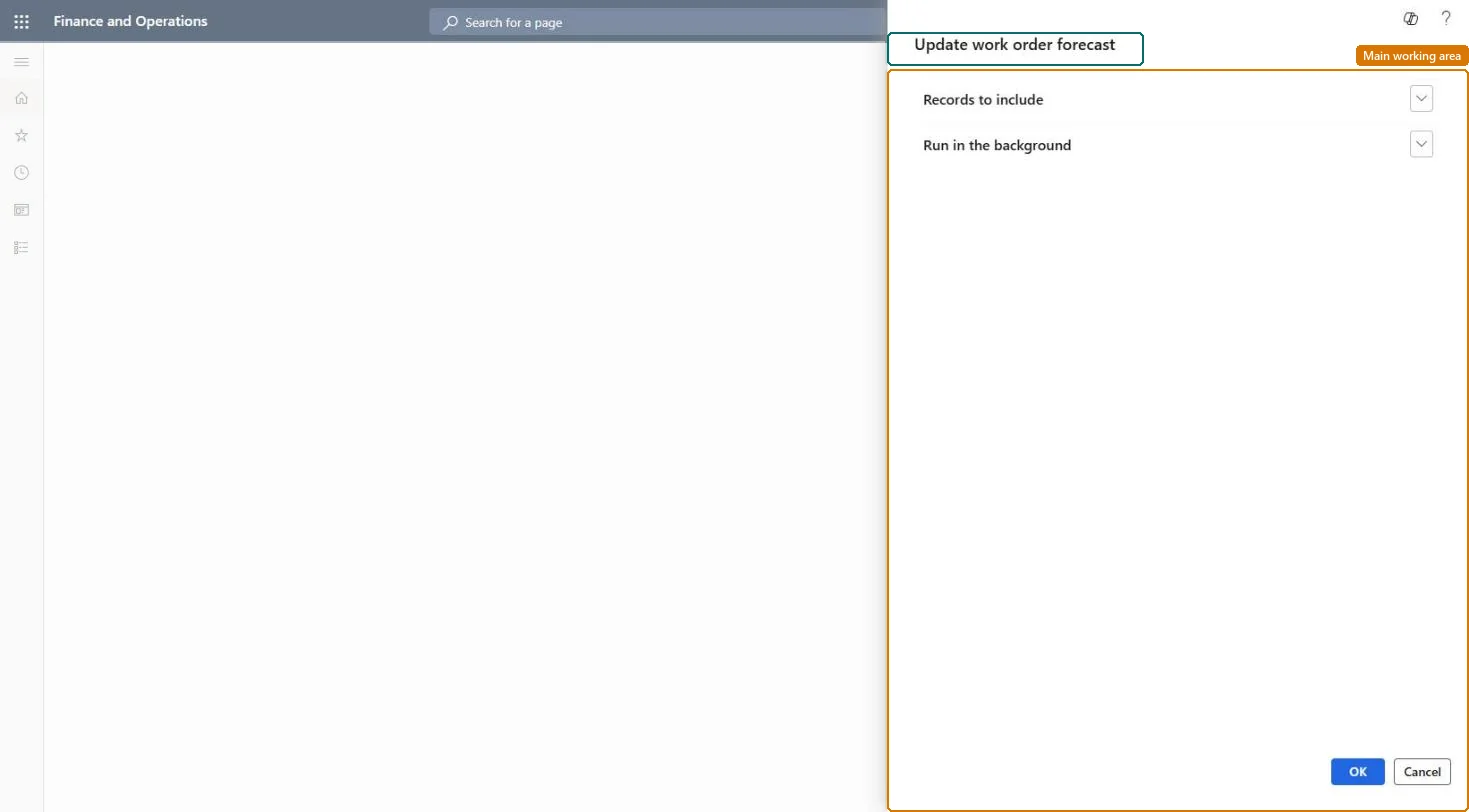
The page in Dynamics 365. page title tab to open what to set or check
About the examples: Examples and screenshots in this guide use BEAT, a demo company in a Dynamics 365 test environment. Use your own company's codes and values instead of copying them.
When to run it
When to run it
After cost prices change in other modules, so open work orders show current forecast costs.
How often
After each cost price update, or on a regular batch schedule.
Batch settings
Set it up as a batch job after Update maintenance job type forecast so existing work orders get the same prices.
What the output shows
Work order maintenance forecasts with updated cost prices on hours, items and expenses. A work order that keeps old prices usually was outside the filter or its lifecycle state doesn't allow forecast changes.
No: Old cost prices on work order forecasts are overwritten; correct lines by hand if needed. Microsoft Learn
If you change it later
Overwrites cost prices on the forecasts of the selected work orders, which changes their forecast totals. Microsoft Learn
Technical architect
5Technical
Menu item
EntAssetForecastUpdateWorkOrderServiceChecked in Dynamics 365
Form
SysOperationTemplateFormChecked in Dynamics 365
Roles to set it up and use it
To use itMaintenance manager EntAssetMaintenanceManagerMaintenance clerk EntAssetMaintenanceClerkMaintenance worker EntAssetMaintenanceWorkerGive people one of these roles. On this system, 3 roles can run this page.Checked in Dynamics 365