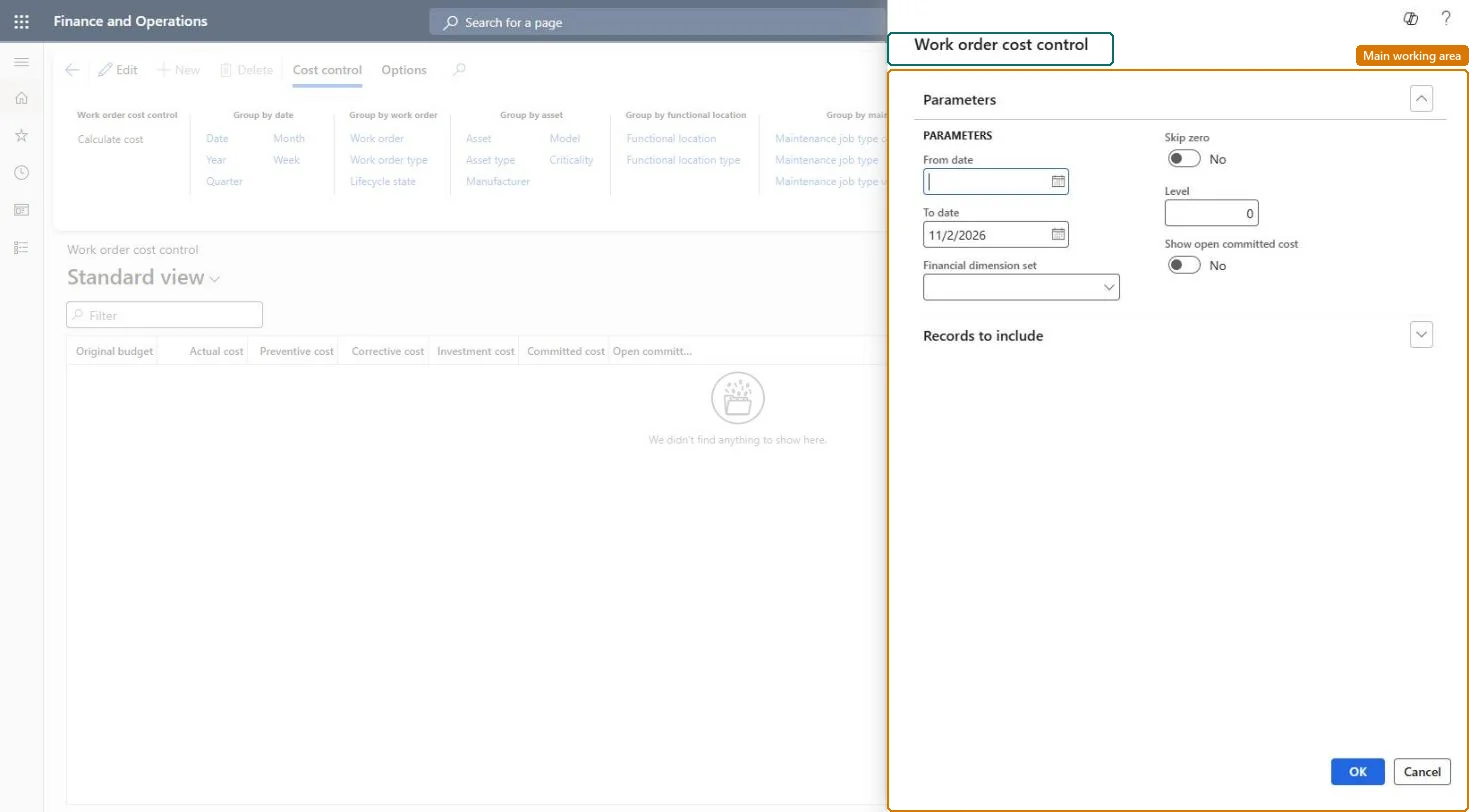
About the examples: Examples and screenshots in this guide use BEAT, a demo company in a Dynamics 365 test environment. Use your own company's codes and values instead of copying them.
Steps from Microsoft
Go to Asset management > Inquiries > Work orders > Work order cost control.
In the Work order cost control dialog, select the time range to calculate.
If required, select a financial dimension set, and set Skip zero and Show open committed cost as needed.
On the Records to include FastTab, select specific work orders to limit the calculation.
Select OK to start the calculation.
Select the Group by buttons for the detail level you want.
Adds the open committed cost column to the calculation.Microsoft Learn
Technical architect
4Technical
Menu item
EntAssetCostControl_WorkOrderChecked in Dynamics 365
Form
DialogChecked in Dynamics 365
Roles to set it up and use it
To use itMaintenance manager EntAssetMaintenanceManagerMaintenance clerk EntAssetMaintenanceClerkMaintenance worker EntAssetMaintenanceWorkerGive people one of these roles. On this system, 3 roles can open this page.Checked in Dynamics 365