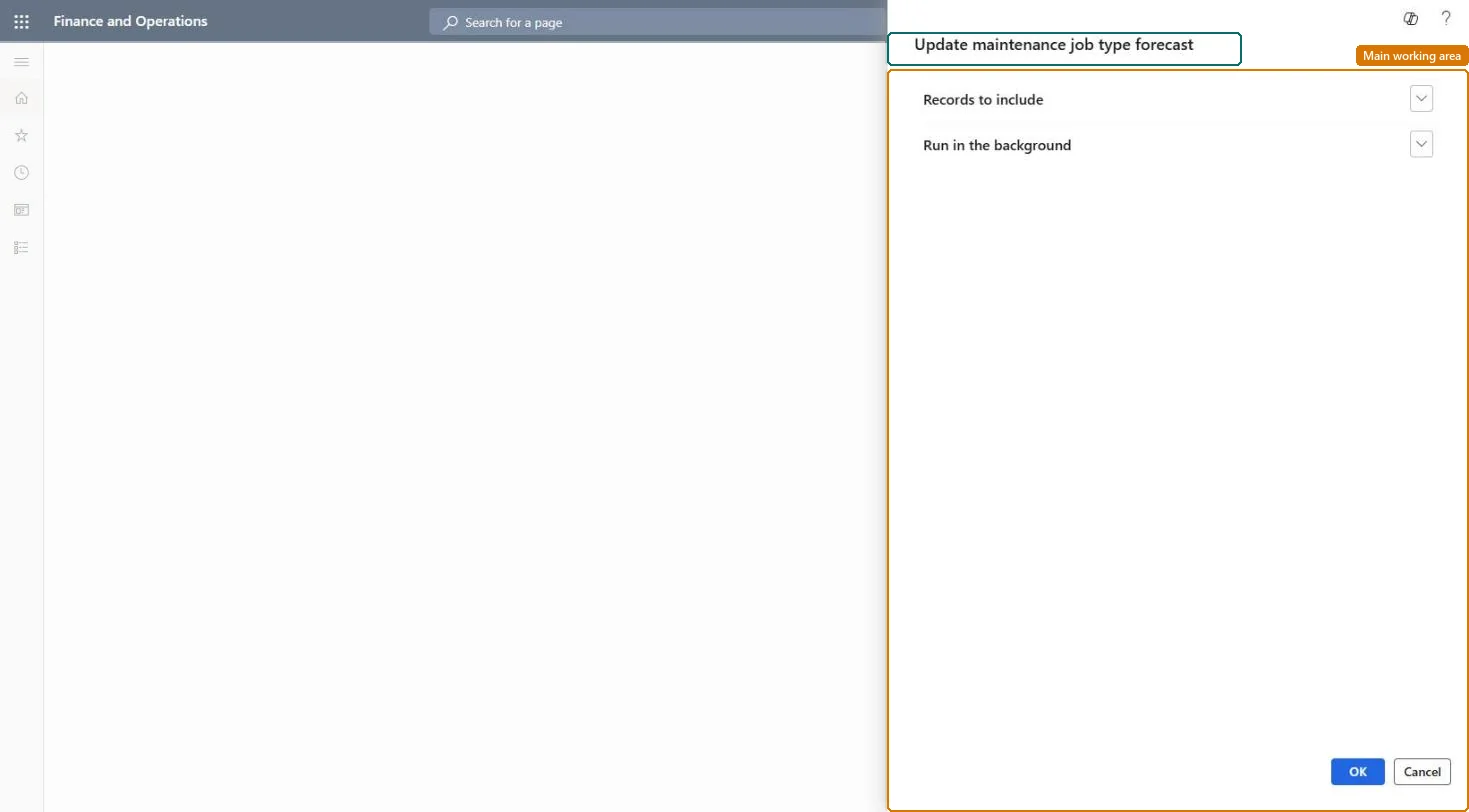
About the examples: Examples and screenshots in this guide use BEAT, a demo company in a Dynamics 365 test environment. Use your own company's codes and values instead of copying them.
When to run it
When to run it
After hour costs, item costs or expenses have been changed in other modules, so maintenance job type forecasts use the latest prices.
How often
After each cost price update, or on a regular batch schedule.
Batch settings
Set it up as a batch job after your cost price updates so new work orders copy current forecasts.
What the output shows
Maintenance job type default forecasts with updated cost prices on hour, item and expense lines. Old prices on a line usually mean the job type was outside the filter.
No: Old forecast cost prices are overwritten; enter them again by hand if needed. Microsoft Learn
If you change it later
Overwrites cost prices on maintenance job type forecasts, which are copied to new work orders that use those job types. Microsoft Learn
Technical architect
5Technical
Menu item
EntAssetForecastUpdateJobTypeDefaultServiceChecked in Dynamics 365
Form
SysOperationTemplateFormChecked in Dynamics 365
Roles to set it up and use it
To use itMaintenance manager EntAssetMaintenanceManagerGive people one of these roles. On this system, 1 role can run this page.Checked in Dynamics 365