Lease accountant, Lease manager, Accountant and 1 more role
Business process
Define leasing policies
Menu item
AssetLeaseGroupTable
Main table
AssetLeaseGroupTable
Data entity
AssetLeaseLeaseGroupEntity
Setup steps
1 on this page
Show what matters for
PAGE GUIDEWhat the page does and how to use it8 sections. Choose a role to highlight what matters to you.
Everyone
1What it is and why
What it is
A setup page where you define lease groups and the lease books that each group creates for its leases.
What you do here
Use this page to create the lease groups that new leases require and to assign books to each group, so the system creates schedules for each book when a lease is added.
Example
For example, assign more than one book to a group when its leases must be accounted for in different ways.
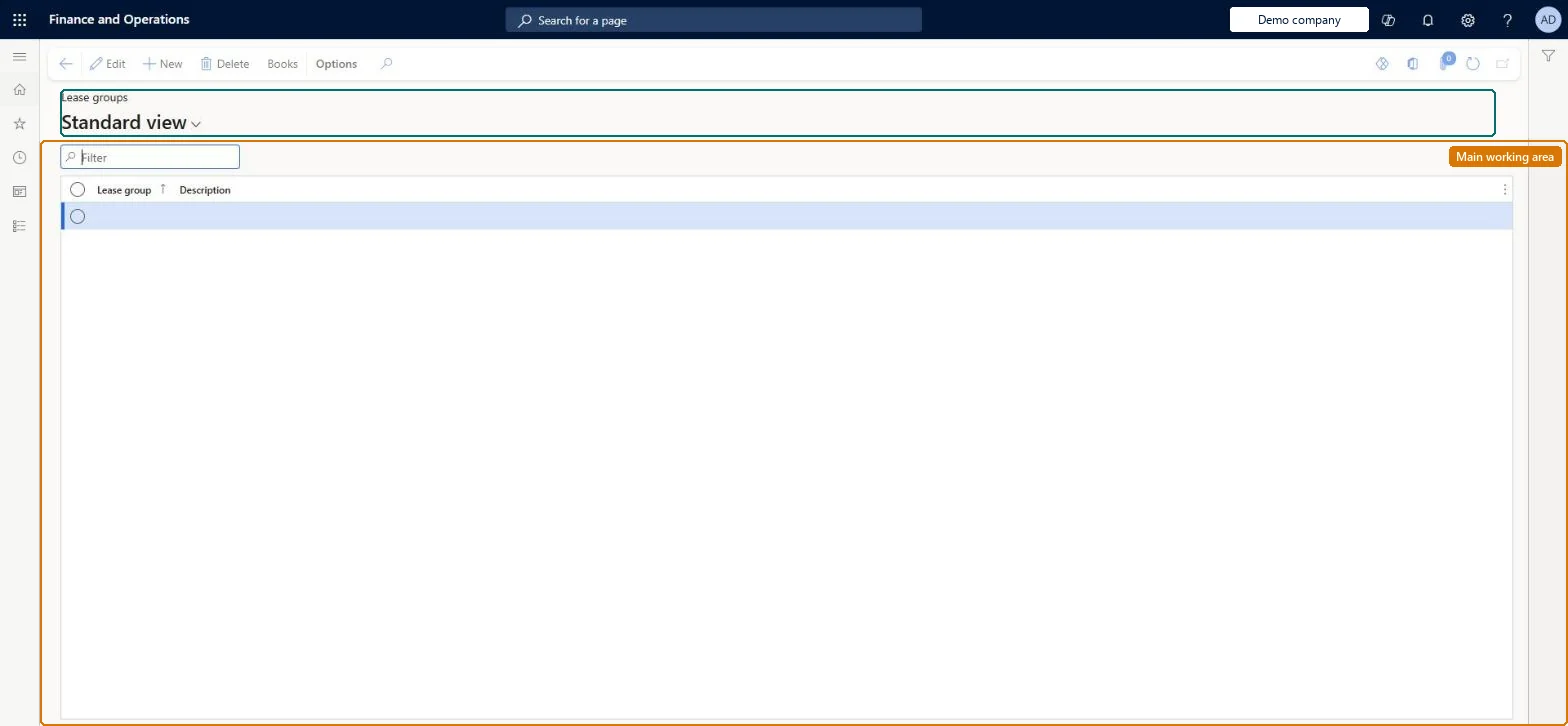
The page in Dynamics 365. page title tab to open what to set or check
About the examples: Examples and screenshots in this guide use BEAT, a demo company in a Dynamics 365 test environment. Use your own company's codes and values instead of copying them.
Setup steps on this page
Set up Lease groups
Use this page to create the lease groups that new leases require and to assign books to each group, so the system creates schedules for each book when a lease is added.
Steps from Microsoft
Go to Asset leasing > Setup > Lease groups.
On the Action Pane, select New.
In the Lease group field, enter a value.
In the Description field, enter a value.
Select the lease group, and then select Books.
Select New, and in the Book type field, select the book to assign.
One lease group per class of leased asset that shares posting accounts, each with every book type the lease must be accounted in (for example IFRS 16 and local GAAP)When a lease is created in a group, the system creates schedules for each book linked to that group, and Lease posting parameters can assign accounts by lease group.
How are lease groups split?Adding books to a group after leases exist and expecting them to appear on those leases: books are created for a lease from its group when the lease is created.Test: Lease gets the group's books
Feature management and licence
Feature to turn on
Asset leasing (Must be on)
Licence or add-in
Asset leasing must be turned on in Feature management (feature Asset leasing). Microsoft Learn describes three Asset leasing roles: Maintain lease (add, edit and post leases), View lease (view leases and schedules and run reports) and Lease clerk (create new leases only). Maintain lease users set up lease groups.
To set it up or change itLease accountant AssetLeaseLeaseMaintainAccountant LedgerAccountantTo use itLease manager AssetLeaseLeaseViewAccounting manager LedgerAccountingManagerGive people one of these roles. On this system, 4 roles can open this page.Checked in Dynamics 365
Actions on the page
(Action Pane without tabs): BooksChecked in Dynamics 365
AssetLeaseLeaseGroupEntity data entity Checked in Dynamics 365
Data migration
AssetLeaseLeaseGroupEntity (Lease group): the lease groups.Load order: Load the Asset leasing setup in Microsoft's order: lease books, lease groups, then the parameters (journal names, posting accounts, executory cost accounts), expense types, payment amount types, index rate types and locations, and only then the leases.Load first: Lease booksMicrosoft Learn