| What it is | A setup list where you define request types, which replenishment template lines can refer to. |
|---|---|
| What you do here | Use this page to create and maintain the request types that replenishment setup uses. |
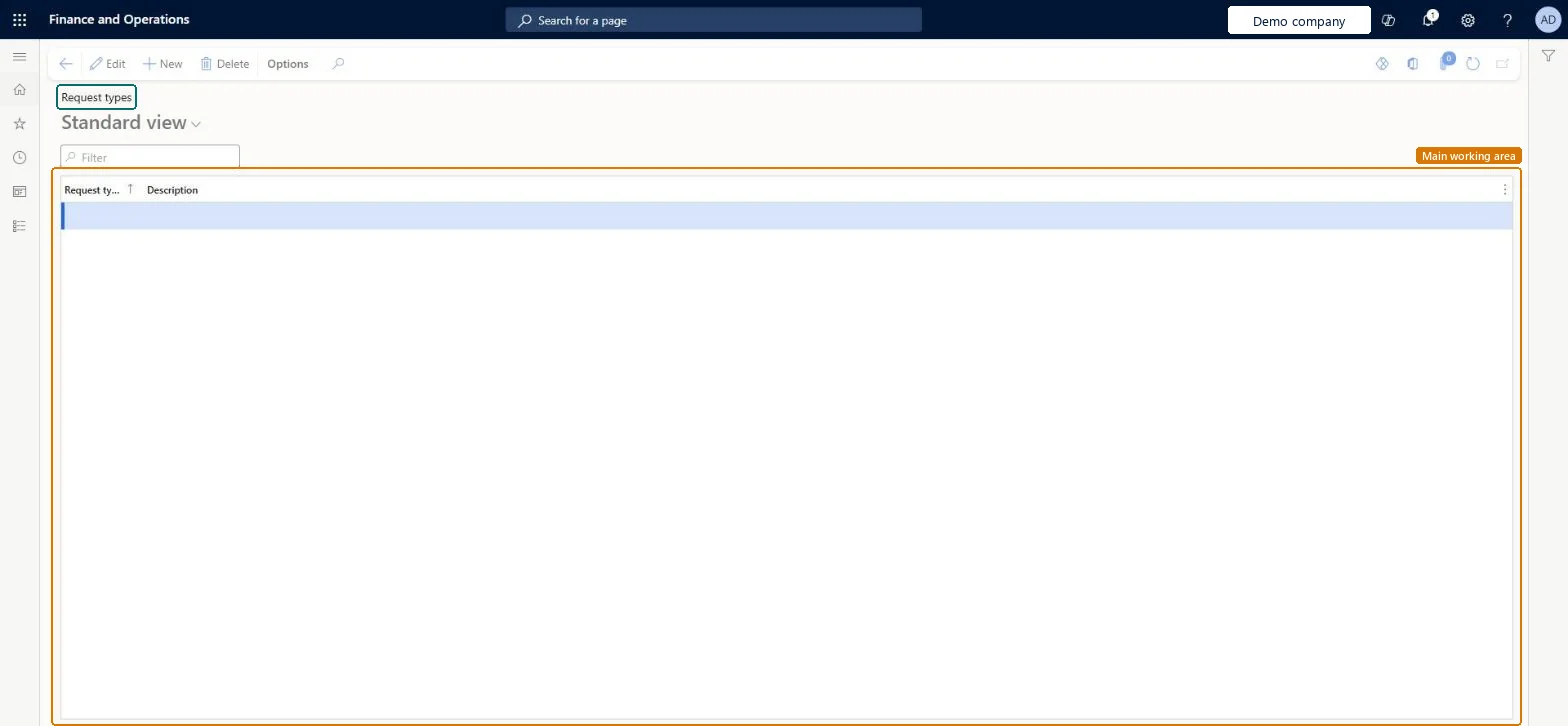
Setup step on the Request types page · Warehouse management
Use this page to create and maintain the request types that replenishment setup uses.
WHSRequestTypeWHSRequestTypeWHSWarehouseReplenishmentRequestTypeEntity| What it is | A setup list where you define request types, which replenishment template lines can refer to. |
|---|---|
| What you do here | Use this page to create and maintain the request types that replenishment setup uses. |
| Business process | Manage warehouse operations |
|---|---|
| Menu path | Warehouse management › Setup › Replenishment › Request types |
| In this process | Set up Batch number of days to mix · Set up Replenishment templates |
About the examples: Examples and screenshots in this guide use BEAT, a demo company in a Dynamics 365 test environment. Use your own company's codes and values instead of copying them.
Use this page to create and maintain the request types that replenishment setup uses.
Source: Checked in Dynamics 365
Source: Microsoft Learn
| Setup step | Recommended value and why | Decision, common mistake and test |
|---|---|---|
| Set up Request types | Optional: create request types only if you need to categorize the replenishment requests that template lines generateOn replenishment template lines, Request type is optional and is used to categorize the replenishment requests the line generates. Learn's zone replenishment example leaves it blank. |
| Shared or per company | Per company: each legal entity has its own records. Microsoft data model |
|---|---|
| Can it be undone | Reversible: A request type is a category selected on replenishment template lines; it can be added or changed on the lines at any time. |
| Menu item | WHSRequestType Checked in Dynamics 365 |
|---|---|
| Form | WHSRequestType Checked in Dynamics 365 |
| Table | WHSRequestTypeShown as “REQUEST TYPES” in Record infoKey field: RequestTypeIdChecked in Dynamics 365 |
| Data entities | WHSWarehouseReplenishmentRequestTypeEntityWarehouse replenishment request types Microsoft data model |
| Who can open it | PrivilegesMaintain request types WHSRequestTypeMaintainView request types WHSRequestTypeViewDutiesInquire into warehouse operation master WMSWarehouseOperationMasterInquireMaintain warehouse operation master WMSWarehouseOperationMasterMaintain6 security rolesField Service Integration UserFieldServiceIntegrationUserProduction supervisor ProdProductionSupervisorProcess engineer RouteProcessEngineerProcess engineering manager RouteProcessEngineeringManagerWarehouse planner WHSWarehousePlannerWarehouse manager WMSWarehouseManager |
| Roles to set it up and use it | To set it up or change itWarehouse manager WMSWarehouseManagerProcess engineer RouteProcessEngineerTo use itWarehouse planner WHSWarehousePlannerProduction supervisor ProdProductionSupervisorProcess engineering manager RouteProcessEngineeringManagerField Service Integration User FieldServiceIntegrationUserGive people one of these roles. On this system, 6 roles can open this page.Checked in Dynamics 365 |
| Open it by URL | https://<your-environment>/?mi=WHSRequestType |
|---|---|
| Integrate with | WHSWarehouseReplenishmentRequestTypeEntity data entity Microsoft data model |
| Data migration | WHSWarehouseReplenishmentRequestTypeEntity (Warehouse replenishment request types): loaded for each company, in Microsoft's default template 400 - Warehouse management.Load order: Microsoft's default template 400 - Warehouse management loads Warehouse replenishment request types at execution unit 1, level 30, sequence 10. Lower levels load first, and entities at the same level load in sequence order.Load first: the default templates at lower levels (System setup to General ledger)Microsoft Learn |
| Table definition | WHSRequestType columns and relations Microsoft data model |
To cite this step: WM-SETUP-160, Set up Request types. Beyond ERP Atlas Hub, 2026-11-11. https://www.beyonderp.cloud/atlas/step/WM-SETUP-160