About the examples: Examples and screenshots in this guide use BEAT, a demo company in a Dynamics 365 test environment. Use your own company's codes and values instead of copying them.
Setup steps on this page
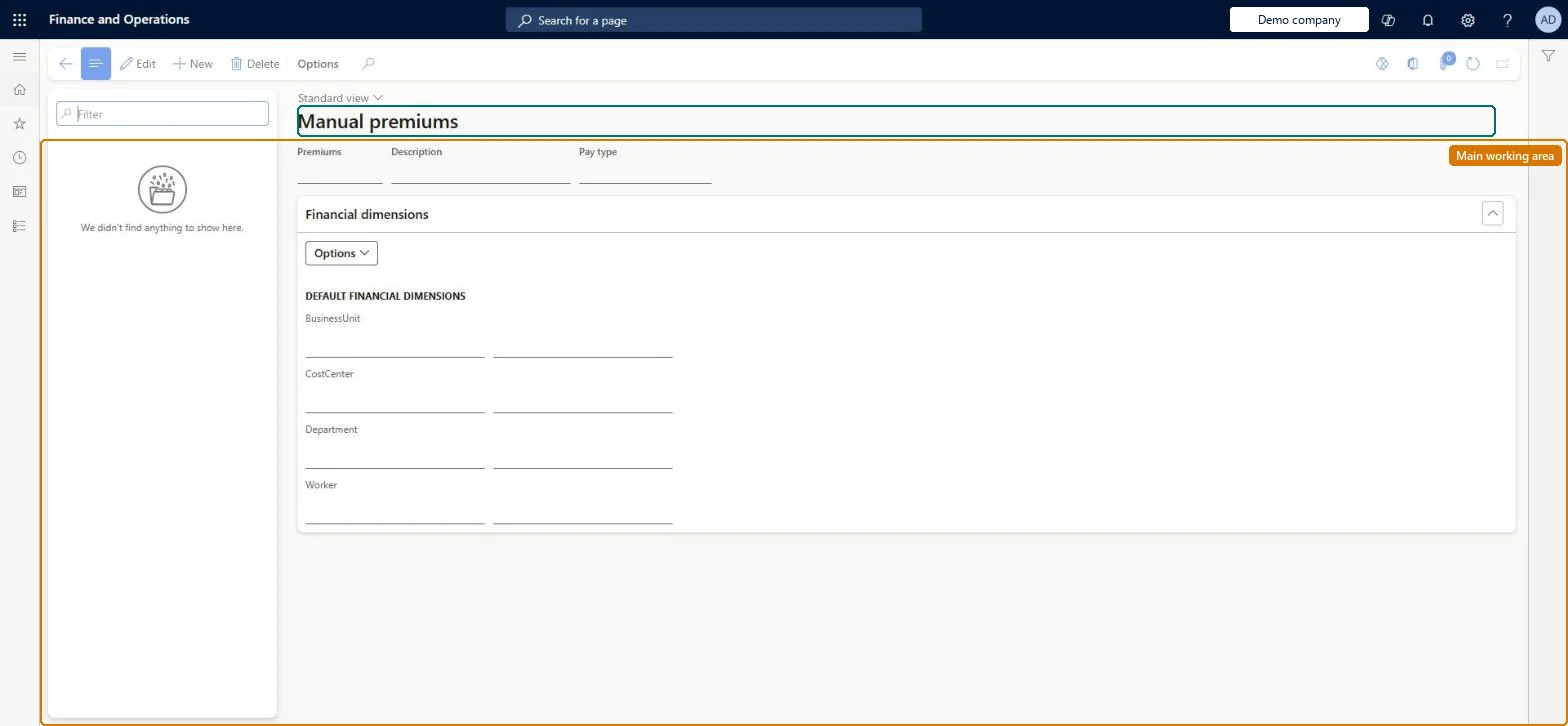
Set up Manual premiums
Use this page to create the premiums that are added as premium lines on the Approve page, for example extra pay for extra work.
Steps from Microsoft
Go to Time and attendance > Setup > Payroll > Manual premiums.
One premium per extra-pay or balance adjustment you allow approvers to add, each linked to its own pay typeManual premiums are added as premium lines on Approve and create pay through their pay type; Learn also uses one to set a starting vacation balance.
Time and attendance roles come from the security read in the Technical section. On this system the page is opened with roles such as Payroll administrator. The Microsoft Learn article for this page names no Feature management feature to turn on.
Per company: each legal entity has its own manual premiums. Checked in Dynamics 365
Can it be undone
Reversible: A premium only takes effect when an approver adds it as a premium line and transfers the day.
If you change it later
Approvers can add the premium to a worker's day on Approve; it creates pay items on its pay type, and premiums such as VAC can set a balance. Microsoft Learn
Technical architect
6Technical
Menu item
JmgPayAddTableChecked in Dynamics 365
Form
JmgPayAddTableChecked in Dynamics 365
Table
JmgPayAddTableShown as “PREMIUM TYPES” in Record infoChecked in Dynamics 365
PrivilegesMaintain manual premiums JmgPayAddTableMaintainView manual premiums JmgPayAddTableViewDutiesInquire into time and attendance payroll policies JmgTimeAttandancePayrollPoliciesInquireMaintain time and attendance payroll JmgTimeAttendancePayrollMaintainEnable time and attendance payroll process JmgTimeAttendancePayrollProcessEnable1 security rolePayroll administrator HcmPayrollAdministratorChecked in Dynamics 365
Roles to set it up and use it
To set it up or change itPayroll administrator HcmPayrollAdministratorGive people one of these roles. On this system, 1 role can open this page.Checked in Dynamics 365