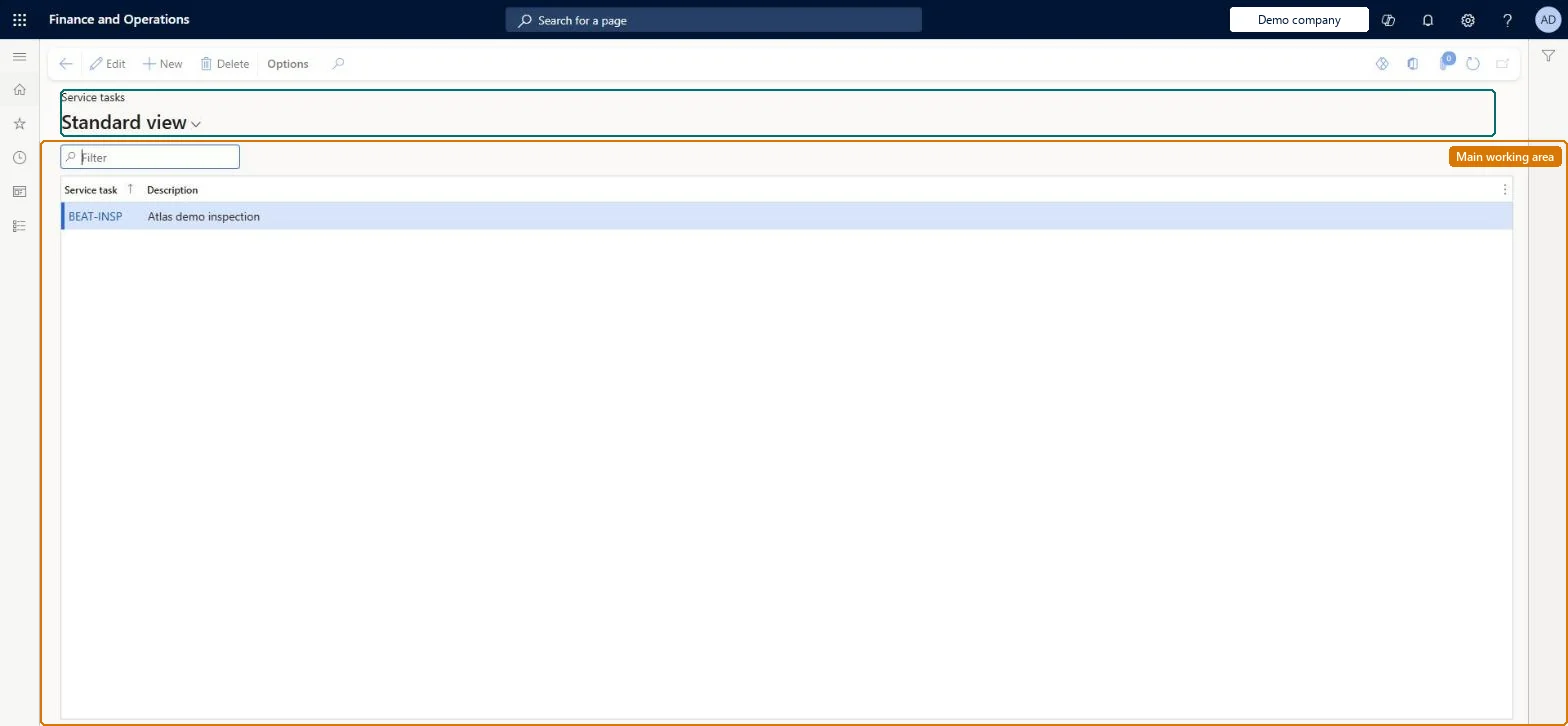
Setup step on the Service tasks page · Service management
Set up Service tasks
Use this page to define the catalogue of tasks that you later attach to service agreements and service orders through service task relations, and that can be used to group service order lines.
SETUP GUIDEHow to set it up8 sections. Choose a role to highlight what matters to you.
Everyone
1What it is and why
What it is
A setup page where you create the service tasks (an ID and description) that describe the work to be done on a service order, visible to both technicians and customers.
What you do here
Use this page to define the catalogue of tasks that you later attach to service agreements and service orders through service task relations, and that can be used to group service order lines.
Example
For example, a technician must complete an inspection job and a routine replacement job on a gearbox, and two service tasks identify which agreement lines belong to each job.
The page in Dynamics 365. page title tab to open what to set or check
About the examples: Examples and screenshots in this guide use BEAT, a demo company in a Dynamics 365 test environment. Use your own company's codes and values instead of copying them.
Setup steps on this page
Set up Service tasks
Use this page to define the catalogue of tasks that you later attach to service agreements and service orders through service task relations, and that can be used to group service order lines.
One service task per job you want handled and shown as a unit (for example inspection and routine replacement), with Combine service orders set to By service task on agreements that should split orders by jobService tasks group agreement lines into jobs that technicians and customers can read, and can be the first grouping criterion when service orders are created automatically.
Creating the task here but not adding a service task relation on the agreement or order. Only tasks with a relation can be selected on agreement and order lines.
Solution architect
5Design impact
Can it be undone
Reversible: Tasks are a catalogue that agreements and orders use through service task relations; changes apply to lines you create afterwards.
Technical architect
6Technical
Menu item
SMAServiceTaskChecked in Dynamics 365
Form
SMAServiceTaskChecked in Dynamics 365
Table
SMAServiceTaskShown as “SERVICE TASKS” in Record infoChecked in Dynamics 365
PrivilegesMaintain service tasks SMAServiceTaskMaintainView service tasks SMAServiceTaskViewDutiesEnable service agreement process SMAServiceAgreementProcessEnableReview service agreement process performance SMAServiceAgreementProcessPerfReviewInquire into service agreement reference data SMAServiceAgreementReferenceDataInquire2 security rolesChief executive officer CompanyChiefExecutiveOfficerService delivery manager SMAServiceDeliveryManagerChecked in Dynamics 365
Roles to set it up and use it
To set it up or change itService delivery manager SMAServiceDeliveryManagerTo use itChief executive officer CompanyChiefExecutiveOfficerGive people one of these roles. On this system, 2 roles can open this page.Checked in Dynamics 365