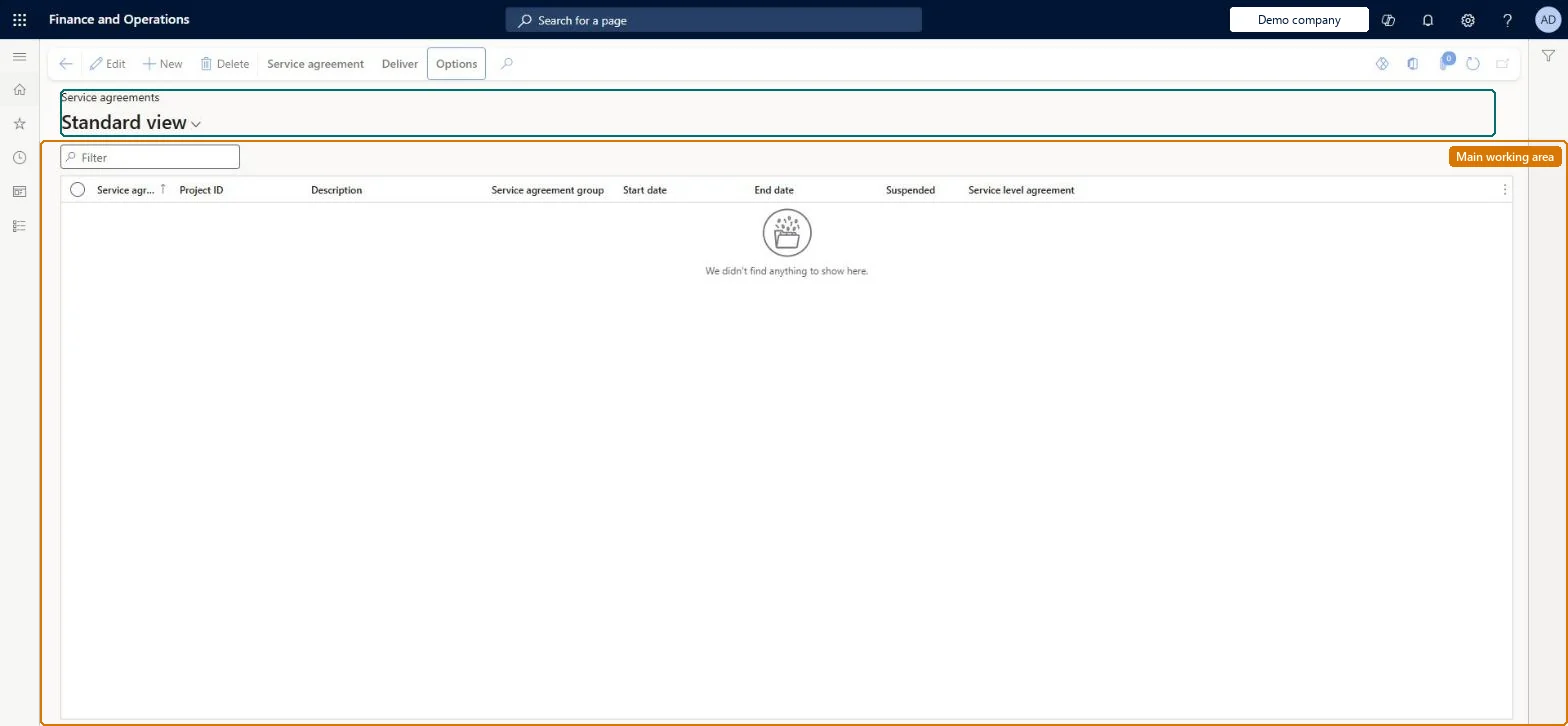
A list page where you create and maintain service agreements, which define the resources used in a typical service visit and how those resources are invoiced to the customer, with header settings and agreement lines.
Service dispatcher, Service delivery manager, Sales manager and 1 more role
Business process
Receive service requests
Menu item
SMAAgreementTableListPage
Main table
SMAAgreementTable
Data entity
SMAServiceAgreementHeaderEntity
Show what matters for
PAGE GUIDEWhat the page does and how to use it8 sections. Choose a role to highlight what matters to you.
Everyone
1What it is and why
What it is
A list page where you create and maintain service agreements, which define the resources used in a typical service visit and how those resources are invoiced to the customer, with header settings and agreement lines.
What you do here
Use this page to set up each agreement with its project, agreement ID and group, create or copy its lines, attach service objects and tasks, suspend it when needed, and generate the planned service orders for a period.
Example
For example, you can suspend a service agreement, after which no service orders can be created from it, or stop a single line so that no service orders are created for that line only.
The page in Dynamics 365. page title tab to open what to set or check
About the examples: Examples and screenshots in this guide use BEAT, a demo company in a Dynamics 365 test environment. Use your own company's codes and values instead of copying them.
Steps from Microsoft
Go to Service management > Service agreements > Service agreements.
Select New, enter a description and select the project in the Project ID field.
Fill in the rest of the header fields, such as the service agreement group, and select Save.
On the Relations tab, select Service objects or Service tasks to create the relations that can be used on the lines.
In the lower half of the page, add service agreement lines manually or copy them from a service template or another agreement.
New records on this page take their Service agreement from the SMAAgreementId reference; BEAT uses number sequence Serv_3. Checked in Dynamics 365
Solution architect
5Design impact
Can it be undone
Hard to reverse: Suspended (header) and Stopped (line) can be switched back. But a suspended agreement stops every line and blocks automatic and manual service order creation while it is set, and an agreement that already has service orders can no longer be made a template. All service order transactions post through the attached project, so plan the project before the first order. Microsoft Learn
If you change it later
Suspending an agreement blocks automatic and manual creation of service orders from it and stops every attached line; stopping a line also prevents that line from being copied into another agreement or order. Microsoft Learn
Technical architect
6Technical
Menu item
SMAAgreementTableListPageChecked in Dynamics 365
Form
SMAAgreementTableChecked in Dynamics 365
Table
SMAAgreementTableShown as “SERVICE AGREEMENTS” in Record infoKey field: AgreementIdChecked in Dynamics 365
PrivilegesView list of service agreements (Customer self-service) EPServiceCSSAgreementListViewMaintain service agreement details SMAAgreementDetailsMaintainView service agreement details SMAAgreementDetailsViewDutiesMaintain customer service (Enterprise Portal) SMAEPCustServiceMaintainInquire into service agreement master SMAServiceAgreementMasterInquireMaintain service agreement master SMAServiceAgreementMasterMaintain4 security rolesService dispatcher SMADispatcherService delivery manager SMAServiceDeliveryManagerSales manager TradeSalesManagerSales representative TradeSalesRepresentativeChecked in Dynamics 365
Roles to set it up and use it
To set it up or change itService delivery manager SMAServiceDeliveryManagerTo use itService dispatcher SMADispatcherSales manager TradeSalesManagerSales representative TradeSalesRepresentativeGive people one of these roles. On this system, 4 roles can open this page.Checked in Dynamics 365
Actions on the page
Service agreementDeliver: Create, Service ordersChecked in Dynamics 365