Accounts receivable clerk, Accounts receivable manager, Sales clerk and 1 more role
Business process
Process customer rebates
Menu item
PdsRebateProgramTMATable
Main table
PdsRebateProgramTMATable
Data entity
SalesTMACustomerGroupEntity
Setup steps
1 on this page
Show what matters for
SETUP GUIDEHow to set it up8 sections. Choose a role to highlight what matters to you.
Everyone
1What it is and why
What it is
A setup page where you create customer TMA (Trade and Merchandising Allowance) groups, so that allowances can be assigned to a group of customers. TMA rebates accrue until they are passed on to the customer, usually by credit note. These are the older customer rebates of Sales and marketing. Microsoft describes Rebate management as the newer module for rebate deals, provisions and royalties; choose one of the two for a project.
What you do here
Use this page to assign allowances to a group of customers instead of to each customer one by one.
Example
For example, BEAT puts its 15 key accounts in TMA group KEYACCTS, so that their trade and merchandising allowances are assigned once to the group and processed together.
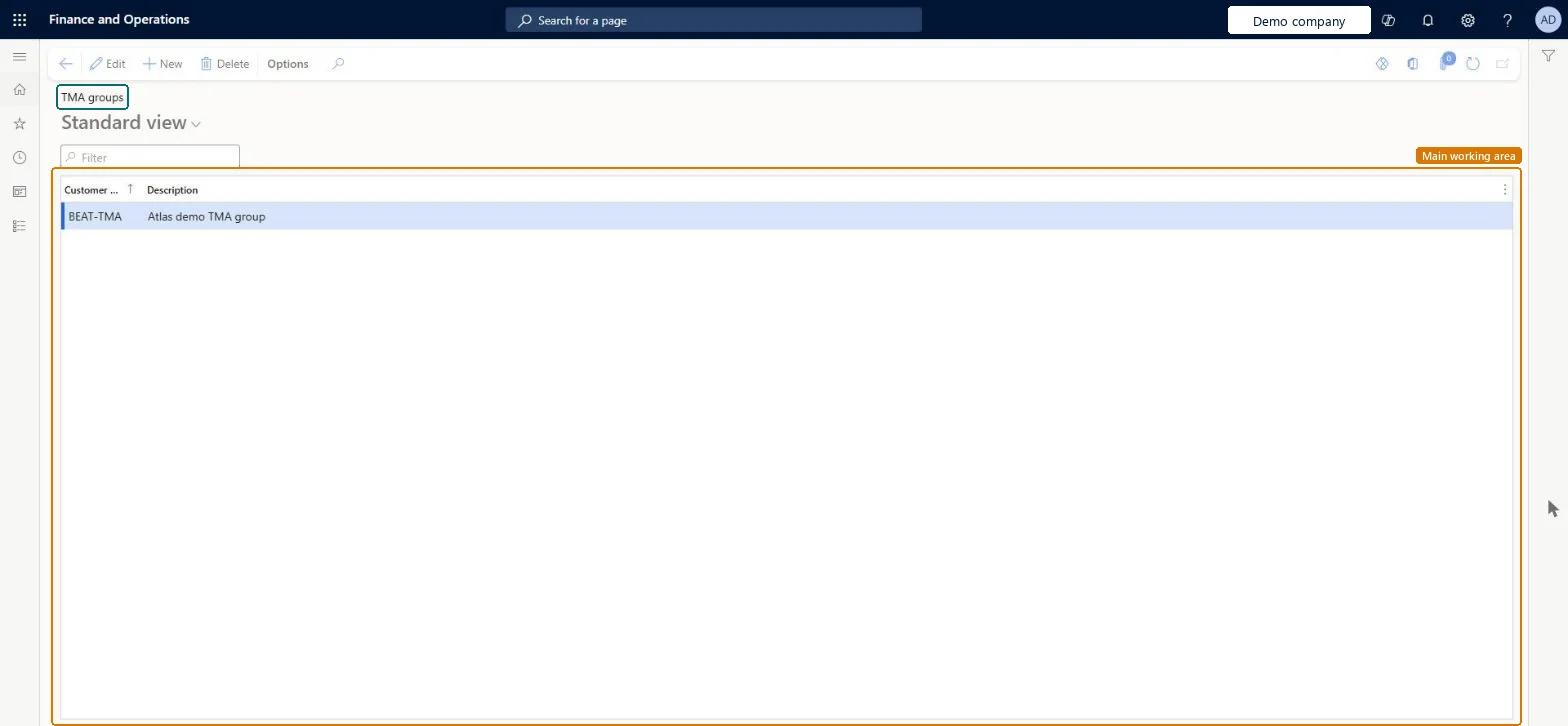
The page in Dynamics 365. page title tab to open what to set or check
About the examples: Examples and screenshots in this guide use BEAT, a demo company in a Dynamics 365 test environment. Use your own company's codes and values instead of copying them.
Step by step, with screenshots
Set up Customer TMA groups1 screen
Use this page to assign allowances to a group of customers instead of to each customer one by one.
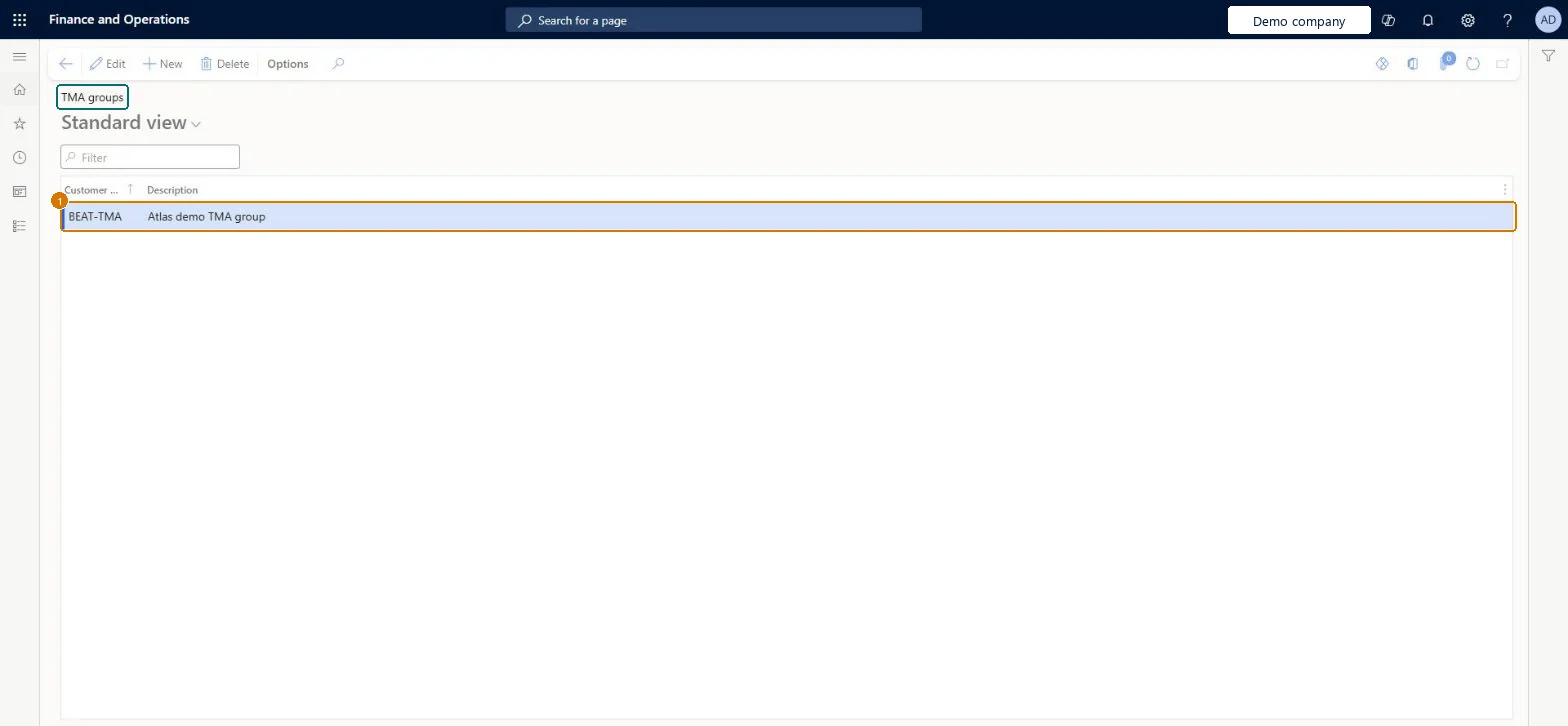
Screen 1
Create a customer TMA group
Go to Sales and marketing > Customer rebates > Rebate groups > Customer TMA groups
Select New
Enter the group code and description
Select Save
Assign the group to customers on the customer record
1Customer TMA group
BEAT-TMA
Description
TMA group
Show the full screen page title tab to open what to set or check
Steps from Microsoft
Go to Sales and marketing > Customer rebates > Rebate groups > Customer TMA groups.
Select New.
In the Customer TMA group field, enter a unique name.
Create TMA groups only for customers that get trade and merchandising allowances, and assign the group to each qualifying customer.When allowances are assigned at the group level, they don't have to be assigned to each customer one by one, and Process rebates can be limited to one TMA group.
Using a TMA group for ordinary volume rebates; TMA rebates accrue until passed on to the customer, usually by credit note, which differs from rebates paid by check or deduction.Test: Process rebates can be limited to a TMA group
Feature management and licence
Licence or add-in
On the live system, Sales manager, Accounts receivable manager and Accounts receivable clerk (maintain), and Sales clerk (use) use this page.
Reversible: The group can be renamed or reassigned; claims already created keep their values.
If you change it later
Allowances assigned to the group apply to every customer in it, and Process rebates can be filtered by TMA group. Reassigning a customer affects later claims only. Microsoft Learn
Technical architect
6Technical
Menu item
PdsRebateProgramTMATableChecked in Dynamics 365
Form
PdsRebateProgramTMATableChecked in Dynamics 365
Table
PdsRebateProgramTMATableShown as “TMA groups” in Record infoChecked in Dynamics 365
PrivilegesCustomer TMA groups PdsRebateProgramTMATableMaintainMaintain TMA rebate groups PdsRebateTableMaintainView TMA rebate groups PdsRebateTableViewDutiesMaintains customer rebate agreements PdsRebateAgreementMaintainViews customer rebate agreements PdsRebateAgreementViewProcesses customer rebates PdsRebateProcessMaintain customer rebates PdsRebateTableMaintainInquire into product sales prices and discount master PriceDiscProdSalesPriceDiscMasterInquir5 security rolesAccounts receivable clerk CustInvoiceAccountsReceivableClerkAccounts receivable manager CustInvoiceAccountsReceivableManagerMCRTestUserRoleSales clerk TradeSalesClerkSales manager TradeSalesManagerChecked in Dynamics 365
Roles to set it up and use it
To set it up or change itSales manager TradeSalesManagerAccounts receivable manager CustInvoiceAccountsReceivableManagerAccounts receivable clerk CustInvoiceAccountsReceivableClerkTo use itSales clerk TradeSalesClerkGive people one of these roles. On this system, 4 roles can open this page.Checked in Dynamics 365
Actions on the page
Options: Personalize, Page options, ShareChecked in Dynamics 365
SalesTMACustomerGroupEntity (Sales TMA customer groups): loaded for each company.Load order: No default configuration template places this entity. Load the groups before the rebate agreements that refer to them.Load first: CustomersMicrosoft Learn
Checked in a working Dynamics 365 system, version 10.0.49: the menu item, form, table and security, the page, the demo records and the values in the screenshots.
To cite this step: SM-REBATE-030, Set up Customer TMA groups. Beyond ERP Atlas Hub, 2026-11-11. https://www.beyonderp.cloud/atlas/step/SM-REBATE-030