SETUP GUIDEHow to set it up8 sections. Choose a role to highlight what matters to you.
Everyone
1What it is and why
What it is
A periodic job that processes the messages in the Dynamics 365 Sales Integration queue.
What you do here
Use this periodic task to handle Dynamics 365 Sales integration events in the background, so users don't have to wait for each request to finish.
Example
For example, BEAT sets Create quotation journal in batch to Yes; when a sales representative activates quotation QT-000410 in Dynamics 365 Sales, a Create sales quotation journal message is queued, and the recurring job running every 5 minutes processes it with Messages per task = 50.
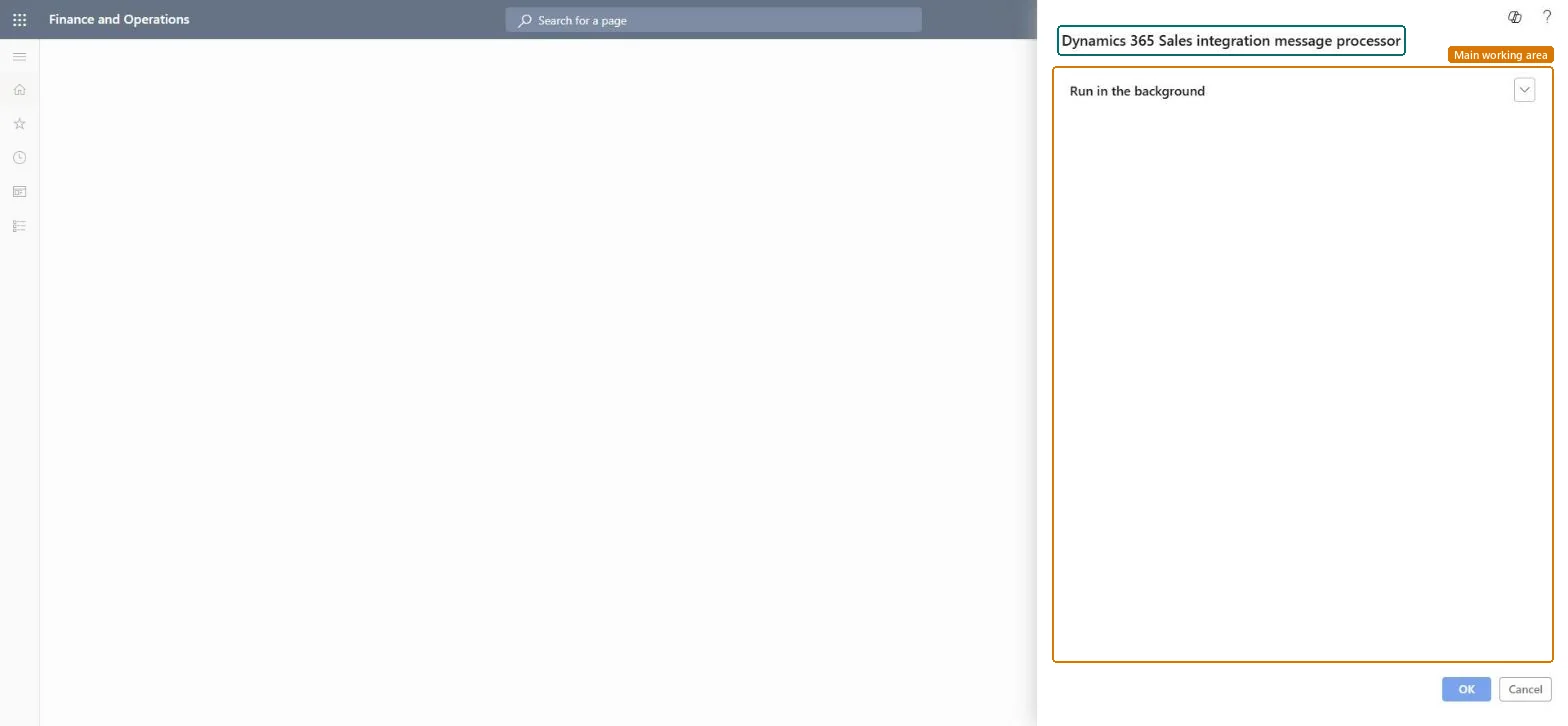
The page in Dynamics 365. page title tab to open what to set or check
About the examples: Examples and screenshots in this guide use BEAT, a demo company in a Dynamics 365 test environment. Use your own company's codes and values instead of copying them.
When to run it
When to run it
When you use asynchronous processing for the Dynamics 365 Sales integration, such as pushing totals or creating quotation journals in batch.
How often
Continuously, as a recurring batch job, for as long as the integration uses the message queue.
Batch settings
Set it up as a recurring batch job; it processes only the Dynamics 365 Sales Integration queue. Avoid a very low Messages per task, which creates many small tasks.
What the output shows
Messages in the Dynamics 365 Sales Integration queue are processed, for example Calculate and push totals for sales order or Create sales quotation journal. Messages that stay queued usually mean the batch job isn't running; failed ones show on Message processor messages.
How, when and how often the Dynamics 365 Sales Integration queue is processed, as for other batch jobs.Microsoft Learn
Messages per task
On Accounts receivable parameters: the most messages one task processes; aim for one to two minutes per task, 50 usually works, 0 means 30.Microsoft Learn
50
Common errors and fixes
Message
What to do
Messages stay in Queued state.
Schedule this batch job so it runs regularly; it is what processes the Dynamics 365 Sales Integration queue. Microsoft Learn
A message has the state Failed.
Select it on Message processor messages, read the Log tab, fix the cause, and process or requeue it. Microsoft Learn
Test checklist
No messages stay in Queued status for long on Message processor messages.
Totals pushed from Supply Chain Management appear on the order in Dynamics 365 Sales.
Recurring batch job for the Dynamics 365 Sales Integration queue, with Messages per task set so a task runs one to two minutes (50 usually works).The job processes only that queue; a very low Messages per task creates many small tasks and adds overhead.
Integrate Sales Quotation lifecycle with Dynamics 365 SalesProcess Dynamics 365 Sales integration related events
Licence or add-in
On the live system, Sales manager runs this job. Use message processor needs the features Integrate Sales Quotation lifecycle with Dynamics 365 Sales and Process Dynamics 365 Sales integration related events; both are on by default from 10.0.41 and mandatory from 10.0.43.
Only the Dynamics 365 Sales Integration message queue. Microsoft Learn
Can it be undone
Hard to reverse: Processed messages have already updated Supply Chain Management and Sales; correct the documents themselves.
If you change it later
Processes queued integration messages, which create quotation journals, link orders to quotations and push prices and totals to Dynamics 365 Sales. Microsoft Learn
Technical architect
6Technical
Menu item
action:TradeCDSMessageProcessorChecked in Dynamics 365
Form
DialogChecked in Dynamics 365
Roles to set it up and use it
To use itSales manager TradeSalesManagerGive people one of these roles. On this system, 1 role can run this page.Checked in Dynamics 365
Load order: Dynamics 365 Sales integration message processor has no data entity in Data management. It processes queued messages; there is nothing to migrate.Checked in Dynamics 365