About the examples: Examples and screenshots in this guide use BEAT, a demo company in a Dynamics 365 test environment. Use your own company's codes and values instead of copying them.
Setup steps on this page
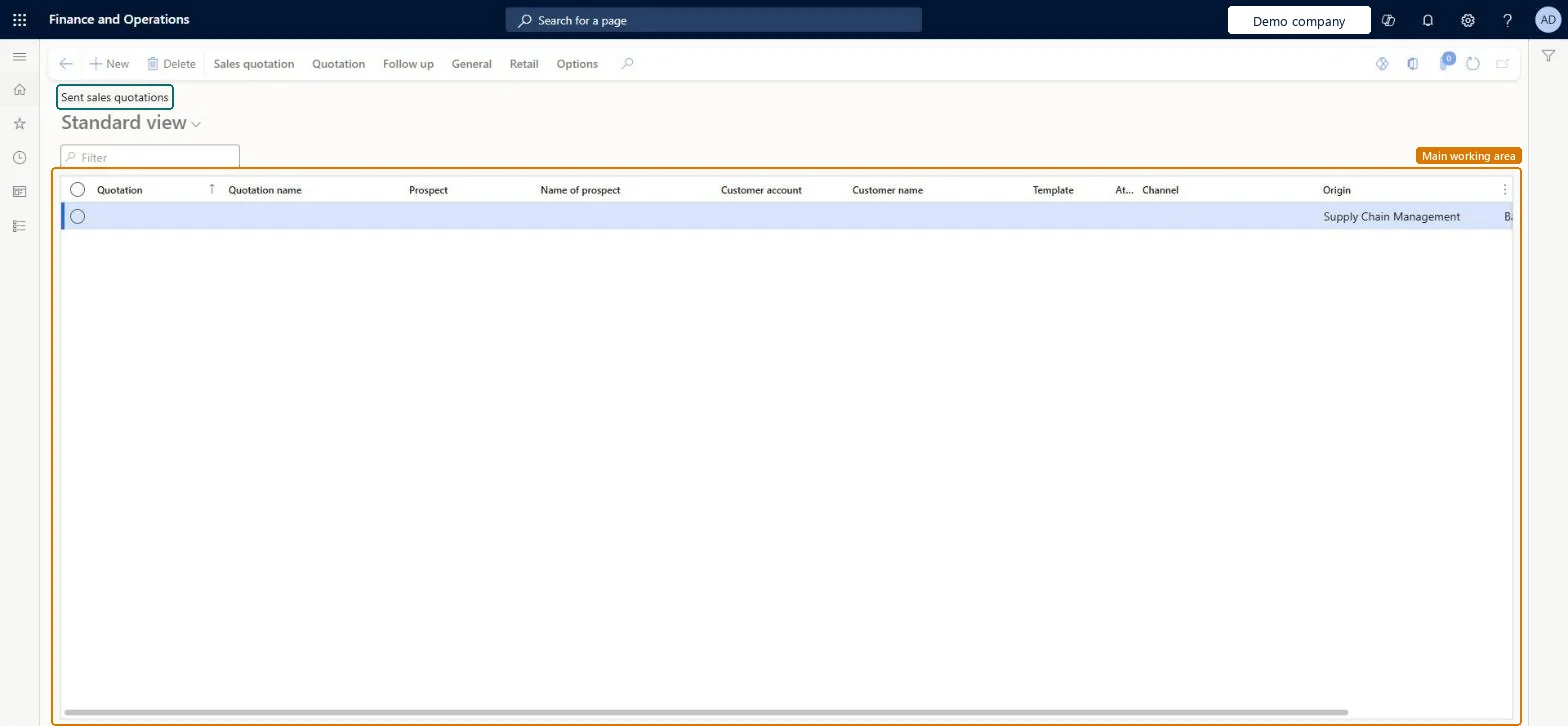
Use Sent sales quotations for quotation follow-up
Use this page to follow up quotations that are already with the customer: confirm the ones won and record lost or canceled ones.
Steps from Microsoft
Go to Sales and marketing > Sales quotations > Open quotations > Sent sales quotations.
Sort on Expiration date to follow up the oldest offers first.
For a prospect's quotation, select Follow up > Convert to customer before you confirm.
Select Follow up > Confirm with a reason, or record the quotation as lost or canceled.
The date the quotation expires and is no longer valid.Microsoft Learn
30.04.2026
Follow-up date
The start date of any follow-up activity on the quotation.Microsoft Learn
Common errors and fixes
Message
What to do
Confirming a quotation for a prospect doesn't give a sales order for a customer.
On the Follow up tab, select Convert to customer first, then Confirm. Microsoft Learn
A quotation can't be sent, lost, canceled, confirmed or deleted in Supply Chain Management.
The quotation is owned by Dynamics 365 Sales (Integrate Sales Quotation lifecycle with Dynamics 365 Sales). Process it in Sales; you can still edit it here while it is Created. Microsoft Learn
Convert prospects to customers before you confirm their sent quotations.Confirm creates the sales order; for a prospect the customer account must exist first.
Integrate Sales Quotation lifecycle with Dynamics 365 Sales
Licence or add-in
On the live system, the roles that use this page include Sales manager, Sales representative, Sales clerk, Retail store manager and Rental manager. From version 10.0.41 the feature Integrate Sales Quotation lifecycle with Dynamics 365 Sales is on by default; it changes how quotations are integrated with Dynamics 365 Sales through dual-write.
Per company: each legal entity has its own sales quotations, quotation numbers and templates. Microsoft data model
Can it be undone
Reversible with effort: The list only shows quotations; status changes from it follow the quotation rules.
If you change it later
A filtered view on the same quotations as All quotations. Send, Confirm, Lost and Cancel from here change the quotation status; Confirm also creates a sales order. Microsoft Learn
Technical architect
6Technical
Menu item
SalesQuotationListPage_SentChecked in Dynamics 365
Form
SalesQuotationListPageChecked in Dynamics 365
Table
SalesQuotationTableShown as “Sales quotation” in Record infoKey field: QuotationIdChecked in Dynamics 365
Data entities
SalesQuotationHeaderV2EntitySales quotation headers V2 Microsoft data model ProjQuotationHeaderEntityProject quotation headers
To set it up or change itRental manager RentalManagerRental coordinator agent RentalCoordinatorAgentRental sales manager RentalSalesManagerSales representative TradeSalesRepresentativeSales clerk TradeSalesClerkTo use itSales manager TradeSalesManagerRetail service RetailServiceRental purchasing manager RentalPurchasingManagerRetail store manager RetailStoreManagerGive people one of these roles. On this system, 10 roles can open this page.Checked in Dynamics 365
Actions on the page
Sales quotation: Maintain, Copy, ViewQuotation: Tax, Calculate, Accounts, JournalsFollow up: Generate, ModifyGeneral: Trade agreement, Manage, Related information, Set upRetail: AffiliationsOptions: Personalize, Page options, ShareChecked in Dynamics 365
Checked in a working Dynamics 365 system, version 10.0.49: the menu item, form, table and security, the page.
To cite this step: SM-CRM-310, Use Sent sales quotations for quotation follow-up. Beyond ERP Atlas Hub, 2026-11-11. https://www.beyonderp.cloud/atlas/step/SM-CRM-310