System administrationSecuritySegregation of duties
action:SecuritySegregationOfDuties
Business process
Administer system features
Menu item
action:SecuritySegregationOfDuties
Setup steps
1 on this page
Show what matters for
SETUP GUIDEHow to set it up8 sections. Choose a role to highlight what matters to you.
Everyone
1What it is and why
What it is
A periodic job that checks existing user role assignments against the segregation of duties rules.
What you do here
Use this periodic task after rules are added or changed, to find role assignments that now conflict so they can be resolved.
Example
For example, after adding the rule 'Receive vs pay vendor' BEAT runs the job; the notification reports 3 conflicts and they appear on Segregation of duties unresolved conflicts.
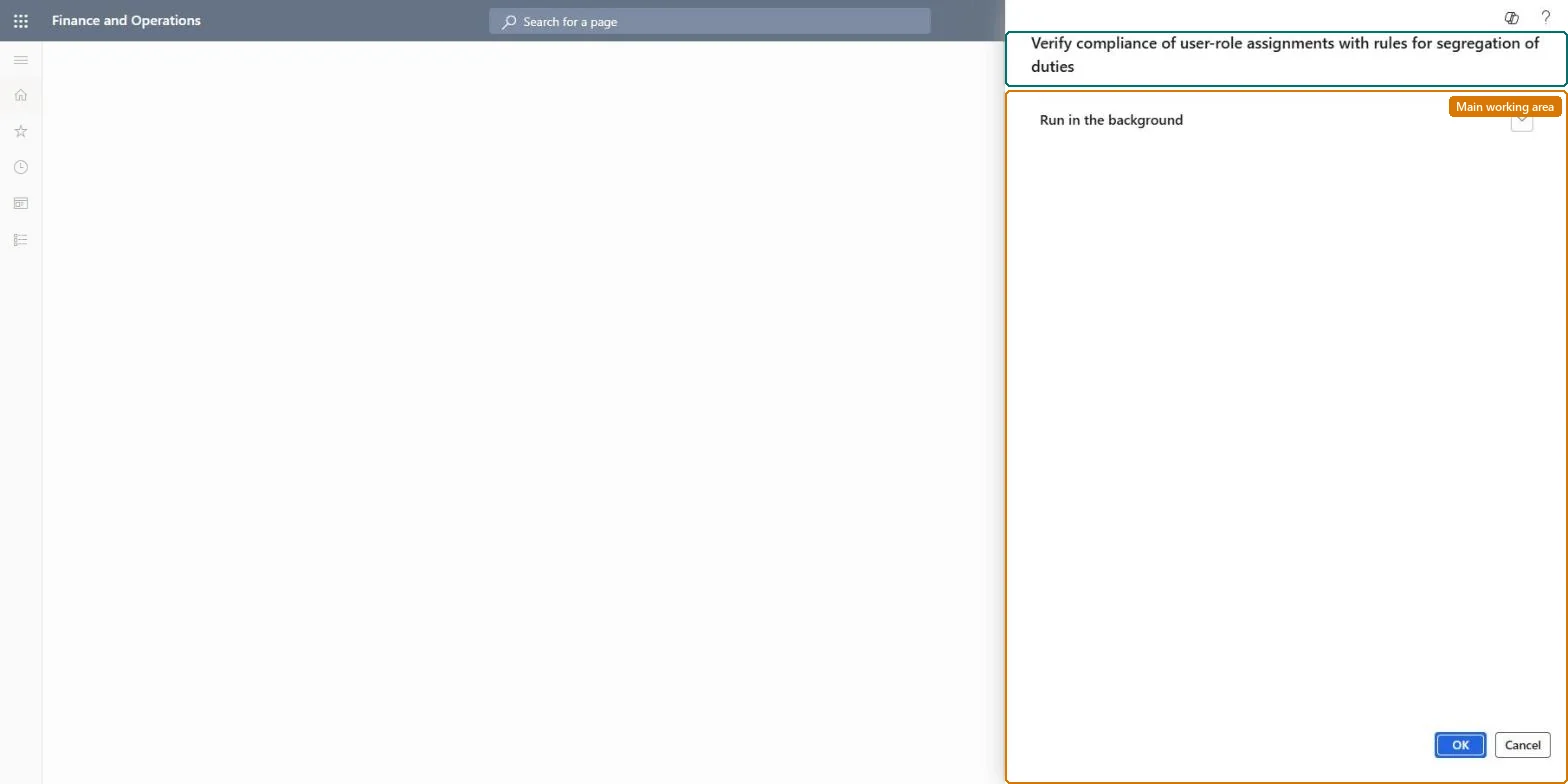
The page in Dynamics 365. page title tab to open what to set or check
About the examples: Examples and screenshots in this guide use BEAT, a demo company in a Dynamics 365 test environment. Use your own company's codes and values instead of copying them.
When to run it
When to run it
After you add or change a segregation of duties rule, once the roles pass Validate duties and roles.
How often
On demand, after every change to the segregation of duties rules.
What the output shows
A notification with the validation result, and new lines on Segregation of duties unresolved conflicts, one for each user role assignment that conflicts with a rule. Users who get roles through Active Directory domain groups aren't included, so an empty result says nothing about them.
Run the compliance check after every new or changed segregation of duties rule.
Steps from Microsoft
Go to System administration > Security > Segregation of duties > Verify compliance of user-role assignments.
Before you run it, open Segregation of duties rules and select Validate duties and roles for each new or changed rule, so the roles themselves comply first.
Start the job. A notification shows the result, and every user role assignment that breaks a rule is logged.
Open Segregation of duties unresolved conflicts, select each conflict and choose Deny assignment or Allow assignment. Allow assignment needs a Reason for override.
If one user has several conflicts, open that user on the Users page and review the assigned roles together.
Run it right after Validate duties and roles for each new or changed rule, and after a bulk load of user role assignmentsRules are enforced on new assignments only; existing assignments are checked only when this job runs.
Shared: all users and all rules of the environment are checked. Microsoft Learn
Can it be undone
Reversible: The job only logs conflicts; it removes no roles.
If you change it later
Users who get roles through Active Directory domain groups aren't checked for conflicts; only directly assigned roles are. Microsoft Learn
Technical architect
6Technical
Menu item
action:SecuritySegregationOfDutiesChecked in Dynamics 365
Roles to set it up and use it
To use itSecurity administrator SysSecSecurityAdministratorGive people one of these roles. On this system, 1 role can run this page.Checked in Dynamics 365
Load order: Verify compliance of user-role assignments has no data entity in Data management, so it can't be loaded from a file or a configuration template. It is a check that logs conflicts; run it again in each environment after loading users, roles and rules.Checked in Dynamics 365
Checked in a working Dynamics 365 system, version 10.0.49: the menu item, form, table and security, the page.
To cite this step: SA-SEC-550, Check user role assignments after a rule change. Beyond ERP Atlas Hub, 2026-11-11. https://www.beyonderp.cloud/atlas/step/SA-SEC-550