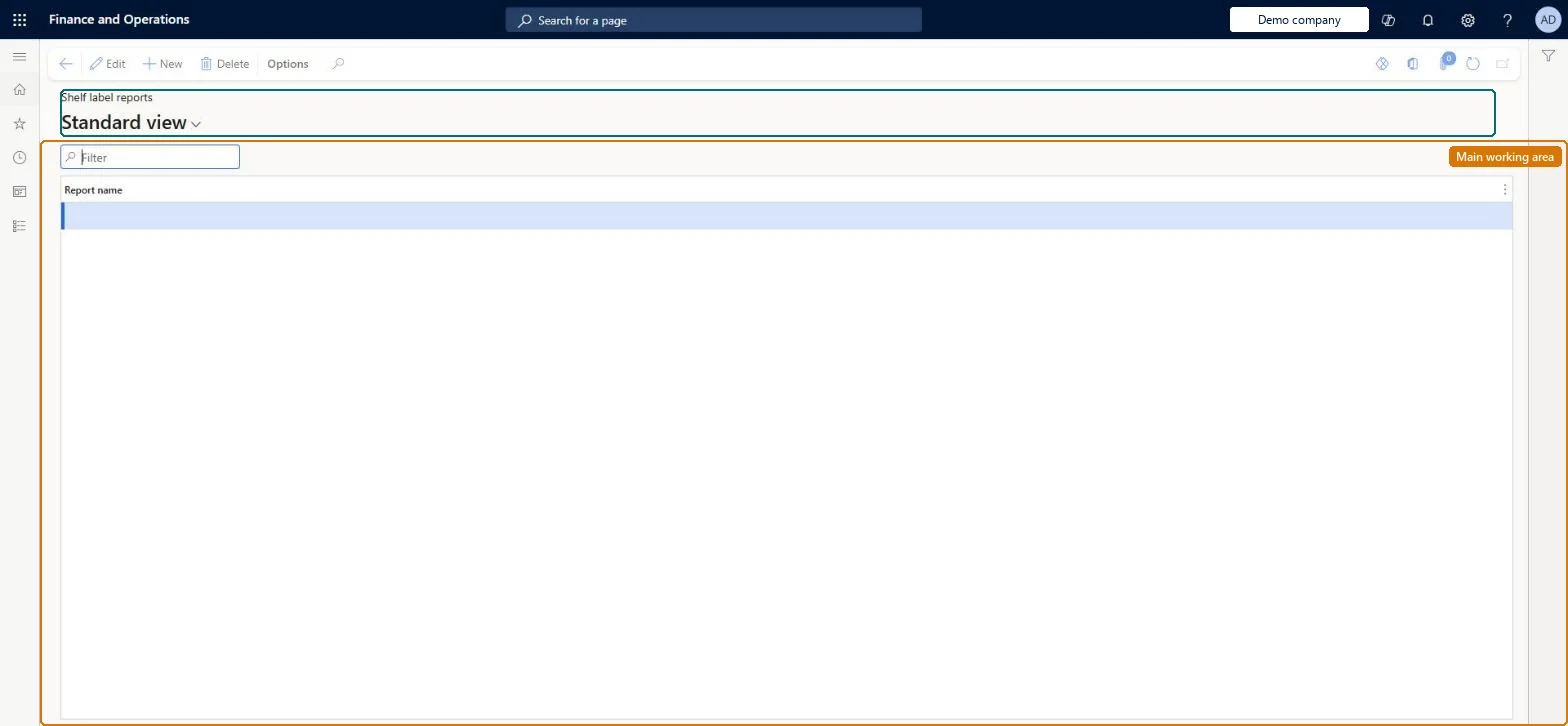
Setup step on the Shelf label reports page · Retail and Commerce
Set up Shelf label reports
Use this page to add the shelf label reports that define the content, size and page orientation of shelf labels; the reports are then assigned to products and offered when labels are printed.
Retail and CommerceInventory managementBar codes and labels
RetailInventItemLabelReportSetup_Shelf
Used by
Retail operations manager, Retail service
Business process
Manage sales channels
Menu item
RetailInventItemLabelReportSetup_Shelf
Main table
RetailInventItemLabelReportSetup
Data entity
RetailInventItemLabelReportSetupEntity
Setup steps
1 on this page
Show what matters for
SETUP GUIDEHow to set it up6 sections. Choose a role to highlight what matters to you.
Everyone
1What it is and why
What it is
A setup page where you register the shelf label reports, chosen from the reports available in the application, that users can select when they generate shelf labels.
What you do here
Use this page to add the shelf label reports that define the content, size and page orientation of shelf labels; the reports are then assigned to products and offered when labels are printed.
Example
For example, to print shelf labels automatically when a product's price or comparison price changes in a store, assign one of these reports to the relevant retail products.
The page in Dynamics 365. page title tab to open what to set or check
About the examples: Examples and screenshots in this guide use BEAT, a demo company in a Dynamics 365 test environment. Use your own company's codes and values instead of copying them.
Setup steps on this page
Set up Shelf label reports
Use this page to add the shelf label reports that define the content, size and page orientation of shelf labels; the reports are then assigned to products and offered when labels are printed.
Steps from Microsoft
Go to Retail and Commerce > Inventory management > Bar codes and labels > Shelf label reports.
Create a new line.
In the Report name field, select the shelf label report to use.
Add further lines for each report your products need.
PrivilegesMaintain shelf label reports RetailShelfLabelReportsMaintainDutiesMaintain retail labels RetailLabelsMaintain2 security rolesRetail operations manager RetailOperationsManagerRetail service RetailServiceChecked in Dynamics 365
Roles to set it up and use it
To set it up or change itRetail service RetailServiceRetail operations manager RetailOperationsManagerGive people one of these roles. On this system, 2 roles can open this page.Checked in Dynamics 365