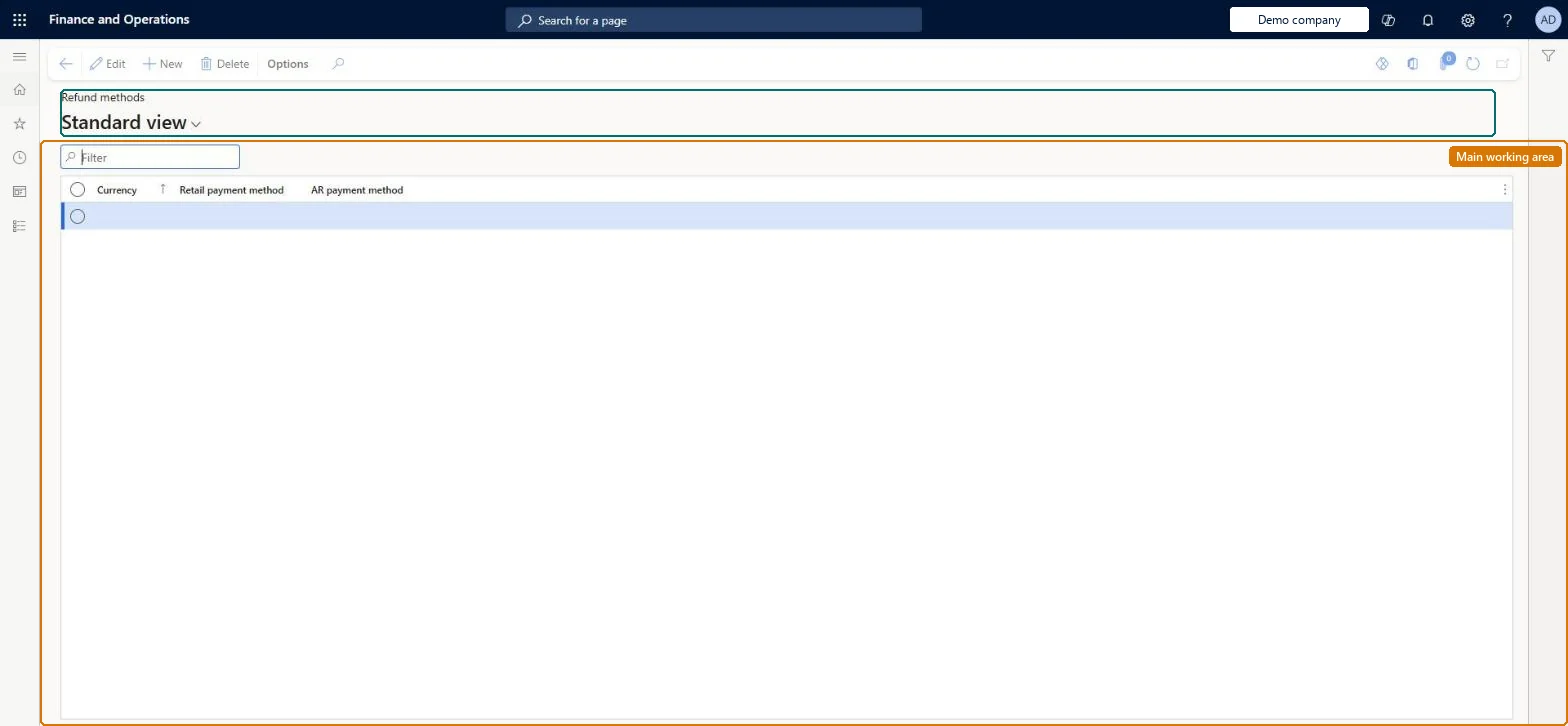
Setup step on the Call center refund methods page · Retail and Commerce
Set up Call center refund methods
Use this page to map each currency to the Retail payment method (and linked Accounts receivable payment method) that the call center uses to create the refund payment line on a return sales order, and to choose whether a refund check is generated.
SETUP GUIDEHow to set it up8 sections. Choose a role to highlight what matters to you.
Everyone
1What it is and why
What it is
A setup page where you define, per order currency, how refunds are issued for call center return orders whose original order was paid by cash (Normal) or check, including whether a system-generated refund check is sent.
What you do here
Use this page to map each currency to the Retail payment method (and linked Accounts receivable payment method) that the call center uses to create the refund payment line on a return sales order, and to choose whether a refund check is generated.
Example
For example, for USD orders originally paid by cash or check, a refund can be issued through a system-generated refund check using an Accounts receivable payment method such as REF-CHK that is configured as a refund check payment type.
The page in Dynamics 365. page title tab to open what to set or check
About the examples: Examples and screenshots in this guide use BEAT, a demo company in a Dynamics 365 test environment. Use your own company's codes and values instead of copying them.
Setup steps on this page
Set up Call center refund methods
Use this page to map each currency to the Retail payment method (and linked Accounts receivable payment method) that the call center uses to create the refund payment line on a return sales order, and to choose whether a refund check is generated.
How to use it
Go to Retail and Commerce > Channel setup > Call center setup > Call center refund methods.
Use the Filter box to find a row.
Select New and pick the Currency, the Retail payment method the refund is made with and the AR payment method it posts to.
Select Save; select Delete to remove a selected row.
One line per order currency, mapping to a Retail payment method whose AR payment method is a refund check type when refunds for cash or check orders should be paid by system-generated checkFor return orders whose original order was paid in cash or by check, the call center uses this currency mapping to create the refund payment line.
Mapping a currency to a customer account method. Customer account isn't a supported refund method for cash or check payments.
Solution architect
5Design impact
Can it be undone
Reversible: Mappings can be changed; refund lines already created on return orders are not recalculated.
Technical architect
6Technical
Menu item
RetailRefundMethodsChecked in Dynamics 365
Form
MCRRefundMethodsTableChecked in Dynamics 365
Table
MCRRefundMethodsTableShown as “REFUND METHOD SETUP” in Record infoKey field: CurrencyCodeChecked in Dynamics 365
Data entities
MCRRefundMethodEntityRefund method setup Checked in Dynamics 365
To set it up or change itSales manager TradeSalesManagerGive people one of these roles. On this system, 1 role can open this page.Checked in Dynamics 365