SETUP GUIDEHow to set it up8 sections. Choose a role to highlight what matters to you.
Everyone
1What it is and why
What it is
A setup page where you define the types of certification that vendors can hold.
What you do here
Use this page to create the certification types that you then assign to vendors.
Example
For example, certification types can cover professional credentials, liability insurance, minority status, or environmental or consumer safety standards.
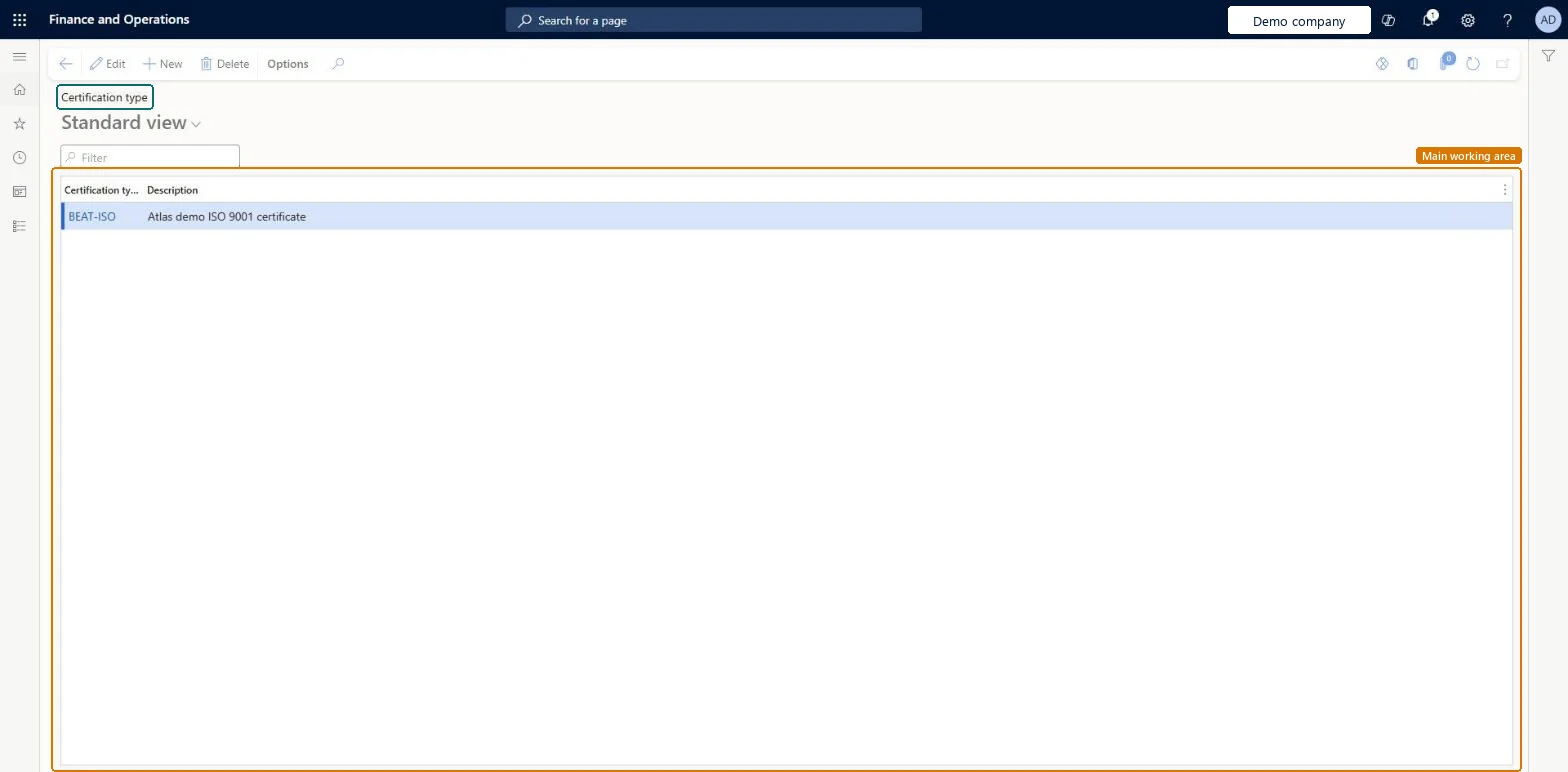
The page in Dynamics 365. page title tab to open what to set or check
About the examples: Examples and screenshots in this guide use BEAT, a demo company in a Dynamics 365 test environment. Use your own company's codes and values instead of copying them.
Step by step, with screenshots
Set up Certification type1 screen
Use this page to create the certification types that you then assign to vendors.
Screen 1
Create the certification type
Go to Procurement and sourcing > Setup > Vendors > Certification type
Select New
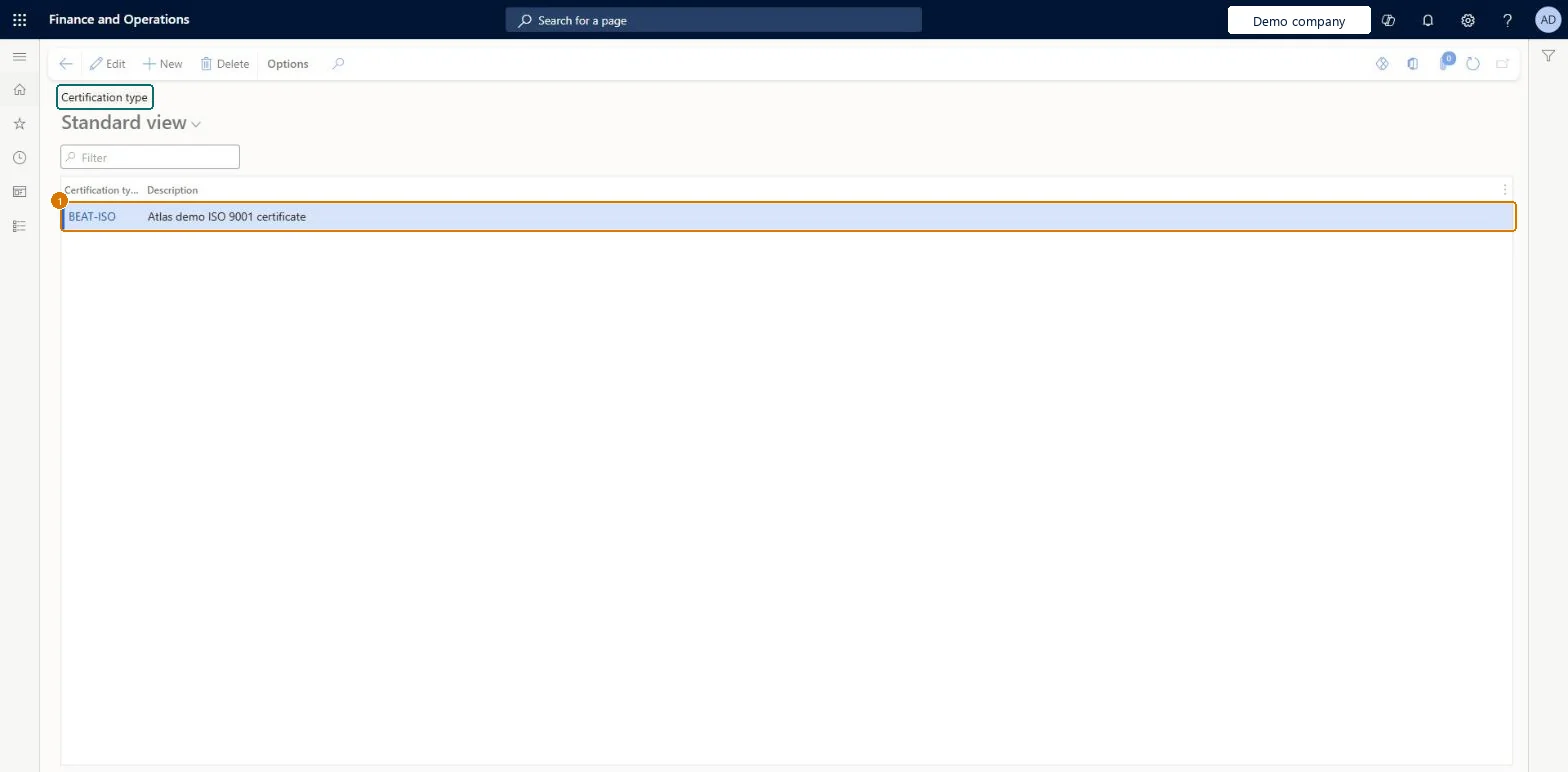
Enter the certification type and its description
Select Save
1Certification type
BEAT-ISO
Show the full screen page title tab to open what to set or check
Steps from Microsoft
Go to Procurement and sourcing > Setup > Vendors > Certification type.
One certification type per credential you need to track on vendors, such as a professional license, liability insurance, minority status or an environmental or safety standardLearn describes certification types as covering professional credentials, liability insurance, minority status and compliance with environmental or consumer safety standards, which are then assigned to vendors.
PrivilegesMaintain purchase agreement type VendCertificationTypeMaintainView purchase agreement type VendCertificationTypeViewDutiesMaintain purchase agreement type VendCertificationTypeMaintainView purchase agreement type VendCertificationTypeView1 security rolePurchasing manager TradePurchasingManagerChecked in Dynamics 365
Roles to set it up and use it
To set it up or change itPurchasing manager TradePurchasingManagerGive people one of these roles. On this system, 1 role can open this page.Checked in Dynamics 365
Actions on the page
Options: Personalize, Page options, ShareChecked in Dynamics 365
Checked in a working Dynamics 365 system, version 10.0.49: the menu item, form, table and security, the page, the demo records and the values in the screenshots.
To cite this step: PS-SETUP-080, Set up Certification type. Beyond ERP Atlas Hub, 2026-11-11. https://www.beyonderp.cloud/atlas/step/PS-SETUP-080