Retire the Project Service Automation integration journal
Project management and accountingJournals
ProjAdvancedJournal
Business process
Manage project delivery
Menu item
ProjAdvancedJournal
Main table
ProjAdvancedJournal
Setup steps
1 on this page
Show what matters for
SETUP GUIDEHow to set it up8 sections. Choose a role to highlight what matters to you.
Everyone
1What it is and why
What it is
The legacy integration journal for Dynamics 365 Project Service Automation: it holds the time, expense and fee actuals imported from Project Service Automation so they can be posted in Finance.
What you do here
Use it only where the old Project Service Automation integration still runs, to post the imported actuals; Project Service Automation reached end of support on 31 March 2025 and was replaced by Project Operations, whose actuals post through the Project Operations integration journal.
Example
For example, a company still finishing its move from Project Service Automation imports 312.00 hours of December actuals from the staging table into journal PSA-000045, checks the lines and posts it before switching to Project Operations.
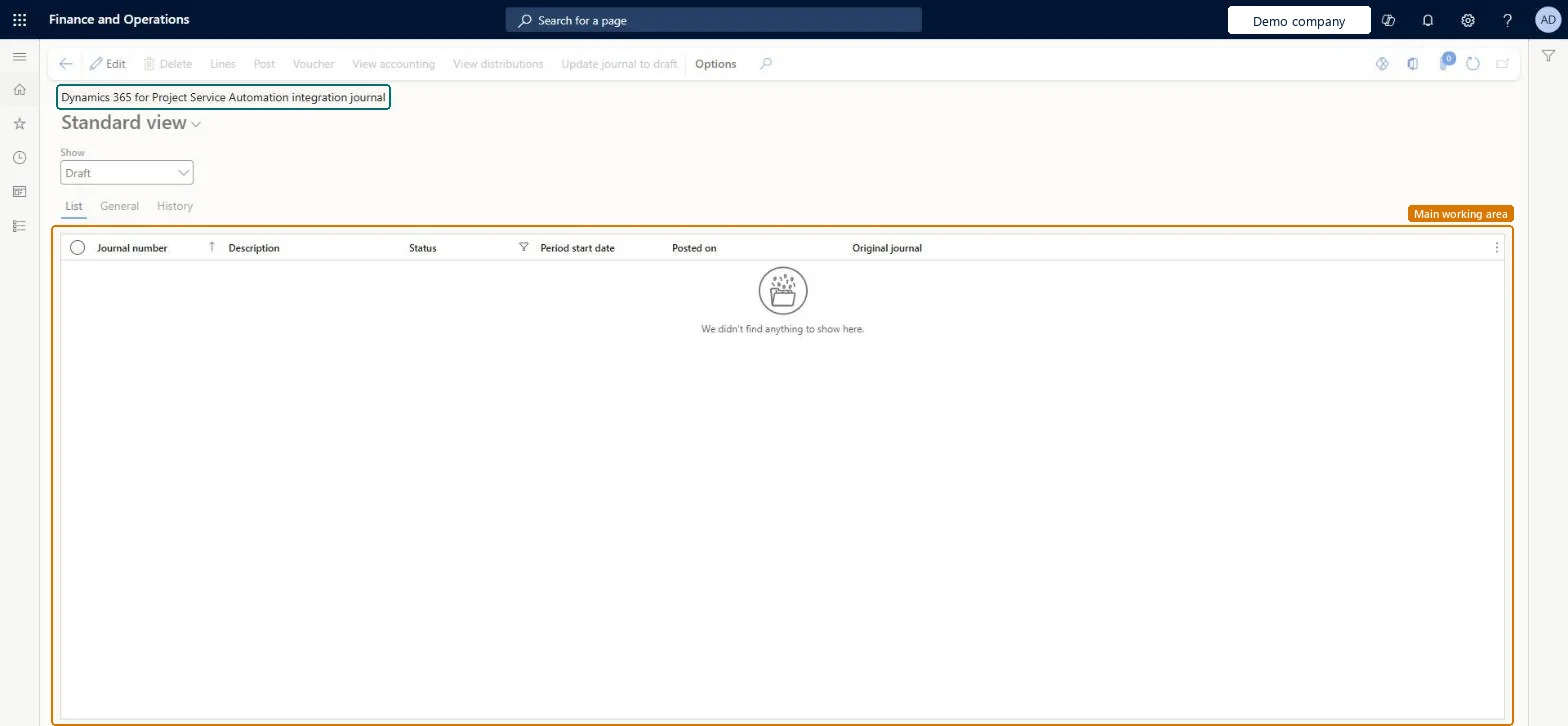
The page in Dynamics 365. page title tab to open what to set or check
About the examples: Examples and screenshots in this guide use BEAT, a demo company in a Dynamics 365 test environment. Use your own company's codes and values instead of copying them.
Setup steps on this page
Retire the Project Service Automation integration journal
Move actuals to the supported integration.
Steps from Microsoft
Go to Project management and accounting > Journals > Dynamics 365 for Project Service Automation integration journal.
Run Periodic > Project Service Automation > Import from staging table first, so the synchronized actuals become journal lines.
In the Show field, choose Draft and select the journal.
Select Lines and check the project, category, quantity and amounts.
Post the journal, or run Post all unposted Dynamics 365 for Project Service Automation integration journals in batch.
Post all open journals here and move to Project Operations integrated with ERP, whose actuals post through the Project Operations integration journal.Project Service Automation is no longer supported in commercial cloud since 31 March 2025.
On the live system, Project manager, Project accountant, Project assistant and Field Service Integration User use this page. Project Service Automation is a legacy application, no longer supported in commercial cloud since 31 March 2025.
Hard to reverse: Posted actuals are corrected through adjustments.
If you change it later
Posting applies the accounting with the default financial dimensions and posting setup. For Project Operations integrated with ERP, actuals go to the Project Operations integration journal instead. Microsoft Learn
Technical architect
6Technical
Menu item
ProjAdvancedJournalChecked in Dynamics 365
Form
ProjAdvancedJournalChecked in Dynamics 365
Table
ProjAdvancedJournalShown as “Project advanced journal” in Record infoChecked in Dynamics 365
Roles to set it up and use it
To set it up or change itProject manager ProjProjectManagerProject accountant ProjProjectAccountantProject assistant ProjProjectClerkField Service Integration User FieldServiceIntegrationUserMachine operator JmgMachineOperatorTo use itProject supervisor ProjProjectSupervisorChief executive officer CompanyChiefExecutiveOfficerGive people one of these roles. On this system, 8 roles can open this page.Checked in Dynamics 365
Actions on the page
Options: Personalize, Page options, ShareChecked in Dynamics 365
Load order: The Dynamics 365 for Project Service Automation integration journal has no data entity in Data management. Its lines come from the staging table through Import from staging table. Post the open journals before you switch to Project Operations; nothing is loaded into it.Checked in Dynamics 365
Checked in a working Dynamics 365 system, version 10.0.49: the menu item, form, table and security, the page.
To cite this step: PM-OPS-460, Retire the Project Service Automation integration journal. Beyond ERP Atlas Hub, 2026-11-11. https://www.beyonderp.cloud/atlas/step/PM-OPS-460