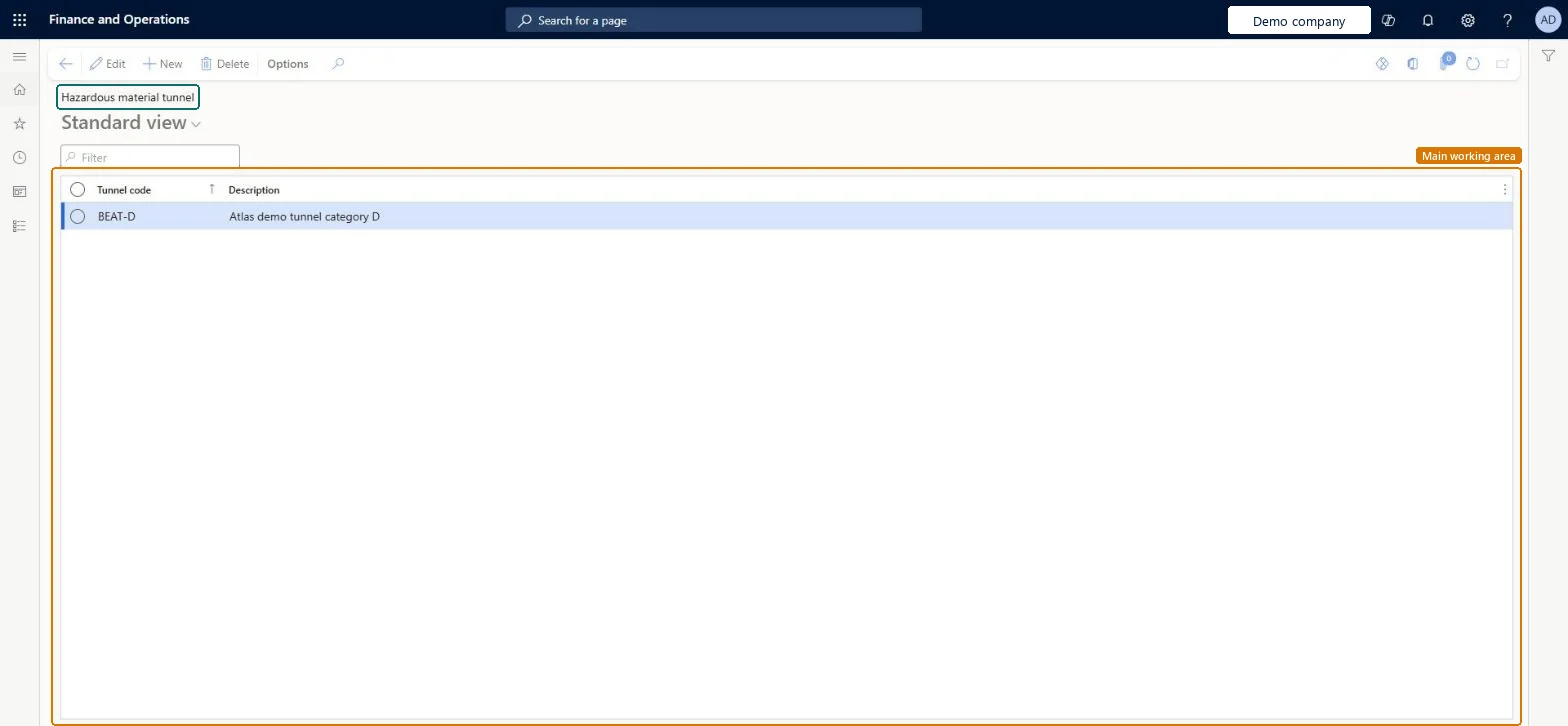
Setup step on the Hazardous material tunnel page · Product information management
Set up Hazardous material tunnel
Use this page to create tunnel codes and descriptions based on the tunnel categories set by the regulations that apply to you. This specification usually applies only to road transport.
SETUP GUIDEHow to set it up8 sections. Choose a role to highlight what matters to you.
Everyone
1What it is and why
What it is
A setup page where you define the tunnel codes that limit the types of tunnels a hazardous material can be transported through.
What you do here
Use this page to create tunnel codes and descriptions based on the tunnel categories set by the regulations that apply to you. This specification usually applies only to road transport.
The page in Dynamics 365. page title tab to open what to set or check
About the examples: Examples and screenshots in this guide use BEAT, a demo company in a Dynamics 365 test environment. Use your own company's codes and values instead of copying them.
Setup steps on this page
Set up Hazardous material tunnel
Use this page to create tunnel codes and descriptions based on the tunnel categories set by the regulations that apply to you. This specification usually applies only to road transport.
Steps from Microsoft
Go to Product information management > Setup > Hazardous material shipping documentation > Hazardous material tunnel.
Select New to add a tunnel identifier.
In the Tunnel code field, enter an identifying code.
In the Description field, enter a short description.
The tunnel categories from your road transport regulation (for example ADR), included in the ADR regulation's print setupTunnel categories are set by the applicable regulation and usually apply only to road transport.
Adding the tunnel code to sea or air regulation print setups, where it usually doesn't apply.
PrivilegesHazardous material tunnel maintain HMIMTunnelListDisplayMaintainHazardous material tunnel view HMIMTunnelListDisplayViewDutiesMaintain Hazardous materials HMIMHazardousMaterialsMaintainView Hazardous materials HMIMHazardousMaterialsView2 security rolesHazardous materials manager HMIMHazardousMaterialsManagerHazardous materials viewer HMIMHazardousMaterialsViewerChecked in Dynamics 365
Roles to set it up and use it
To set it up or change itHazardous materials manager HMIMHazardousMaterialsManagerTo use itHazardous materials viewer HMIMHazardousMaterialsViewerGive people one of these roles. On this system, 2 roles can open this page.Checked in Dynamics 365