Setup step on the Production pools page · Production control
Set up Production pools
Use this page to define pools for grouping production orders, for example to find urgent orders quickly or to delete and post groups of orders in one go.
Production manager, Production supervisor, Process engineer and 1 more role
Business process
Develop production processes
Menu item
ProdPool
Main table
ProdPool
Data entity
ProductionPoolEntity
Setup steps
1 on this page
Show what matters for
SETUP GUIDEHow to set it up8 sections. Choose a role to highlight what matters to you.
Everyone
1What it is and why
What it is
A setup page where you create production pools: labels that group production orders with shared characteristics so they can be filtered and processed together.
What you do here
Use this page to define pools for grouping production orders, for example to find urgent orders quickly or to delete and post groups of orders in one go.
Example
For example, create pools for subcontracted orders that are missing deliveries, orders that are missing materials, and orders delayed by machine failure.
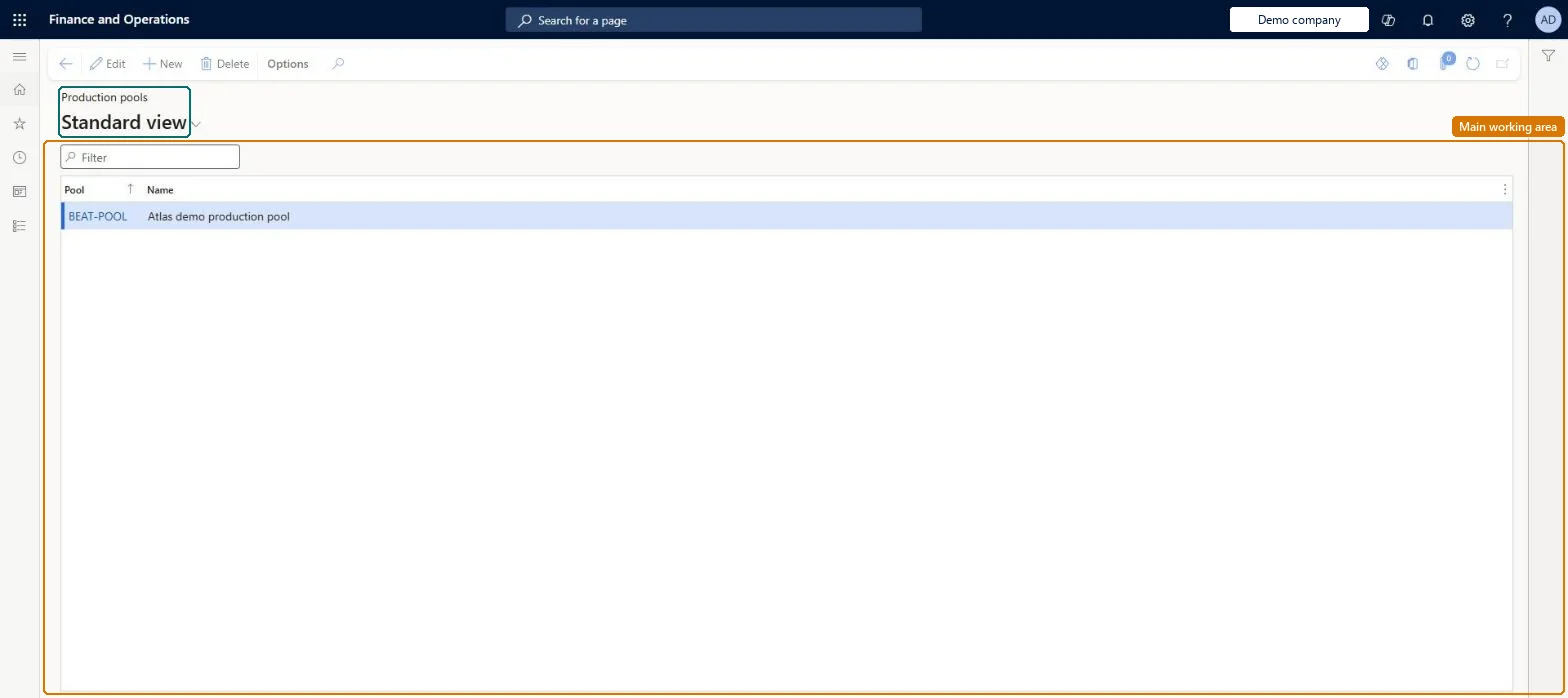
The page in Dynamics 365. page title tab to open what to set or check
About the examples: Examples and screenshots in this guide use BEAT, a demo company in a Dynamics 365 test environment. Use your own company's codes and values instead of copying them.
Setup steps on this page
Set up Production pools
Use this page to define pools for grouping production orders, for example to find urgent orders quickly or to delete and post groups of orders in one go.
Steps from Microsoft
Go to Production control > Setup > Production > Production pools.
Create pools only for groups of orders you filter or process together, for example urgent orders or orders to delete or post in one runLearn lists production pools as an optional advanced setting whose purpose is to group production orders so urgent orders can be processed, or groups of orders deleted and posted, together.
PrivilegesMaintain production pools ProdPoolMaintainView production pools ProdPoolViewDutiesEnable production process ProdProductionProcessEnableInquire into production reference data ProdProductionReferenceDataInquire4 security rolesProduction manager ProdProductionManagerProduction supervisor ProdProductionSupervisorProcess engineer RouteProcessEngineerProcess engineering manager RouteProcessEngineeringManagerChecked in Dynamics 365
Roles to set it up and use it
To set it up or change itProduction manager ProdProductionManagerProcess engineering manager RouteProcessEngineeringManagerTo use itProduction supervisor ProdProductionSupervisorProcess engineer RouteProcessEngineerGive people one of these roles. On this system, 4 roles can open this page.Checked in Dynamics 365
ProductionPoolEntity (Production pools): loaded for each company, in Microsoft's default template 410 - Production control.Load order: Microsoft's default template 410 - Production control loads Production pools at execution unit 1, level 410, sequence 10. Lower levels load first, and entities at the same level load in sequence order.Load first: the default templates at lower levels (System setup to Transportation management)Microsoft Learn