| What it is | A setup page that lists activity phases, each with a phase code and a description. |
|---|---|
| What you do here | Use this page to maintain the phases that can be used to organise activities. |
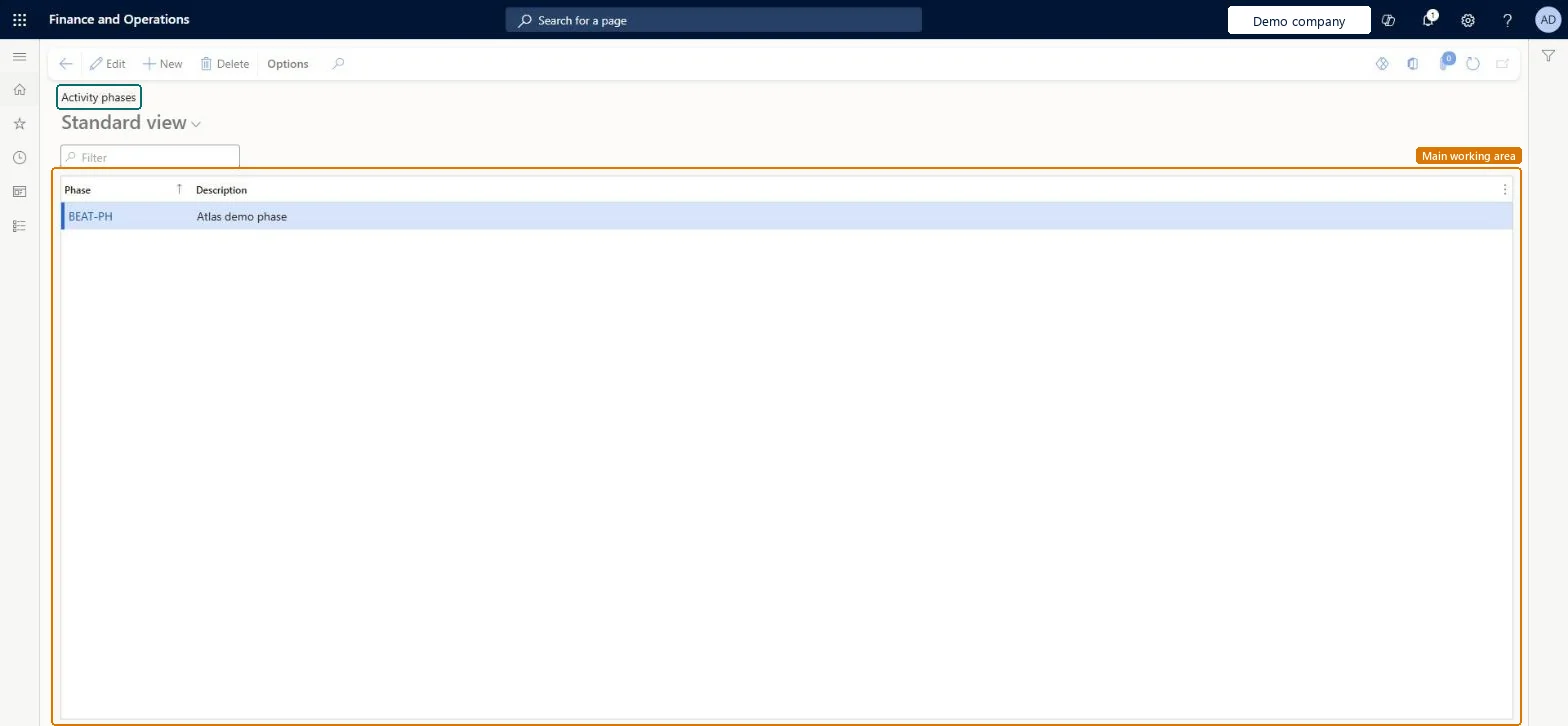
Setup step on the Activity phases page · Organization administration
A setup page that lists activity phases, each with a phase code and a description.
smmActivityPhaseGroupsmmActivityPhaseGroup| What it is | A setup page that lists activity phases, each with a phase code and a description. |
|---|---|
| What you do here | Use this page to maintain the phases that can be used to organise activities. |
| Business process | Administer system features |
|---|---|
| Menu path | Organization administration › Setup › Activities › Activity phases |
| In this process | Set up Address and contact information purpose · Set up System job parameters |
About the examples: Examples and screenshots in this guide use BEAT, a demo company in a Dynamics 365 test environment. Use your own company's codes and values instead of copying them.
Screen 1
Go to Organization administration > Setup > Activities > Activity phases
| 1Phase | BEAT-PH |
|---|---|
| Description | Phase |
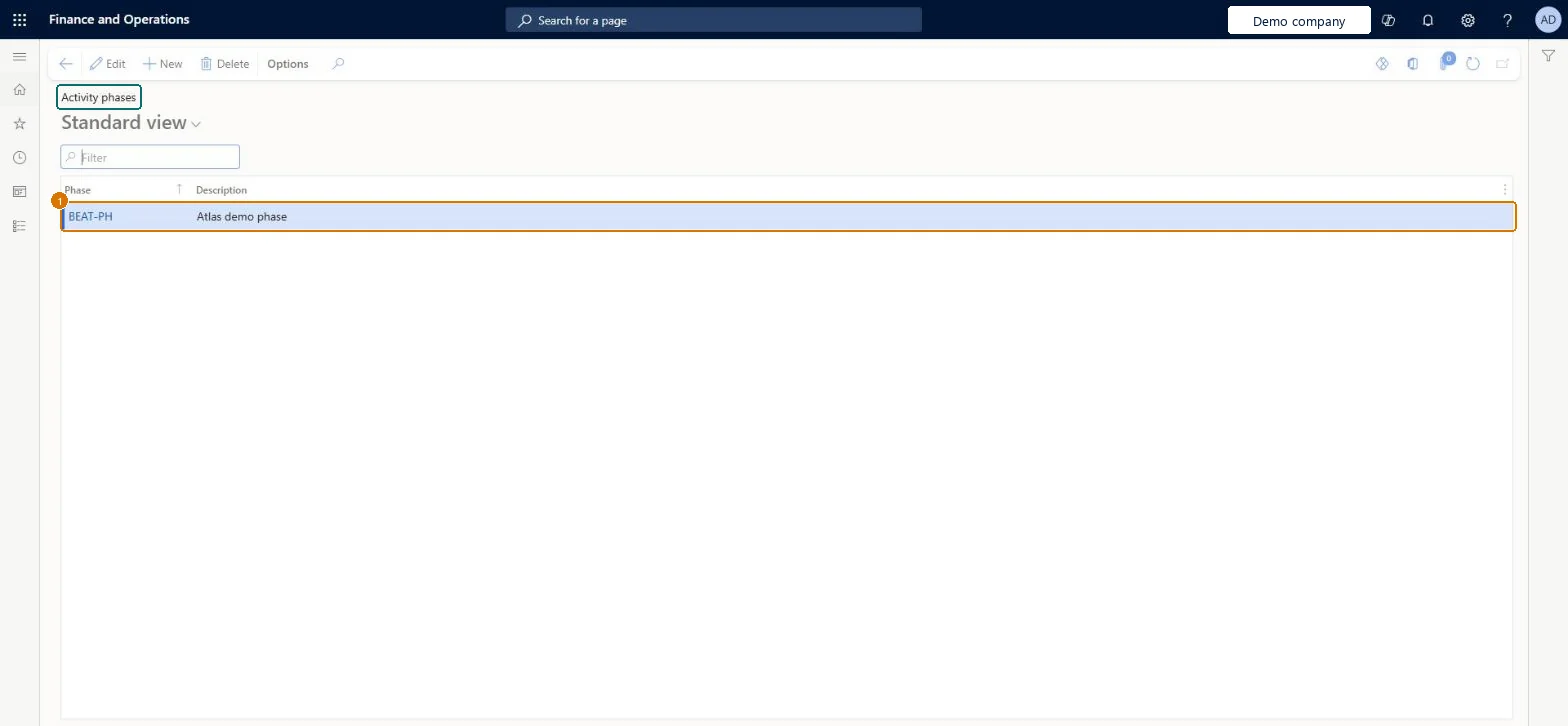
Source: Checked in Dynamics 365
| Field | What it means | Example | Table column |
|---|---|---|---|
| Phase | PROPOSAL | PhaseId | |
| Description | A short description of the phase.Checked in Dynamics 365 | Phase | Description |
| Menu item | smmActivityPhaseGroup Checked in Dynamics 365 |
|---|---|
| Form | smmActivityPhaseGroup Checked in Dynamics 365 |
| Table | smmActivityPhaseGroupShown as “Phase for quotation” in Record infoChecked in Dynamics 365 |
| Who can open it | PrivilegesMaintain activity phases smmActivityPhaseGroupMaintainView activity phases smmActivityPhaseGroupViewDutiesEnable activity process smmActivityProcessEnableInquire into activity reference data smmActivityReferenceDataInquire5 security rolesCollections managerCollectionLetterCollectionsManagerMarketing manager CRMMarketingManagerInformation technology manager SysServerITManagerCustomer service manager TradeCustomerServiceManagerSales manager TradeSalesManager |
| Roles to set it up and use it | To set it up or change itInformation technology manager SysServerITManagerSales manager TradeSalesManagerCustomer service manager TradeCustomerServiceManagerMarketing manager CRMMarketingManagerTo use itCollections manager CollectionLetterCollectionsManagerGive people one of these roles. On this system, 5 roles can open this page.Checked in Dynamics 365 |
| Actions on the page | Options: Personalize, Page options, ShareChecked in Dynamics 365 |
| Open it by URL | https://<your-environment>/?mi=smmActivityPhaseGroup |
|---|
To cite this step: OA-SETUP-060, Set up Activity phases. Beyond ERP Atlas Hub, 2026-11-11. https://www.beyonderp.cloud/atlas/step/OA-SETUP-060