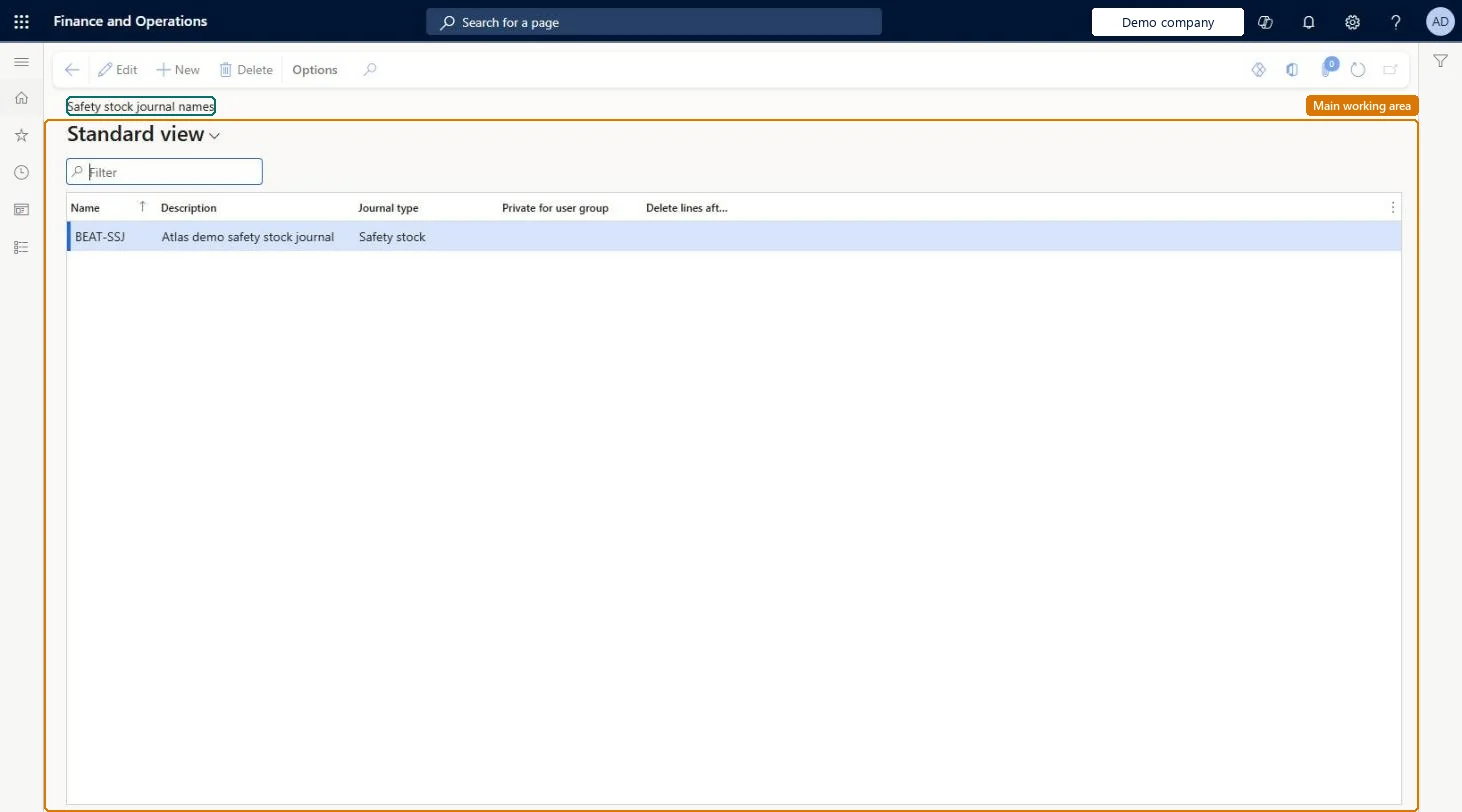
Setup step on the Safety stock journal names page · Master planning
Set up Safety stock journal names
Use this page to set up the journal names you select when you create a safety stock journal, which calculates new minimum quantities and updates item coverage with them.
SETUP GUIDEHow to set it up7 sections. Choose a role to highlight what matters to you.
Everyone
1What it is and why
What it is
A setup page where you create the names used for safety stock journals.
What you do here
Use this page to set up the journal names you select when you create a safety stock journal, which calculates new minimum quantities and updates item coverage with them.
Example
For example, you create a journal name called Material and then select it when you create a safety stock journal.
The page in Dynamics 365. page title tab to open what to set or check
About the examples: Examples and screenshots in this guide use BEAT, a demo company in a Dynamics 365 test environment. Use your own company's codes and values instead of copying them.
Setup steps on this page
Set up Safety stock journal names
Use this page to set up the journal names you select when you create a safety stock journal, which calculates new minimum quantities and updates item coverage with them.
Steps from Microsoft
Go to Master planning > Setup > Safety stock journal names.
PrivilegesMaintain master planning journal names ReqItemJournalNameMaintainView master planning journal names ReqItemJournalNameViewDutiesInquire into master scheduling policies ReqMasterSchedulingPoliciesInquireEnable master scheduling process ReqMasterSchedulingProcessEnable2 security rolesMaterials manager InventMaterialsManagerProduction manager ProdProductionManagerChecked in Dynamics 365
Roles to set it up and use it
To set it up or change itProduction manager ProdProductionManagerMaterials manager InventMaterialsManagerGive people one of these roles. On this system, 2 roles can open this page.Checked in Dynamics 365
Checked in a working Dynamics 365 system, version 10.0.49: the menu item, form, table and security, the page.
To cite this step: MP-SETUP-030, Set up Safety stock journal names. Beyond ERP Atlas Hub, 2026-11-11. https://www.beyonderp.cloud/atlas/step/MP-SETUP-030