About the examples: Examples and screenshots in this guide use BEAT, a demo company in a Dynamics 365 test environment. Use your own company's codes and values instead of copying them.
Setup steps on this page
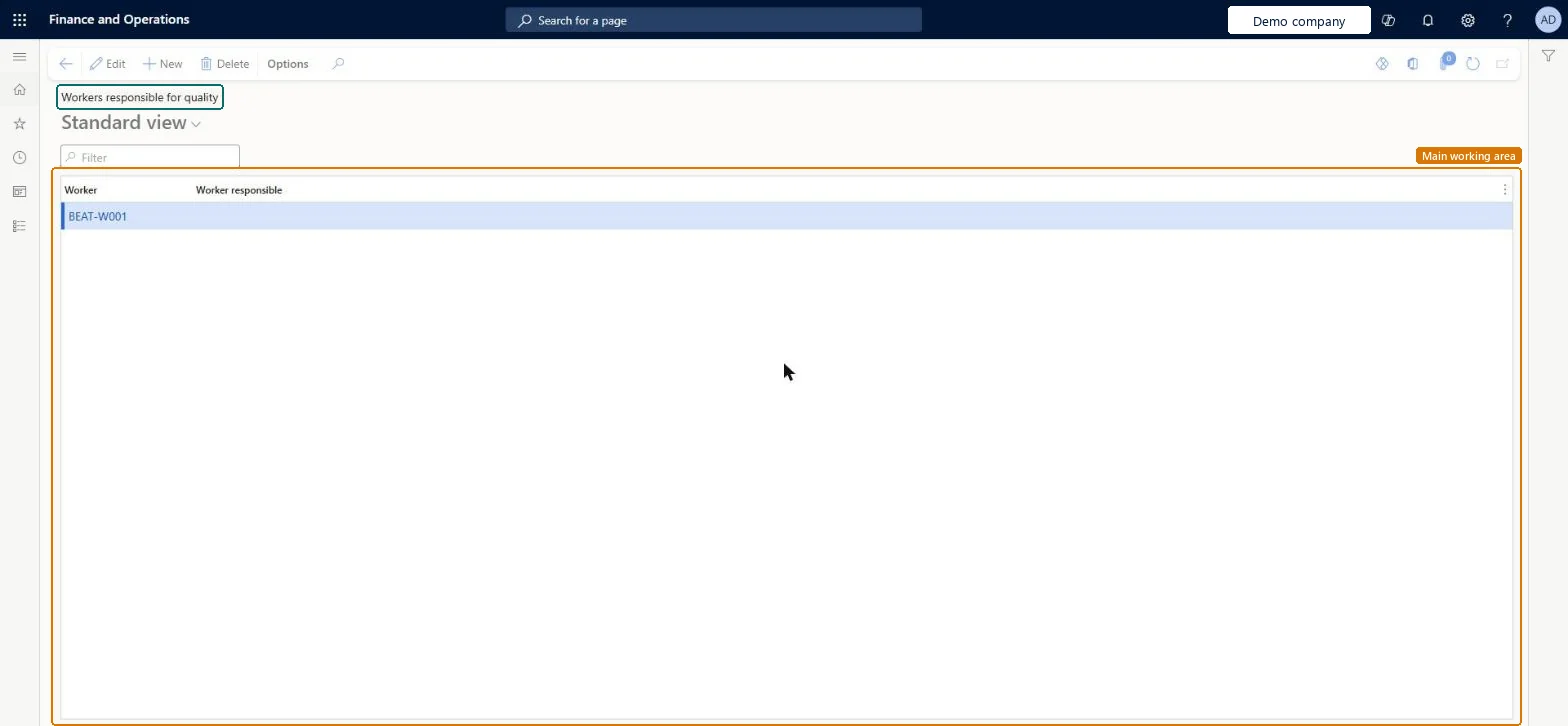
Set up Workers responsible for quality
Use this page to let one worker approve and record nonconformance work on behalf of another worker.
Steps from Microsoft
Go to Inventory management > Setup > Quality control > Workers responsible for quality.
On the Action Pane, select New.
In the Worker field, select the worker that enters quality data.
In the Worker responsible field, select the worker that this worker enters work on behalf of.
Link every quality user to a worker (Person on the user record) first, then add rows only where one worker enters work on behalf of anotherUsers can approve or reject nonconformances only when their user record is linked to a worker; the Worker responsible is then defaulted on nonconformances.
Adding a row here for a user who isn't linked to a worker, so they still can't approve nonconformances.
Reversible: Rows can be changed at any time; they set defaults on nonconformances created or updated afterwards.
Technical architect
6Technical
Menu item
InventTestEmplResponsibleChecked in Dynamics 365
Form
InventTestEmplResponsibleChecked in Dynamics 365
Table
InventTestEmplResponsibleShown as “Workers responsible for quality” in Record infoKey field: Worker, Worker_DirPerson_FK_NameChecked in Dynamics 365
Data entities
InventNonConformanceResponsibleWorkerAssignmentEntityWorkers responsible for quality Microsoft data model
Who can open it
PrivilegesMaintain workers responsible for quality InventTestEmplResponsibleMaintainView workers responsible for quality InventTestEmplResponsibleViewDutiesInquire into quality control policies InventQualityControlPoliciesInquireEnable quality control process InventQualityControlProcessEnable2 security rolesQuality control manager InventQualityControlManagerWarehouse planner WHSWarehousePlannerChecked in Dynamics 365
Roles to set it up and use it
To set it up or change itQuality control manager InventQualityControlManagerTo use itWarehouse planner WHSWarehousePlannerGive people one of these roles. On this system, 2 roles can open this page.Checked in Dynamics 365
Actions on the page
Options: Personalize, Page options, ShareChecked in Dynamics 365
InventNonConformanceResponsibleWorkerAssignmentEntity data entity Microsoft data model
Data migration
InventNonConformanceResponsibleWorkerAssignmentEntity (Workers responsible for quality): loaded for each company, in Microsoft's default template 395 - Quality management.Load order: Microsoft's default template 395 - Quality management loads Workers responsible for quality at execution unit 1, level 40, sequence 10. Lower levels load first, and entities at the same level load in sequence order.Load first: the default templates at lower levels (System setup to dependency bands 30 to 90)Microsoft Learn
Checked in a working Dynamics 365 system, version 10.0.49: the menu item, form, table and security, the page.
To cite this step: IM-QC-090, Set up Workers responsible for quality. Beyond ERP Atlas Hub, 2026-11-11. https://www.beyonderp.cloud/atlas/step/IM-QC-090