SETUP GUIDEHow to set it up8 sections. Choose a role to highlight what matters to you.
Everyone
1What it is and why
What it is
A report that prints the benefits workers are enrolled in, from the enrollments on the workers' Benefits pages.
What you do here
Use it to review enrollments after open enrollment or a mass enrollment, and to compare them with a benefits provider's records.
Example
For example, after open enrollment BEAT runs the report filtered on the benefit Medical PPO and compares the 95 workers listed with the provider's invoice for 96 members; the extra member is a worker whose coverage ended on 30 November.
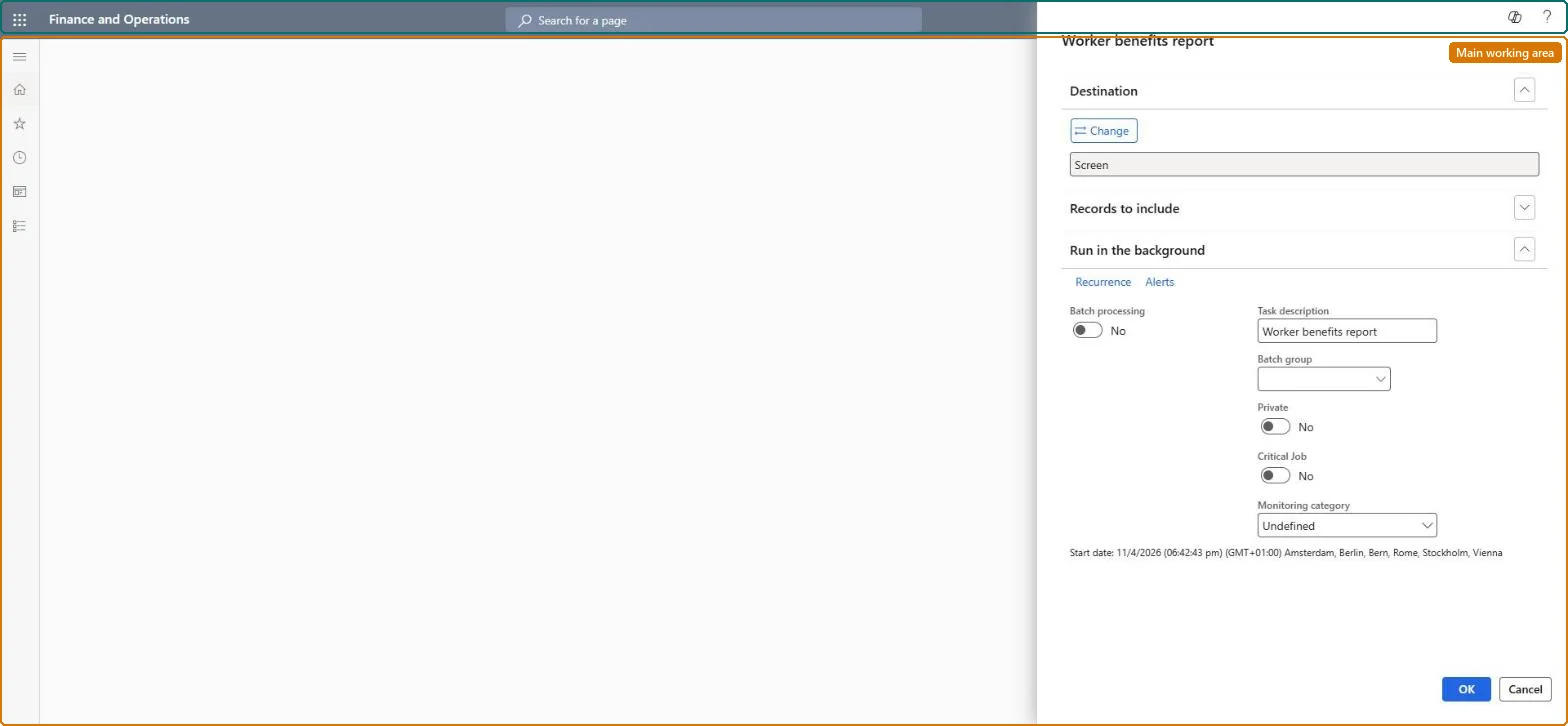
The page in Dynamics 365. page title tab to open what to set or check
About the examples: Examples and screenshots in this guide use BEAT, a demo company in a Dynamics 365 test environment. Use your own company's codes and values instead of copying them.
When to run it
When to run it
When you review which benefits each worker is enrolled in, for example after open enrollment or before you reconcile a provider invoice.
How often
On demand, after enrollment changes.
What the output shows
Workers and the benefits they are enrolled in. A missing enrollment usually means the worker was not enrolled or the coverage end date has passed.
A worker the provider bills for isn't on the report
The worker has no enrollment in the benefit, or its coverage end date has passed. Check the worker's Benefits page and enroll or extend the coverage there. Microsoft Learn
Run it per benefit after each open enrollment and before paying a provider invoice, and send it to a file for the comparison.Enrollments are kept per worker with coverage dates, and mass expiration changes them in bulk, so a per-benefit list is the check against the provider.
Shared data: the benefits it reports on are shared by all companies (Data management lists the Benefit entity as shared). Checked in Dynamics 365
Can it be undone
Nothing to undo: The report only reads enrollments.
If you change it later
The report reads the enrollments as they are; an enrollment changed or deleted on a worker's Benefits page, or ended by a mass expiration, shows differently the next time it is run. Microsoft Learn
Technical architect
6Technical
Menu item
HRMWorkerBenefitChecked in Dynamics 365
Form
SysOperationTemplateFormChecked in Dynamics 365
Roles to set it up and use it
To use itHuman resource manager HcmHumanResourceManagerCompensation and benefits manager HcmCompensationAndBenefitsManagerPayroll manager HcmPayrollManagerGive people one of these roles. On this system, 3 roles can run this page.Checked in Dynamics 365
Developer
7Developer
Open it by URL
https://<your-environment>/?mi=HRMWorkerBenefit
Data migration
Load order: The Worker benefits report has no data entity in Data management, so it can't be loaded from a file or a configuration template. It prints the worker enrollments; enroll workers in each environment and run the report there.Microsoft Learn
Checked in a working Dynamics 365 system, version 10.0.49: the menu item, form, table and security, the page.
To cite this step: HR-RBEN-060, Reconcile enrollments with providers. Beyond ERP Atlas Hub, 2026-11-11. https://www.beyonderp.cloud/atlas/step/HR-RBEN-060