Cash and bank managementInquiries and reportsDeposit slips
output:BankDepositSlip
Business process
Process customer payments
Menu item
output:BankDepositSlip
Setup steps
1 on this page
Show what matters for
SETUP GUIDEHow to set it up8 sections. Choose a role to highlight what matters to you.
Everyone
1What it is and why
What it is
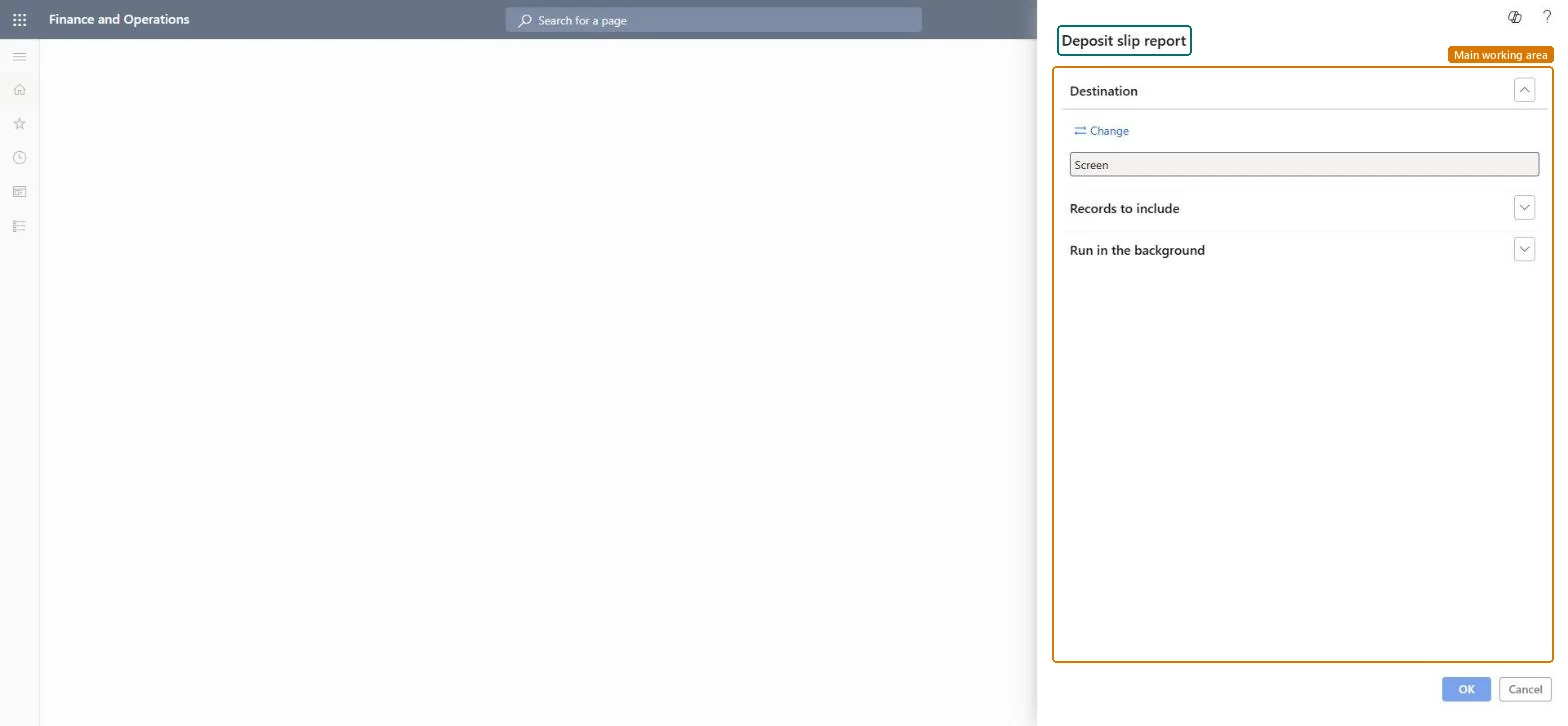
A printout of a generated deposit slip with the checks, credit card notes and cash it deposits into a bank account.
What you do here
Use this report to print the deposit slip that goes to the bank with the deposit, after the customer payments are posted and the slip is generated.
Example
For example, the cashier posts a customer payment journal with five checks totalling 6,350.00 and Use a deposit slip = Yes, generates the slip and prints this report to take to the bank with the checks.
The page in Dynamics 365. page title tab to open what to set or check
About the examples: Examples and screenshots in this guide use BEAT, a demo company in a Dynamics 365 test environment. Use your own company's codes and values instead of copying them.
When to run it
When to run it
After the customer payment journal with Use a deposit slip is posted and the deposit slip is generated, before you take the deposit to the bank.
How often
Each time you make a bank deposit.
What the output shows
The deposit slip with the checks, credit card notes and cash deposited into a bank account. A payment missing from the slip usually had no Payment reference or wasn't marked Use a deposit slip on the journal line.
The query that selects which deposit slips to print, for example by deposit slip number or bank account.Microsoft Learn
Deposit slip 000041
Payment reference
The reference on each customer payment, such as the check number; a payment needs it to be on a deposit slip.Microsoft Learn
Check 23018
Common errors and fixes
Message
What to do
There is no deposit slip to print
Payments must be posted before the deposit slip can be generated, and each payment needs Use a deposit slip = Yes and a payment reference. Microsoft Learn
Post the customer payment journal with Use a deposit slip = Yes and a payment reference on each line, generate the slip, then print it.Learn requires posted payments before a slip is generated, so the slip always matches the posted payments.
Numbers the deposit slips created from customer payment journals. Set it on the Number sequences tab of Cash and bank management parameters; BEAT uses Bank_3. Checked in Dynamics 365
Feature management and licence
Licence or add-in
In this system 5 roles can open this page, among them Treasurer, Accountant, Accounting supervisor and Accounts receivable payments clerk.
Per company: deposit slips belong to the bank accounts of the current legal entity. Microsoft data model
Can it be undone
Reversible: Printing changes no data.
If you change it later
Payments must be posted before a deposit slip can be generated, so the printed slip can't change afterwards; a cancelled payment is handled on the Deposit slips page, not by reprinting. Microsoft Learn
Technical architect
6Technical
Menu item
output:BankDepositSlipChecked in Dynamics 365
Form
SysOperationTemplateFormChecked in Dynamics 365
Roles to set it up and use it
To use itTreasurer PaymTreasurerAccountant LedgerAccountantAccounting supervisor LedgerAccountingSupervisorAccounts receivable payments clerk PaymAccountsReceivablePaymentsClerkRental manager RentalManagerGive people one of these roles. On this system, 5 roles can run this page.Checked in Dynamics 365
Load order: The Deposit slip report has no data entity in Data management, so it can't be loaded from a file or a configuration template. It reads posted bank data in each environment, so there is nothing to load for it. Migrate the transactions it reports on instead (for example open checks and deposits as part of the opening bank balances).Checked in Dynamics 365