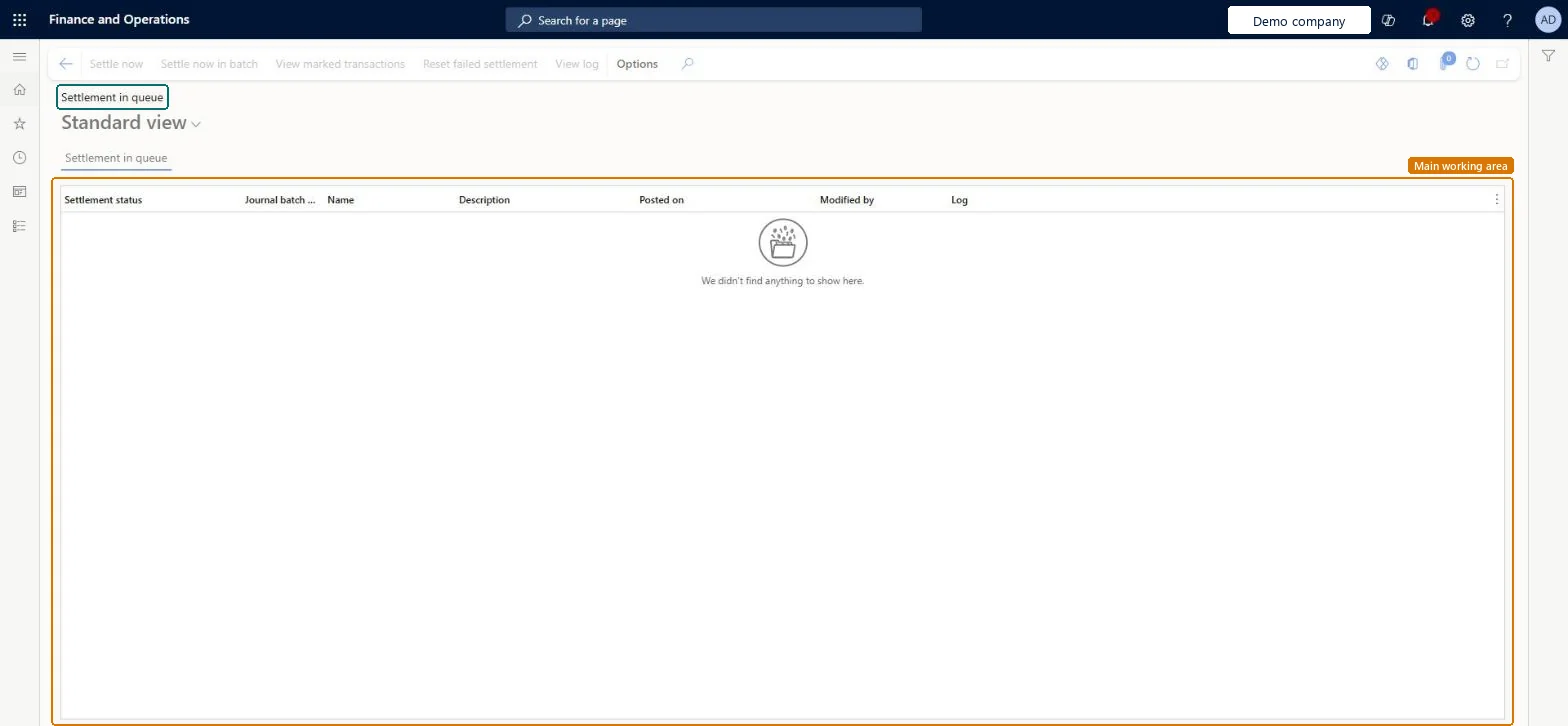
About the examples: Examples and screenshots in this guide use BEAT, a demo company in a Dynamics 365 test environment. Use your own company's codes and values instead of copying them.
When to run it
When to run it
After you post customer or vendor payment journals with delayed settlement, whenever an entry shows Failed or Partial success.
How often
Whenever entries show Failed or Partial success; the background automation picks up the other queued settlements every five minutes.
Batch settings
Use Settle in batch now for large settlements. Entries that succeed are otherwise handled by the background automation every five minutes.
What the output shows
The queue of delayed settlements with their status and linked marked transactions. Invoices in a queued settlement stay locked until it completes or is cancelled, and an entry left at Failed stays open indefinitely.
Runs the settlement of the selected entry as a batch job.Microsoft Learn
Reset failed settlement
Retries a failed entry after you fix the cause in its error log.Microsoft Learn
Cancel settlement
Removes the settlement mark; the posted payment isn't reversed.Microsoft Learn
Common errors and fixes
Message
What to do
A Failed settlement stays open
Failed settlements are never retried automatically. Review the error log and select Reset failed settlement, Settle now or Settle in batch now. Microsoft Learn
An invoice can't be settled or edited
It belongs to a queued settlement and is locked until that settlement completes or is cancelled. Microsoft Learn
Payments post but nothing comes to the queue
Delayed settlement applies only to customer payment and vendor payment journals whose journal name has delayed settlement turned on, and the Decouple settlement on posting setting must be on. Microsoft Learn
Test checklist
Turn on Decouple settlement from journal posting and turn on delayed settlement on a vendor payment journal name.
Post a vendor payment journal with an invoice marked for settlement.
Open Settlement in queue: the entry shows Prepared, then Success once the background automation (every five minutes) or Settle now has run.
Make a settlement fail, check that it stays Failed, fix it and use Reset failed settlement.
Check the page daily for Failed and Partial success entries; fix the cause from the error log and use Reset failed settlement or Settle now.The background automation processes queued settlements every five minutes but never retries a Failed one, and invoices in a queued settlement stay locked.
Journal name by journal name: only customer and vendor payment journals whose journal name has delayed settlement turned on send their settlements here. The feature itself is turned on once in Feature management. Microsoft Learn
Can it be undone
Partly: Cancel settlement removes the mark but doesn't reverse the posted payment.
If you change it later
Cancelling a queued settlement removes the mark but doesn't reverse the payment that was already posted. Microsoft Learn
Technical architect
6Technical
Menu item
CustVendSettleDelayedSettlementChecked in Dynamics 365
Form
CustVendSettleDelayedSettlementChecked in Dynamics 365
Table
CustVendSettleDelayedSettlementJournalViewShown as “Delayed settlement journal (view)” in Record infoChecked in Dynamics 365
To set it up or change itTreasurer PaymTreasurerAccountant LedgerAccountantAccounting supervisor LedgerAccountingSupervisorAccounts payable manager VendInvoiceAccountsPayableManagerRental manager RentalManagerTo use itChief financial officer CompanyChiefFinancialOfficerAccounting manager LedgerAccountingManagerFinancial controller LedgerFinancialControllerAccounts receivable manager CustInvoiceAccountsReceivableManagerAccounts payable centralized payments clerk PaymAccountsPayableCentralPaymClerkGive people one of these roles. On this system, 21 roles can open this page.Checked in Dynamics 365
Actions on the page
Options: Personalize, Page options, ShareChecked in Dynamics 365
Load order: The settlement queue has no data entity in Data management, so it can't be loaded from a file or a configuration template. It holds settlements of payments posted in this environment. Settle or cancel queued entries before a cut-over so no invoice stays locked.Microsoft Learn