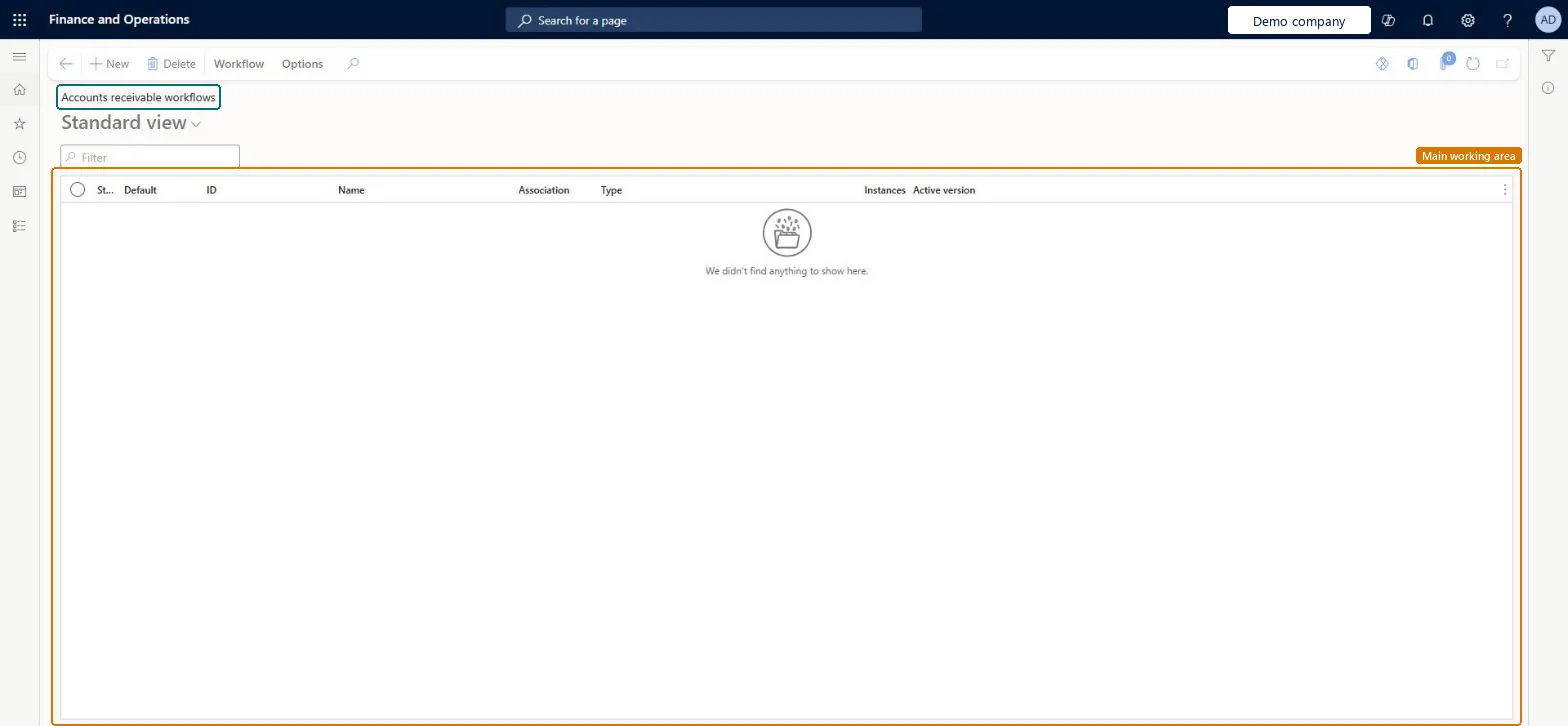
Setup step on the Accounts receivable workflows page · Accounts receivable
Set up Accounts receivable workflows
Use it to create a new Accounts receivable workflow or modify an existing one.
- Used by
- Accounts receivable manager, Collections manager, Credit management manager and 5 more roles
- Business process
- Create and process free text invoices in Dynamics 365 Finance
- Menu item
WorkflowConfigurationCust- Main table
WorkflowTable- Data entity
- —
- Setup steps
- 1 on this page
Show what matters for
Everyone
1What it is and why
| What it is | The page that lists the workflows configured for Accounts receivable. |
|---|---|
| What you do here | Use it to create a new Accounts receivable workflow or modify an existing one. |
| Example | For example, a Proposed customer change workflow lets you change specific customer fields and send the changes for approval before they are added to the customer. |
Functional consultant · Solution architect
2Where it fits
| Business process | Manage accounts receivable › Issue sales invoices › Create and process free text invoices in Dynamics 365 Finance |
|---|---|
| Menu path | Accounts receivable › Setup › Accounts receivable workflows |
| Set up first | Accounts receivable parameters Microsoft Learn ↗ |
| Used next by | All customers Microsoft Learn ↗ |
| Related pages | — |
| In this process | — |
End user · Functional consultant
3How to do it
Setup steps on this page
Set up Accounts receivable workflowsNo screenshots yet
Use it to create a new Accounts receivable workflow or modify an existing one.
Microsoft's steps
- Go to Accounts receivable > Setup > Accounts receivable parameters.
- On the General tab, on the Customer approval FastTab, set Enable customer approvals to Yes.
- In the Data entity behavior field, choose how imported data is treated.
- Select the Enable check box for each customer field that needs approval.
- Go to Accounts receivable > Setup > Accounts receivable workflows and select New.
- Select Proposed customer change workflow.
- Set up the workflow to match your approval process.
Source: Microsoft Learn ↗
Field guide
| Field | What it means | Worked example | Table column |
|---|---|---|---|
| Data entity behavior | How data entities treat imported changes to fields that need approval: allow without approval, reject, or create change proposals.Microsoft Learn ↗ | — | — |
Functional consultant
4Setup decisions
| Setup step | Recommended value and why | Decision · common mistake · test |
|---|---|---|
| Set up Accounts receivable workflows | — | — |
Solution architect
5Design impact
| Shared or per company | — |
|---|---|
| Can it be undone | — |
| Feature or country | — |
| If you change it later | — |
Technical architect
6Technical
| Menu item | WorkflowConfigurationCust Checked in Dynamics 365 |
|---|---|
| Form | WorkflowTableListPageRnr Checked in Dynamics 365 |
| Table | WorkflowTableShown as “Workflow configurations” in Record infoKey field: SequenceNumberChecked in Dynamics 365 |
| Data entities | — |
| Who can open it | PrivilegesAuthor Accounts receivable workflows WorkflowAuthorCustWorkflowsDutiesEnable credit management CredManEnableEnable invoice and cash process CustInvoiceInvoiceAndCashProcessEnableEnable invoice and cash process RentalCustInvoiceInvAndCashProcEnableMaintain workflow and alerts settings WorkflowAlertsSettingsMaintain8 security rolesCollections managerCollectionLetterCollectionsManagerCredit management manager CredManManagerAccounts receivable manager CustInvoiceAccountsReceivableManagerAccounting manager LedgerAccountingManagerAccounting supervisor LedgerAccountingSupervisorRental coordinator agent RentalCoordinatorAgentRental manager RentalManagerInformation technology manager SysServerITManager |
| Actions on the page | Workflow: Manage, HierarchyChecked in Dynamics 365 |
Developer
7Developer
| Open it directly | https://<your-environment>/?mi=WorkflowConfigurationCust |
|---|---|
| Integrate with | — |
| Table definition | — |
Everyone
8Sources and checks
- learn.microsoft.com/dynamics365/finance/accounts-receivable/accounts-receivables-set-up-overview
- learn.microsoft.com/dynamics365/finance/accounts-receivable/customer-workflow
- Checked in a working Dynamics 365 system, version 10.0.49: the menu item, form, table and security, the page.
AR-SETUP-250 — Set up Accounts receivable workflows. Beyond ERP Atlas Hub, snapshot 2026-10-16, partly verified. https://www.beyonderp.cloud/atlas/step/AR-SETUP-250