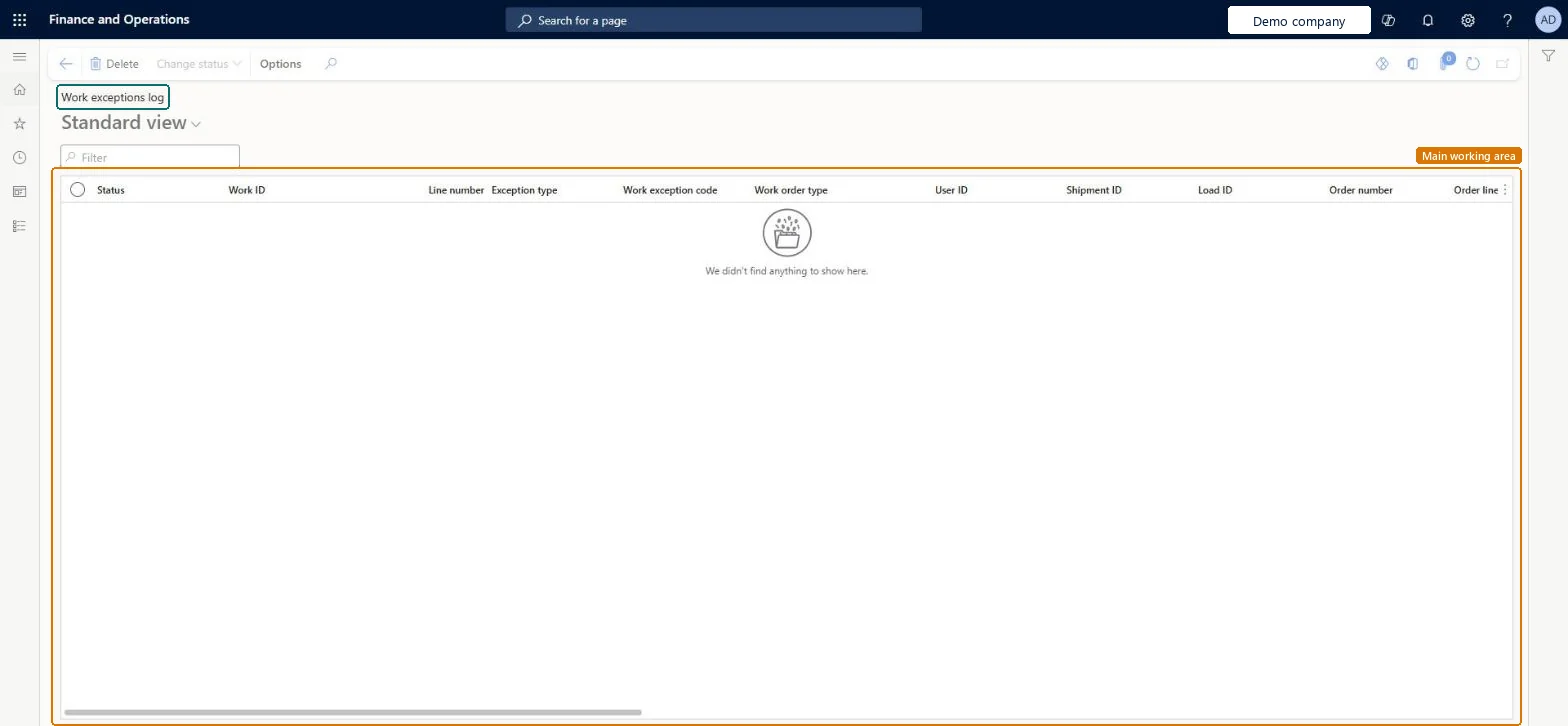
A list page that shows the work exceptions that the system has recorded during warehouse operations, such as discrepancies in inventory or missing goods at a location.
Receiving clerk, Shipping clerk, Warehouse planner and 2 more roles
Business process
Manage work assignments
Menu item
WHSWorkExceptionLog
Main table
WHSWorkExceptionLog
Show what matters for
PAGE GUIDEWhat the page does and how to use it7 sections. Choose a role to highlight what matters to you.
Everyone
1What it is and why
What it is
A list page that shows the work exceptions that the system has recorded during warehouse operations, such as discrepancies in inventory or missing goods at a location.
What you do here
Use this page to track and diagnose issues in warehouse workflows such as pick or pack procedures.
Example
For example, the Warehouse Management mobile app creates a work exception automatically in response to certain events during some workflows.
The page in Dynamics 365. page title tab to open what to set or check
About the examples: Examples and screenshots in this guide use BEAT, a demo company in a Dynamics 365 test environment. Use your own company's codes and values instead of copying them.
Steps from Microsoft
Go to Warehouse management > Work > Work exceptions log.
Sort and filter the list by using the column headers, or enter a value in the Filter field.
Review the status, work ID, line number, exception type, work exception code, work order type, user ID, shipment ID, load ID and order number of each entry.
Select an entry and use Change status or Delete on the Action Pane when you need to update or remove it.
One-way: Warning: entries stay until explicitly removed. The Clean up work exceptions logs batch job (Periodic tasks > Clean up, version 10.0.43 or later) permanently deletes every entry that matches its days-to-keep and status criteria, up to the maximum count. Microsoft Learn
Technical architect
5Technical
Menu item
WHSWorkExceptionLogChecked in Dynamics 365
Form
WHSWorkExceptionLogChecked in Dynamics 365
Table
WHSWorkExceptionLogShown as “WORK EXCEPTIONS LOG” in Record infoChecked in Dynamics 365
Who can open it
PrivilegesView work exception logs WHSWorkExceptionLogViewDutiesMaintain warehouse planning WHSWarehousePlanningMaintainInquire into warehouse planning status WHSWarehousePlanningStatusInquire5 security rolesReceiving clerk InventReceivingClerkShipping clerk InventShippingClerkWarehouse planner WHSWarehousePlannerWarehouse manager WMSWarehouseManagerWarehouse worker WMSWarehouseWorkerChecked in Dynamics 365
Roles to set it up and use it
To use itWarehouse planner WHSWarehousePlannerWarehouse manager WMSWarehouseManagerWarehouse worker WMSWarehouseWorkerShipping clerk InventShippingClerkReceiving clerk InventReceivingClerkGive people one of these roles. On this system, 5 roles can open this page.Checked in Dynamics 365
Actions on the page
(Action Pane without tabs): Change statusChecked in Dynamics 365