BeyondERP.Newsletter
Menu

Page · Warehouse management

Failed shipment lines

A list page that shows shipment lines that failed during wave processing and are waiting to be rewaved.

Used by
Warehouse planner
Business process
Release goods for picking
Menu item
WHSWaveProcessingRemovedShipment
Main table
WHSWaveProcessingRemovedShipment
Show what matters for
PAGE GUIDEWhat the page does and how to use it7 sections. Choose a role to highlight what matters to you.
Everyone

1What it is and why

What it isA list page that shows shipment lines that failed during wave processing and are waiting to be rewaved.
What you do hereUse this page to monitor shipment lines that must be added to a wave again, including the reason each one failed and how many retries have been made.
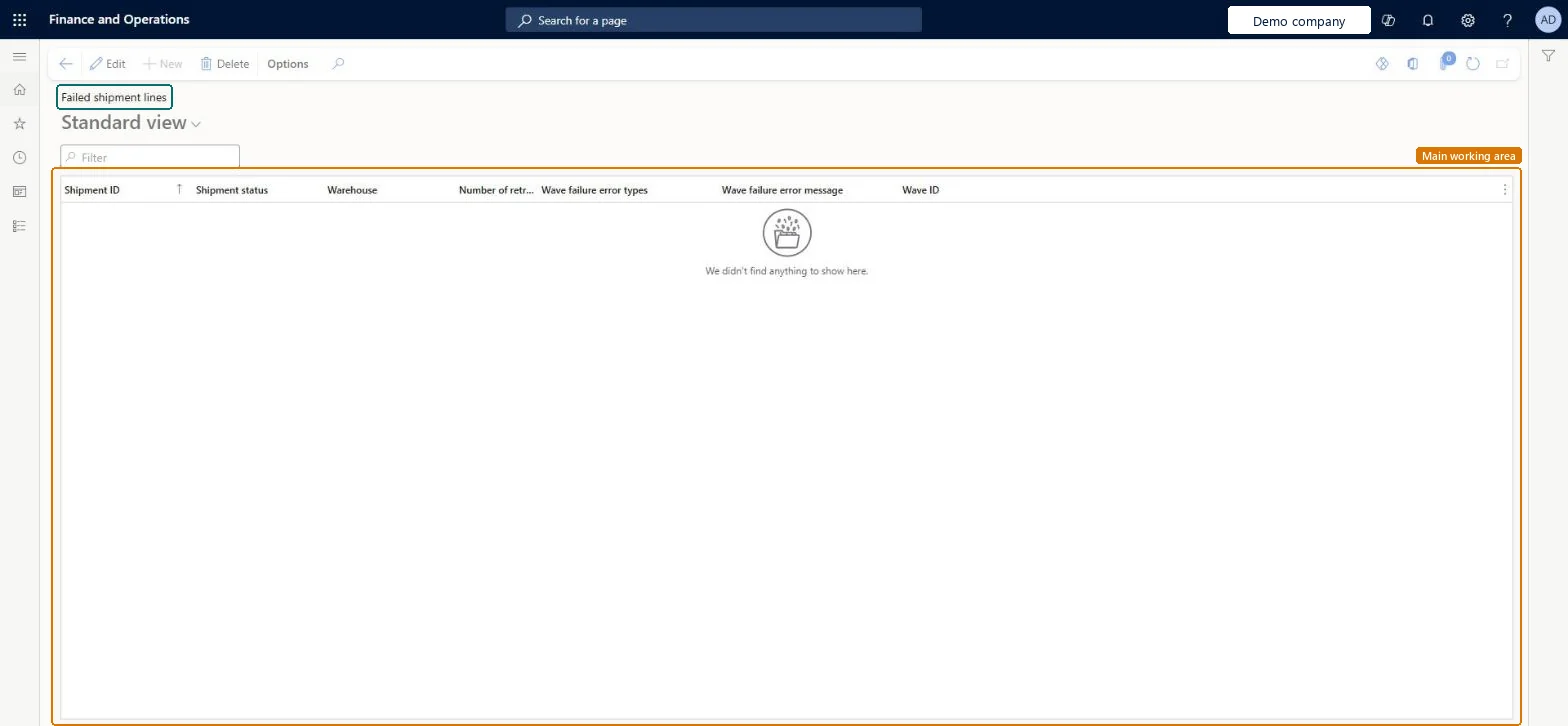
Failed shipment lines page in Dynamics 365
The page in Dynamics 365. page title tab to open what to set or check
Functional consultant · Solution architect

2Where it fits

Business processProcess outbound goods › Release goods for picking
Menu pathWarehouse management › Shipments › Failed shipment lines
Used next byAuto add shipments to wave Microsoft Learn
Related pagesWave processing removed shipment cleanup Microsoft Learn
End user · Functional consultant

3How to do it

About the examples: Examples and screenshots in this guide use BEAT, a demo company in a Dynamics 365 test environment. Use your own company's codes and values instead of copying them.

Steps from Microsoft

  1. Go to Warehouse management > Shipments > Failed shipment lines.
  2. Review the Shipment ID, Shipment status, Warehouse, Number of retries, Wave failure error types and Wave failure error message for each line.
  3. Use the Filter box to find a specific line.

Source: Microsoft Learn

Fields on the page

FieldWhat it meansTable column
Shipment statusThe current status of the failed shipment line.Microsoft Learn ShipmentStatus
Number of retriesHow many times the system has tried to rewave the line. It tries up to five times and then marks the line as failed.Microsoft Learn RewaveCount
Wave failure error messageThe reason the line failed during wave processing.Microsoft Learn ErrorMessage
Solution architect

4Design impact

If you change it laterA line that fails rewaving five times is marked as failed and is later removed by the cleanup job. To restart rewaving from the beginning, let the cleanup job remove the line and then add it to a new wave manually. Microsoft Learn
Technical architect

5Technical

Menu itemWHSWaveProcessingRemovedShipment Checked in Dynamics 365
FormWHSWaveProcessingRemovedShipment Checked in Dynamics 365
TableWHSWaveProcessingRemovedShipmentShown as “FAILED SHIPMENT LINES” in Record infoKey field: ShipmentIdChecked in Dynamics 365
Who can open itPrivilegesFailed shipment lines WHSWaveProcessingRemovedShipmentDutiesMaintain warehouse planning WHSWarehousePlanningMaintain
1 security roleWarehouse planner WHSWarehousePlanner
Checked in Dynamics 365
Roles to set it up and use itTo set it up or change itWarehouse planner WHSWarehousePlannerGive people one of these roles. On this system, 1 role can open this page.Checked in Dynamics 365
Developer

6Developer

Open it by URLhttps://<your-environment>/?mi=WHSWaveProcessingRemovedShipment
Everyone

7Sources