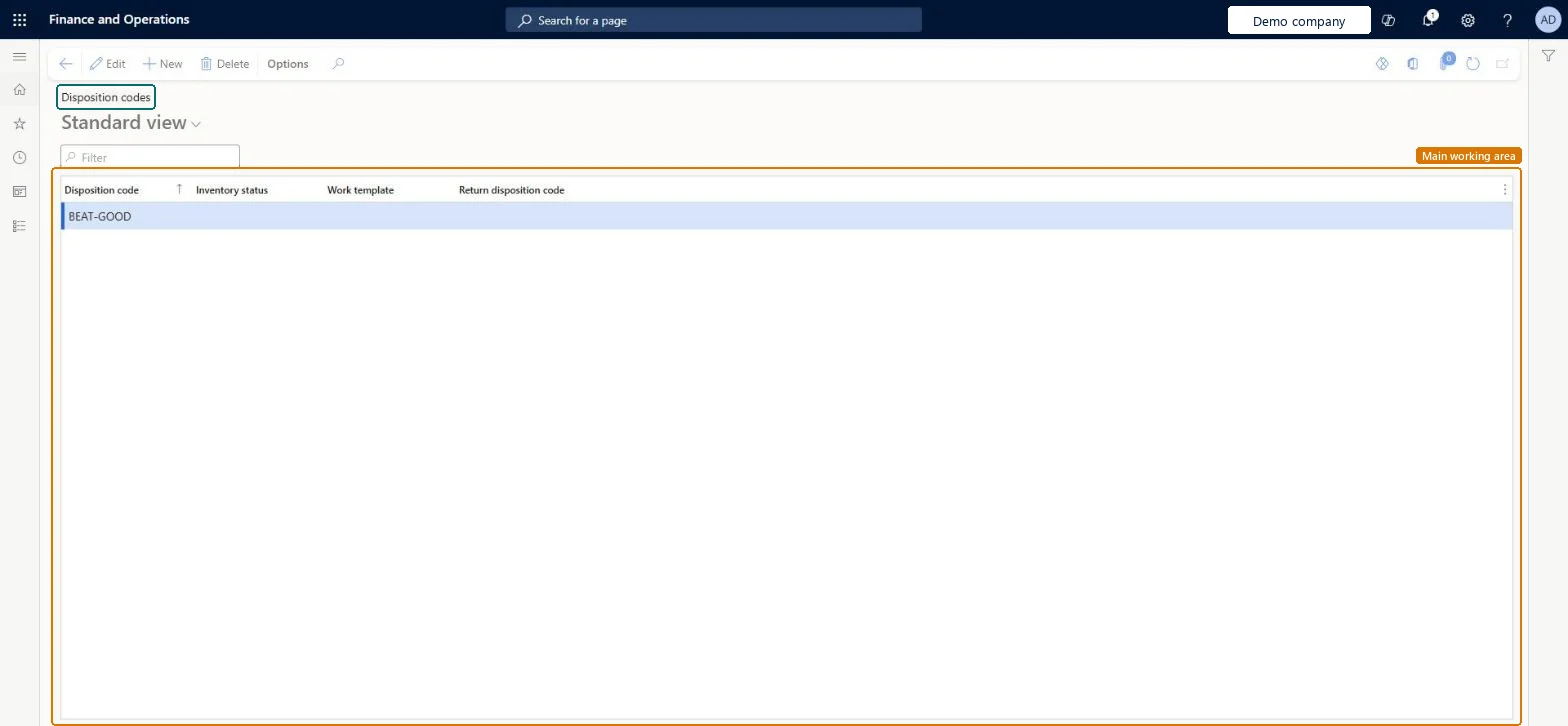
A list page that shows the disposition codes workers can use on a mobile device when receiving items, with the inventory status, work template and return disposition code of each.
Field Service Integration User, Production supervisor, Process engineer and 3 more roles
Business process
Manage warehouse operations
Menu item
WHSDispositionTable
Main table
WHSDispositionTable
Data entity
WHSWarehouseDispositionCodeEntity
Setup steps
1 on this page
Show what matters for
PAGE GUIDEWhat the page does and how to use it8 sections. Choose a role to highlight what matters to you.
Everyone
1What it is and why
What it is
A list page that shows the disposition codes workers can use on a mobile device when receiving items, with the inventory status, work template and return disposition code of each.
What you do here
Use this page to set up collections of rules that decide how received items, such as damaged returns, are handled.
Example
For example, when a work user uses a mobile device to receive items that were damaged, the user must scan a disposition code for damaged items.
The page in Dynamics 365. page title tab to open what to set or check
About the examples: Examples and screenshots in this guide use BEAT, a demo company in a Dynamics 365 test environment. Use your own company's codes and values instead of copying them.
Setup steps on this page
Set up Disposition codes
Use this page to set up collections of rules that decide how received items, such as damaged returns, are handled.
Steps from Microsoft
Go to Warehouse management > Setup > Mobile device > Disposition codes.
Select New.
In the Disposition code field, type a value.
In the Inventory status field, select an inventory status where there is inventory blocking.
In the Work template field, optionally select a work template that is associated with a return order.
In the Return disposition code field, type a value.
One code per handling outcome (for example resell and damaged), with a blocking inventory status on the damaged code, a Return disposition code on every code used for returns, and Work template left blank unless you mean to restrict the codeThe code sets status, work template and location directive at receipt; return codes must link to a return disposition code with an action, and a work template limits which processes can use the code.
Setting a work template whose work order type is Purchase orders. The code then can't be used to register items returned by customers.
PrivilegesMaintain disposition table WHSDispositionTableMaintainView disposition table WHSDispositionTableViewDutiesInquire into warehouse operation master WMSWarehouseOperationMasterInquireMaintain warehouse operation master WMSWarehouseOperationMasterMaintain6 security rolesField Service Integration User FieldServiceIntegrationUserProduction supervisor ProdProductionSupervisorProcess engineer RouteProcessEngineerProcess engineering manager RouteProcessEngineeringManagerWarehouse planner WHSWarehousePlannerWarehouse manager WMSWarehouseManagerChecked in Dynamics 365
Roles to set it up and use it
To set it up or change itWarehouse manager WMSWarehouseManagerProcess engineer RouteProcessEngineerTo use itWarehouse planner WHSWarehousePlannerProduction supervisor ProdProductionSupervisorProcess engineering manager RouteProcessEngineeringManagerField Service Integration User FieldServiceIntegrationUserGive people one of these roles. On this system, 6 roles can open this page.Checked in Dynamics 365
WHSWarehouseDispositionCodeEntity (Warehouse disposition codes): loaded for each company, in Microsoft's default template 400 - Warehouse management.Load order: Microsoft's default template 400 - Warehouse management loads Warehouse disposition codes at execution unit 1, level 50, sequence 10. Lower levels load first, and entities at the same level load in sequence order.Load first: Disposition code, Inventory status, the default templates at lower levels (System setup to dependency bands 30 to 90)Microsoft Learn