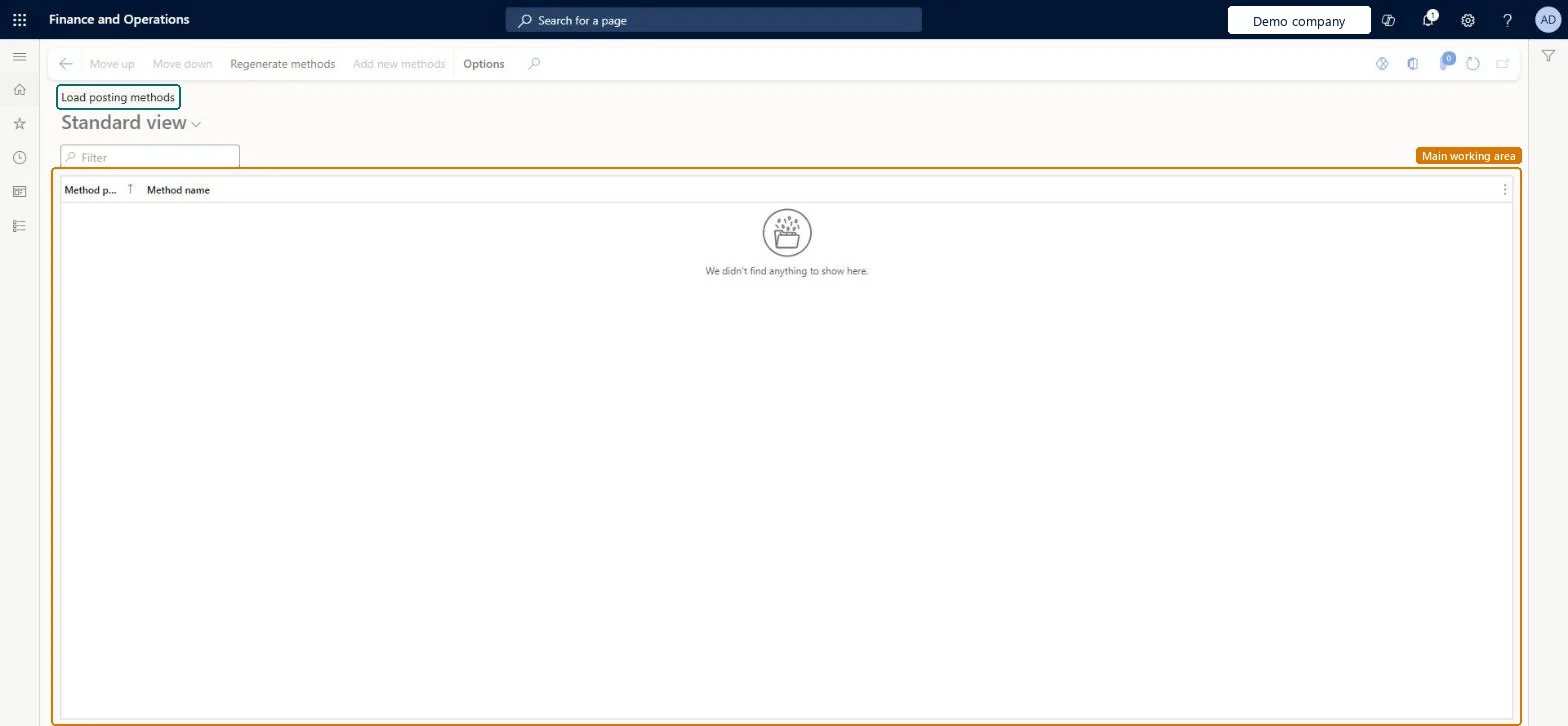
A setup page that lists the load posting methods used when a load is released to the warehouse from the outbound load planning workbench, with options to move methods up or down, regenerate them and add new ones.
PAGE GUIDEWhat the page does and how to use it8 sections. Choose a role to highlight what matters to you.
Everyone
1What it is and why
What it is
A setup page that lists the load posting methods used when a load is released to the warehouse from the outbound load planning workbench, with options to move methods up or down, regenerate them and add new ones.
What you do here
Use this page to regenerate the load posting methods or to change their order.
Example
For example, planned cross-docking is implemented as a load posting method, so you regenerate the methods after you turn that feature on.
The page in Dynamics 365. page title tab to open what to set or check
About the examples: Examples and screenshots in this guide use BEAT, a demo company in a Dynamics 365 test environment. Use your own company's codes and values instead of copying them.
Setup steps on this page
Set up Load posting methods
Use this page to regenerate the load posting methods or to change their order.
Steps from Microsoft
Go to Warehouse management > Setup > Load posting methods.
On the Action Pane, select Regenerate methods.
Review the Method position and Method name columns.
To change the order of a method, select it and use Move up or Move down.
Select Regenerate methods after turning on a feature that adds a load posting method, such as planned cross-dockingPlanned cross-docking is delivered as a load posting method; it only appears (as planCrossDocking) after the methods are regenerated.
Turning on planned cross-docking and setting up cross docking templates without regenerating the methods. The planCrossDocking method is then missing and the process can't run.
PrivilegesMaintain load posting methods WHSLoadPostMethodMaintainDutiesEnable the transportation management process TMSTransportationMgmtEnable1 security roleLogistics manager TMSLogisticsManagerChecked in Dynamics 365
Roles to set it up and use it
To set it up or change itLogistics manager TMSLogisticsManagerGive people one of these roles. On this system, 1 role can open this page.Checked in Dynamics 365
Actions on the page
(Action Pane without tabs): Move up, Move down, Regenerate methods, Add new methodsChecked in Dynamics 365