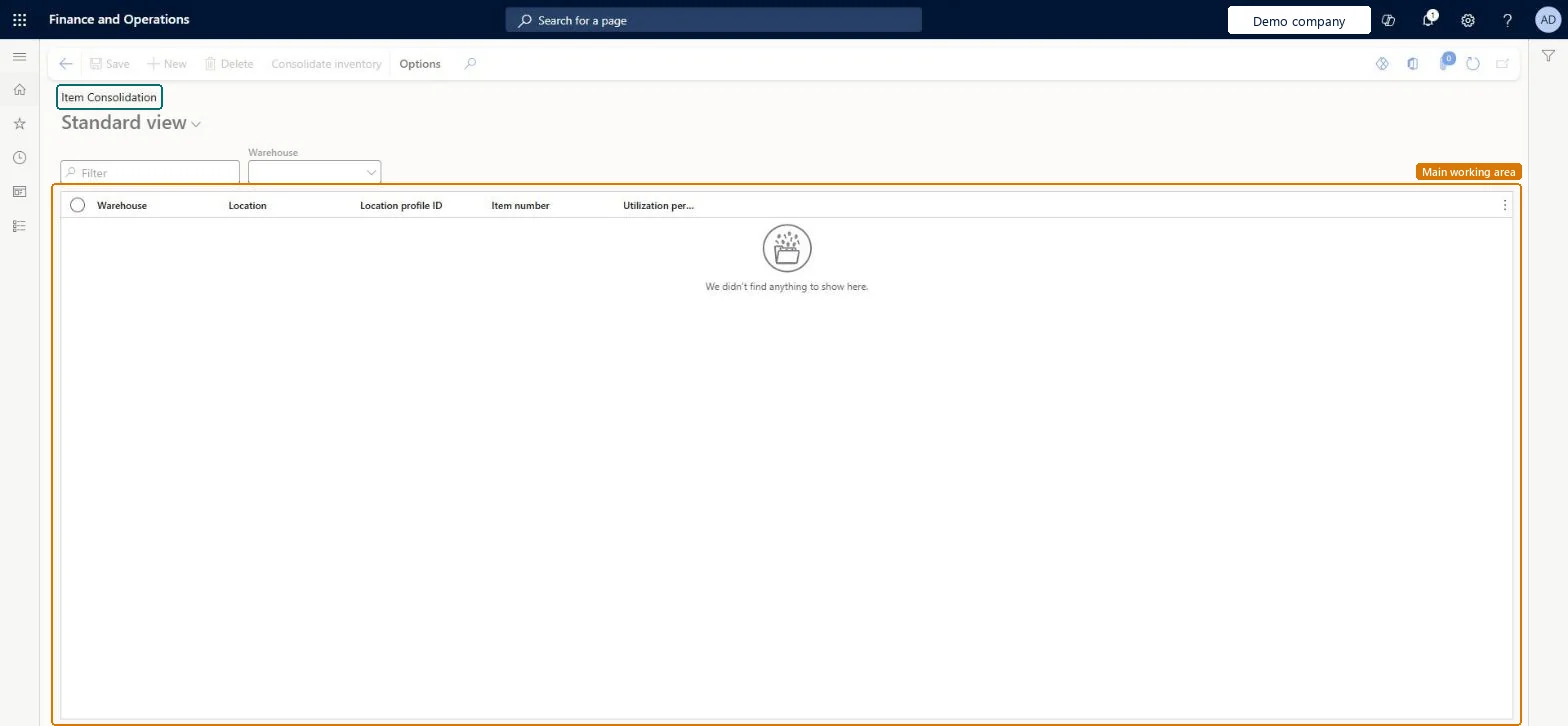
A periodic task page that shows the volumetric utilization of locations in a warehouse and lets you create inventory movement work to consolidate items.
PAGE GUIDEWhat the page does and how to use it7 sections. Choose a role to highlight what matters to you.
Everyone
1What it is and why
What it is
A periodic task page that shows the volumetric utilization of locations in a warehouse and lets you create inventory movement work to consolidate items.
What you do here
Use this task to consolidate items into fewer locations so that you make better use of warehouse space.
Example
For example, when the same item sits in several locations that are only partly used, you can select those locations and consolidate the inventory.
The page in Dynamics 365. page title tab to open what to set or check
About the examples: Examples and screenshots in this guide use BEAT, a demo company in a Dynamics 365 test environment. Use your own company's codes and values instead of copying them.
When to run it
When to run it
When locations hold small quantities of the same item and you want to free space by moving them together.
How often
On demand, for example when utilization shows many half-empty locations.
What the output shows
Inventory movement work that moves the stock to the chosen location: one work ID per move. If the target already holds inventory, one work ID is created; for a new location, two.
To set it up or change itWarehouse manager WMSWarehouseManagerWarehouse planner WHSWarehousePlannerTo use itWarehouse worker WMSWarehouseWorkerGive people one of these roles. On this system, 3 roles can open this page.Checked in Dynamics 365
Actions on the page
(Action Pane without tabs): Consolidate inventoryChecked in Dynamics 365