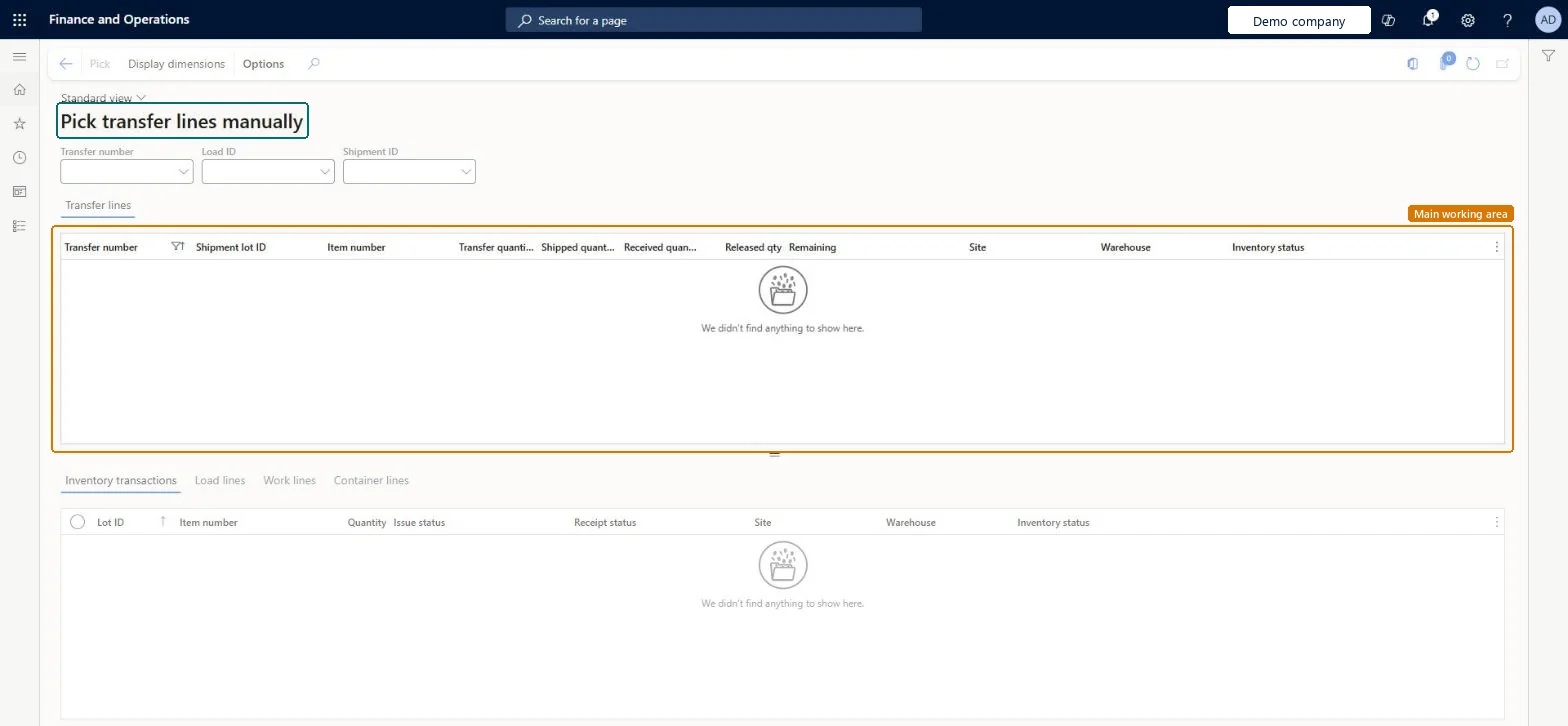
A page where an administrator manually picks or unpicks the inventory transactions of transfer order lines while warehouse processes are already in progress.
PAGE GUIDEWhat the page does and how to use it7 sections. Choose a role to highlight what matters to you.
Everyone
1What it is and why
What it is
A page where an administrator manually picks or unpicks the inventory transactions of transfer order lines while warehouse processes are already in progress.
What you do here
Use this page to fix problems caused by corrupted transfer order data when the warehouse processes cannot finish in the usual way.
Example
For example, when the system cannot finish processing warehouse work in the usual way and a transfer order line must be picked or unpicked by hand.
The page in Dynamics 365. page title tab to open what to set or check
About the examples: Examples and screenshots in this guide use BEAT, a demo company in a Dynamics 365 test environment. Use your own company's codes and values instead of copying them.
When to run it
When to run it
When corrupted transfer order data stops the warehouse processes for a transfer order line from finishing in the usual way.
How often
On demand, only for broken transfer order lines; access requires the Pick sales lines manually privilege.
What the output shows
The transfer order line's issue transactions are picked or unpicked. Unlike the sales version, the result shows up in the transfer order's shipping quantities; if the ship remain quantity still looks wrong, Correct inventory transfer order lines manually in Inventory management may also be needed.
Go to Warehouse management > Periodic tasks > Clean up > Pick transfer lines manually.
Use the Transfer number, Load ID and Shipment ID filters to find the transfer order line, then select it in the upper grid.
Check the four tabs in the lower section for the transfer line's load, work and container status. Act on any warning about linked work before you correct anything.
Select Pick, add the transaction as a picking line, and fill in the missing location and license plate for the transfer issue.
Select Confirm pick all, then open the transfer order line and check the shipped and remaining quantities.
PrivilegesPick transfer lines manually WHSManualInventTransferLinePickingDutiesPick transfer lines manually WHSManualInventTransferLinePickingWHS self services (hard cancel, manual load line correction, manual sales line picking) WHSSelfServicesChecked in Dynamics 365
Actions on the page
(Action Pane without tabs): Pick, Display dimensionsChecked in Dynamics 365