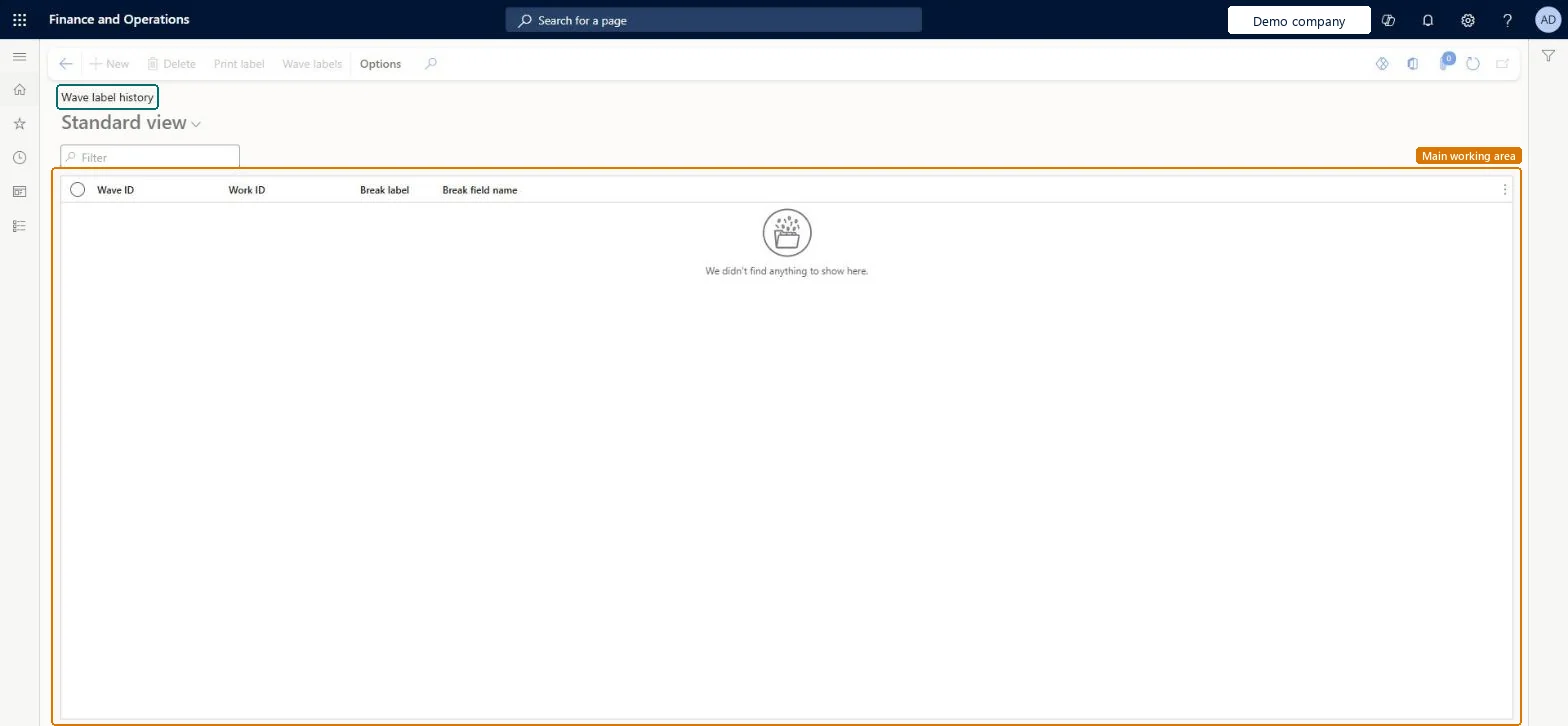
A list page that shows a record of the labels created by wave label printing, with the wave ID, work ID, break label and break field name of each entry.
Receiving clerk, Shipping clerk, Warehouse planner and 2 more roles
Business process
Pick goods
Menu item
WHSWaveLabelHistory
Main table
WHSWaveLabelHistory
Show what matters for
PAGE GUIDEWhat the page does and how to use it7 sections. Choose a role to highlight what matters to you.
Everyone
1What it is and why
What it is
A list page that shows a record of the labels created by wave label printing, with the wave ID, work ID, break label and break field name of each entry.
What you do here
Use this page to look up the wave labels that were created and to print them again.
The page in Dynamics 365. page title tab to open what to set or check
About the examples: Examples and screenshots in this guide use BEAT, a demo company in a Dynamics 365 test environment. Use your own company's codes and values instead of copying them.
Steps from Microsoft
Go to Warehouse management > Inquiries and reports > Wave label history.
Each row is a label created by wave label printing; filter on wave ID or work ID to find the labels of one wave or piece of work.
Read Break label and the break field name to spot the divider labels that separate rolls and containers, so printed labels are easy to sort.
Select a label and select Print label to print it again, for example when the original label was damaged.
Select Wave labels to go to the wave label records themselves.
WHSWaveLabelHistoryShown as “WAVE LABEL HISTORY” in Record infoChecked in Dynamics 365
Who can open it
PrivilegesMaintain wave label history WHSWaveLabelHistoryMaintainView wave label history WHSWaveLabelHistoryViewDutiesMaintain warehouse planning WHSWarehousePlanningMaintainInquire into warehouse planning status WHSWarehousePlanningStatusInquire5 security rolesReceiving clerk InventReceivingClerkShipping clerk InventShippingClerkWarehouse planner WHSWarehousePlannerWarehouse manager WMSWarehouseManagerWarehouse worker WMSWarehouseWorkerChecked in Dynamics 365
Roles to set it up and use it
To set it up or change itWarehouse planner WHSWarehousePlannerTo use itWarehouse manager WMSWarehouseManagerWarehouse worker WMSWarehouseWorkerShipping clerk InventShippingClerkReceiving clerk InventReceivingClerkGive people one of these roles. On this system, 5 roles can open this page.Checked in Dynamics 365
Actions on the page
(Action Pane without tabs): Print label, Wave labelsChecked in Dynamics 365