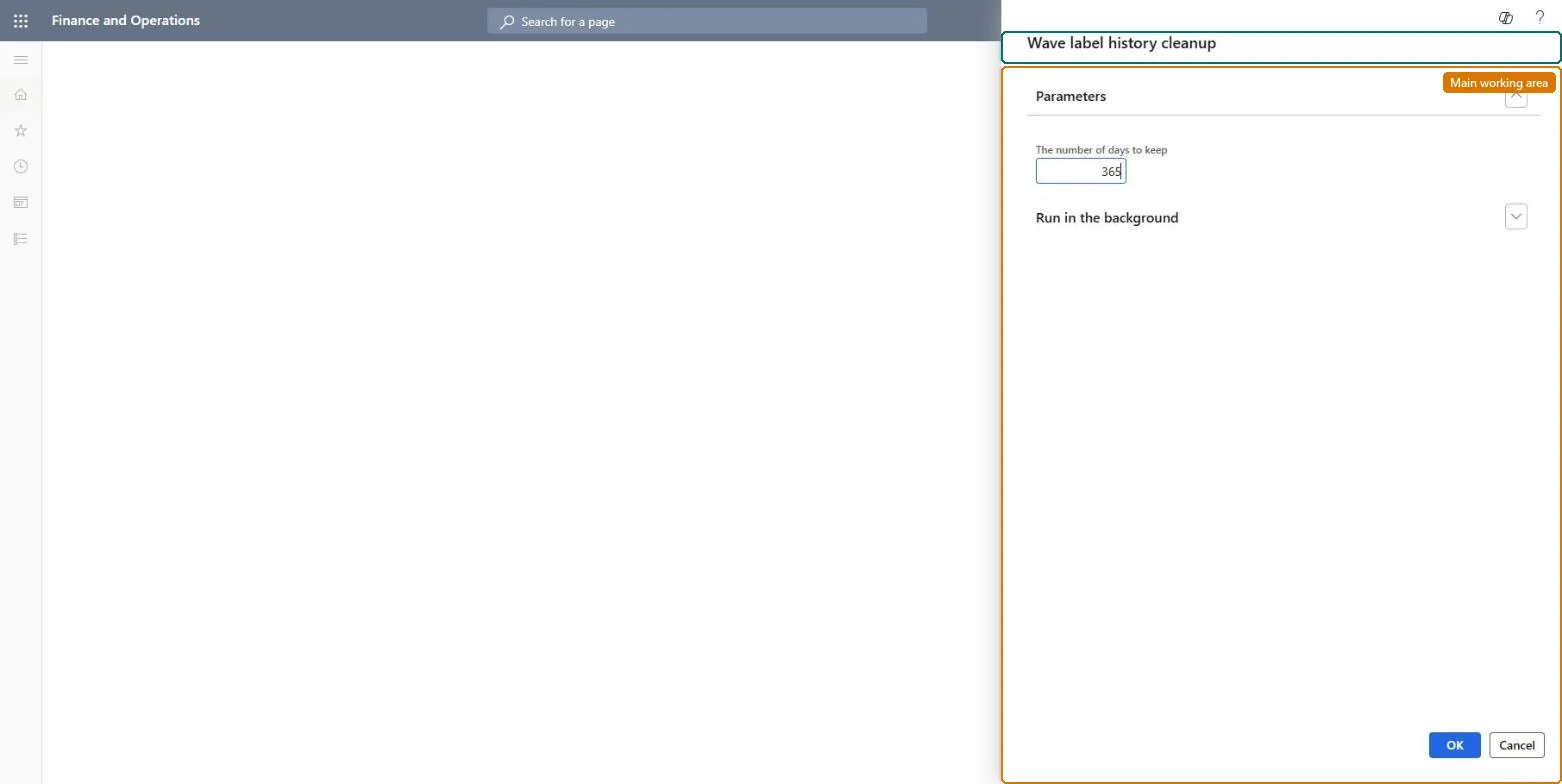
About the examples: Examples and screenshots in this guide use BEAT, a demo company in a Dynamics 365 test environment. Use your own company's codes and values instead of copying them.
When to run it
When to run it
After the shipments whose labels were printed by wave label printing have shipped and nobody will need to reprint those labels.
How often
On demand, when the Wave label history page has grown large with labels for shipments that are already closed.
Batch settings
Run it in the background outside the main picking shift, so it doesn't compete with waves that are printing new labels.
What the output shows
Fewer records on the Wave label history page. If a label for an open shipment is missing afterwards, the cleanup reached too far; that label can only be printed again with Update wave label details selected, which rebuilds it from current data.
Go to Warehouse management > Periodic tasks > Clean up > Wave label history cleanup.
Before you start, check on the Wave label history page which waves still have open shipments. Each history record holds the label string that a reprint uses when Update wave label details is cleared, so history for open shipments is still needed.
Limit the run to old waves or shipments that are fully shipped, so that labels for work in progress can still be reprinted from the mobile app or the web client.
Run the cleanup, then open Wave label history again and check that only the old label records are gone.
No: Deleted wave label history records can't be restored, so the stored label text for reprints is lost. Run it only for shipments that are finished. Microsoft Learn
If you change it later
Removes wave label history records. Reprints of the removed labels from the stored label text are no longer possible. Microsoft Learn
Technical architect
5Technical
Menu item
action:WHSWaveLabelHistoryCleanup
Roles to set it up and use it
To use itWarehouse planner WHSWarehousePlannerGive people one of these roles. On this system, 1 role can run this page.Checked in Dynamics 365