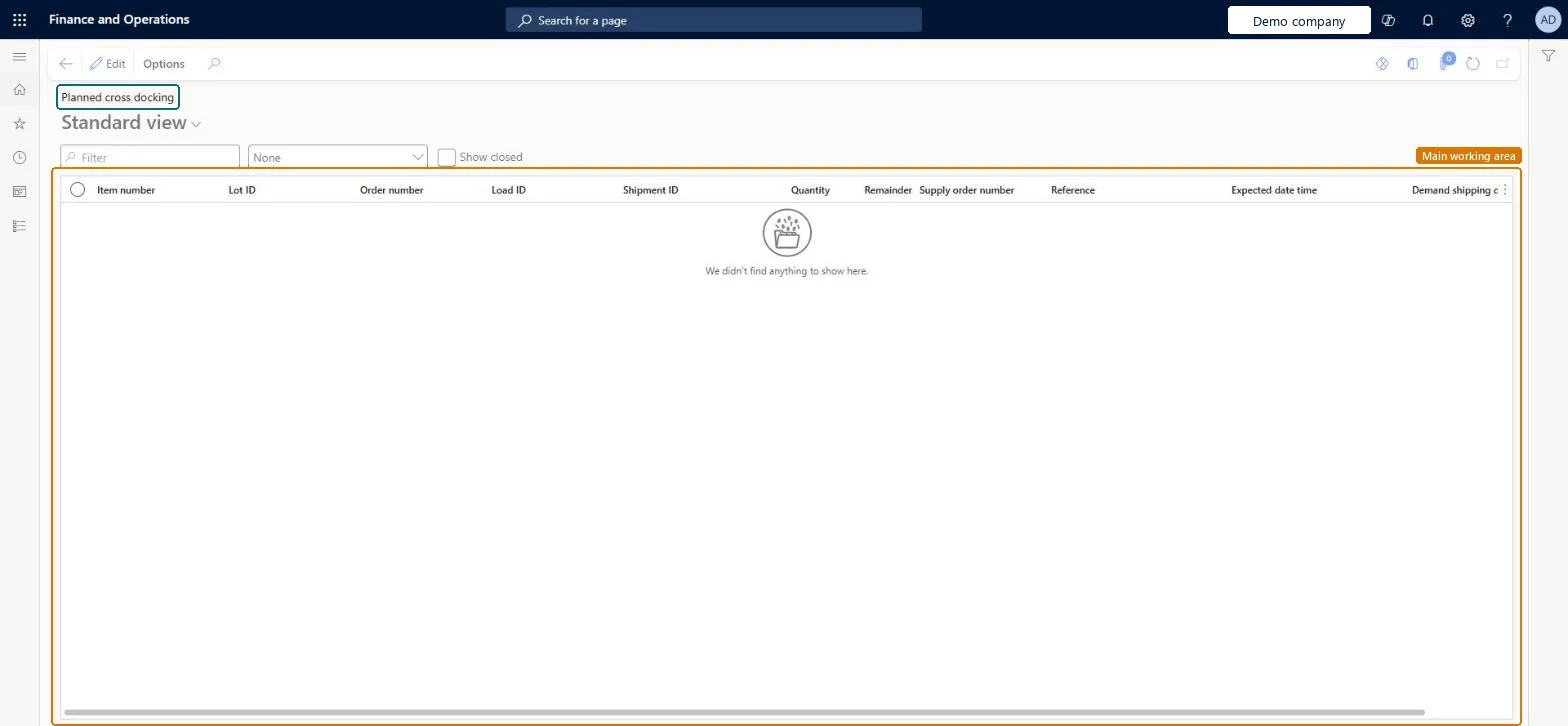
A list page that shows the planned cross-docking quantities, with the item, lot, order, load, shipment, quantity, remainder, supply order and expected date and time of each line.
Product designer, Product design manager, Inventory accountant and 16 more roles
Business process
Cross dock received goods to outbound orders
Menu item
WHSPlannedCrossDocking
Main table
WHSTmpPlannedCrossDockin
Show what matters for
PAGE GUIDEWhat the page does and how to use it6 sections. Choose a role to highlight what matters to you.
Everyone
1What it is and why
What it is
A list page that shows the planned cross-docking quantities, with the item, lot, order, load, shipment, quantity, remainder, supply order and expected date and time of each line.
What you do here
Use this page to see which outbound demand is planned to be filled straight from an incoming supply, so that the inventory skips put-away and picking.
Example
For example, a sales order is released for an item that is not yet in stock, and a supply that will arrive within the time window of the cross-docking template is planned against it.
The page in Dynamics 365. page title tab to open what to set or check
About the examples: Examples and screenshots in this guide use BEAT, a demo company in a Dynamics 365 test environment. Use your own company's codes and values instead of copying them.
Steps from Microsoft
Go to Warehouse management > Inquiries and reports > Planned cross docking.
Use the Filter box, the list beside it and the Show closed check box to narrow the lines shown.
Review the item, order, load, shipment, quantity, remainder, supply order number and expected date and time of each line.
You can also open the Shipment details page of a shipment and select Planned cross docking on the Load lines FastTab.
WHSTmpPlannedCrossDockinShown as “PLANNED CROSS DOCKING” in Record infoChecked in Dynamics 365
Who can open it
PrivilegesMaintain planned cross docking WHSPlannedCrossDockingMaintainView planned cross docking WHSPlannedCrossDockingViewDutiesMaintain receipt operations InventRecevingOperationMaintainInquire into related inventory status InventRelatedInventoryStatusInquire19 security rolesProduct designer BOMProductDesignerProduct design manager BOMProductDesignManagerInventory accountant InventCostAccountantInventory accountant clerk InventCostCostClerkMaterials manager InventMaterialsManagerQuality control clerk InventQualityControlClerkQuality control manager InventQualityControlManagerReceiving clerk InventReceivingClerkShipping clerk InventShippingClerkLanded cost agent ITMAgentAccounting manager LedgerAccountingManagerBuying agent TradeBuyingAgentCustomer service manager TradeCustomerServiceManagerCustomer service representative TradeCustomerServiceRepresentativePurchasing manager TradePurchasingManagerSales manager TradeSalesManagerSales representative TradeSalesRepresentativeWarehouse manager WMSWarehouseManagerWarehouse worker WMSWarehouseWorkerChecked in Dynamics 365
Roles to set it up and use it
To set it up or change itReceiving clerk InventReceivingClerkLanded cost agent ITMAgentTo use itWarehouse manager WMSWarehouseManagerWarehouse worker WMSWarehouseWorkerShipping clerk InventShippingClerkMaterials manager InventMaterialsManagerQuality control clerk InventQualityControlClerkGive people one of these roles. On this system, 19 roles can open this page.Checked in Dynamics 365