PAGE GUIDEWhat the page does and how to use it7 sections. Choose a role to highlight what matters to you.
Everyone
1What it is and why
What it is
A periodic task that creates cycle counting work for the warehouse locations that hold the items you select.
What you do here
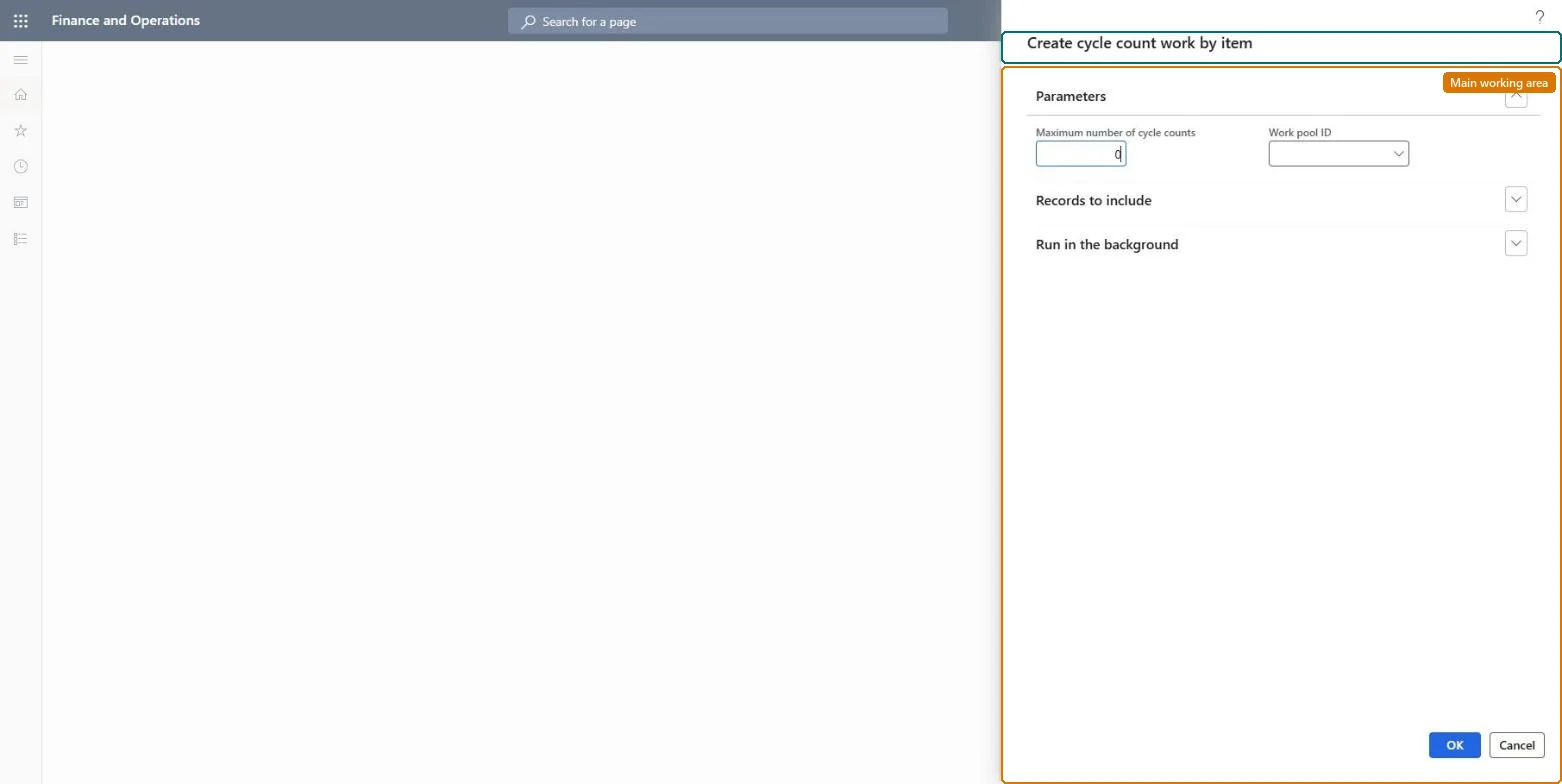
Use this task to create cycle counting work manually by item, optionally assigning it to a work pool.
Example
For example, if the warehouse manager sets the maximum number of cycle counts to 5, the system creates cycle counting work for five locations even when the item is present in 10 locations.
The page in Dynamics 365. page title tab to open what to set or check
About the examples: Examples and screenshots in this guide use BEAT, a demo company in a Dynamics 365 test environment. Use your own company's codes and values instead of copying them.
When to run it
When to run it
When a specific item must be counted wherever it is stored, for example after a stock difference was found on one item.
How often
On demand, when an item needs an unplanned count.
What the output shows
Cycle counting work for each location where the selected items are stored. The work still covers the whole location, not only the item.