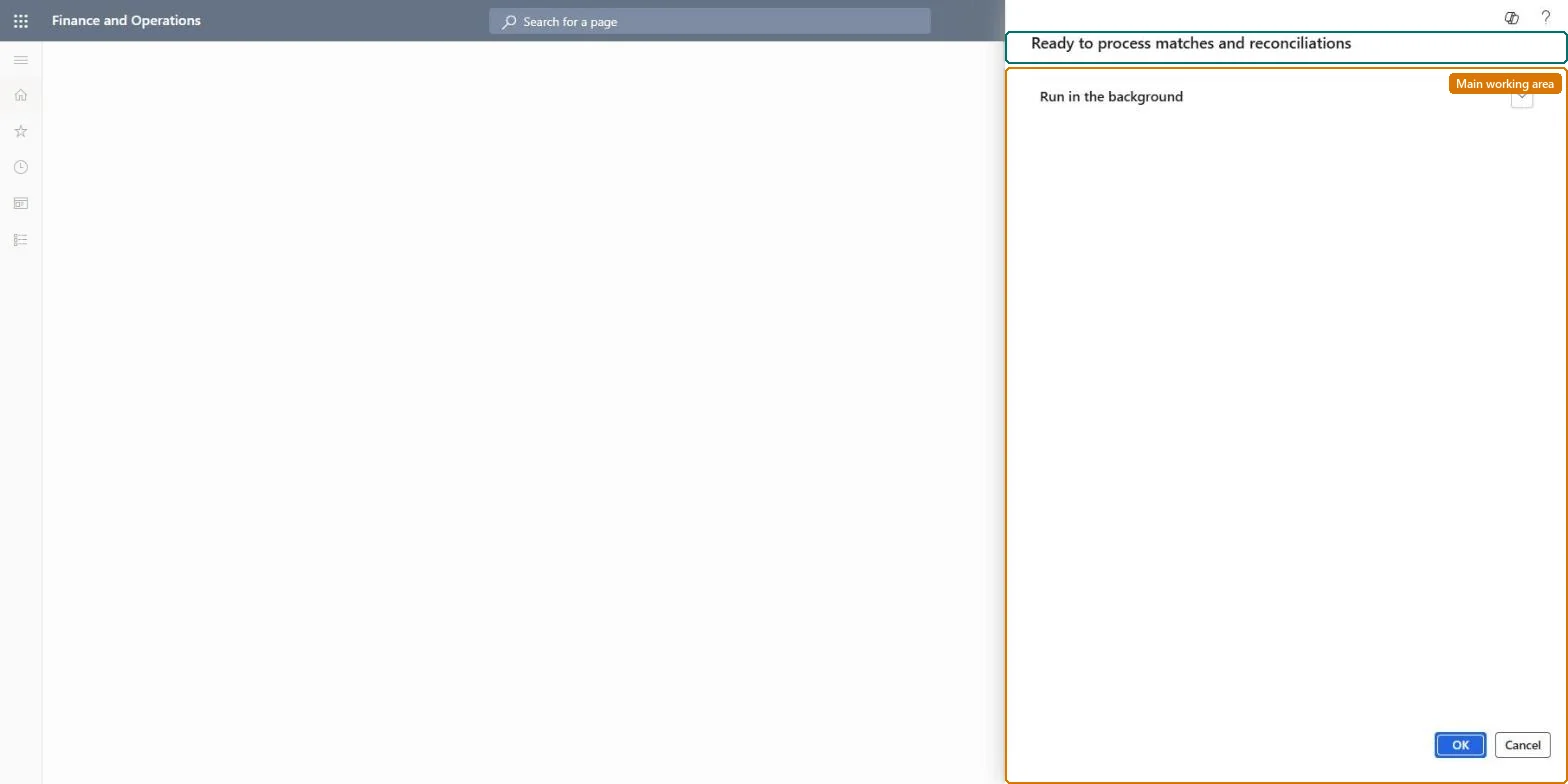
A periodic task that matches all available freight invoices with freight bills at once, according to the setup of the audit master and freight bill type.
Transportation managementFreight bills and invoices
action:TMSAutoMatchBatch
Business process
Reconcile freight in Dynamics 365 Supply Chain Management
Menu item
action:TMSAutoMatchBatch
Show what matters for
PAGE GUIDEWhat the page does and how to use it7 sections. Choose a role to highlight what matters to you.
Everyone
1What it is and why
What it is
A periodic task that matches all available freight invoices with freight bills at once, according to the setup of the audit master and freight bill type.
What you do here
Use this task to run automatic freight reconciliation, so that freight invoices are matched with freight bills without matching each invoice line by hand.
The page in Dynamics 365. page title tab to open what to set or check
About the examples: Examples and screenshots in this guide use BEAT, a demo company in a Dynamics 365 test environment. Use your own company's codes and values instead of copying them.
When to run it
When to run it
When carrier freight invoices have arrived and are waiting to be matched to the freight bills that were created when the loads were confirmed.
How often
On the schedule set by Match interval in Transportation management parameters when Automatically match and pay the freight invoice is turned on (Microsoft recommends at least 120 seconds), or on demand when new carrier invoices arrive.
Batch settings
Run it as a recurring batch job so freight invoices are matched on the reconciliation schedule without matching each invoice line by hand.
What the output shows
Freight invoices and freight bills set to Partially matched or Fully matched. Differences inside the audit master tolerance go to the overpayment or underpayment reason code. An invoice that stays unmatched usually has a mandatory freight bill type value that differs from the bill, or a difference outside the tolerance.
Go to Transportation management > Freight bills and invoices > Auto match batch.
Before the first run, set up a freight bill type assignment and an audit master for each shipping carrier. Auto matching only pairs a bill and an invoice when the mandatory freight bill type criteria match, and it uses the audit master tolerance for differences.
Run the job. It sorts the unmatched freight invoices by amount, largest first, and matches them one by one until the freight bill has no positive remaining amount.
Match freight invoices with negative amounts by hand on the Freight bill and invoice matching page. Once a freight bill is fully matched, auto matching doesn't process the remaining invoices for it.
Review the invoices the job couldn't match and reconcile them manually before you post the invoices for payment.
Partly: Unmatched invoices stay open for manual matching. If the parameters create and post vendor invoice journals automatically, those postings stay in the ledger. Microsoft Learn
If you change it later
Sets the match status of freight invoices and freight bills. When Write vendor invoice journal and Post journal are turned on in the parameters, the reconciliation also creates and posts vendor invoice journals. Microsoft Learn
Technical architect
5Technical
Menu item
action:TMSAutoMatchBatch
Roles to set it up and use it
To use itTransportation coordinator TMSTransportationCoordinatorGive people one of these roles. On this system, 1 role can run this page.Checked in Dynamics 365