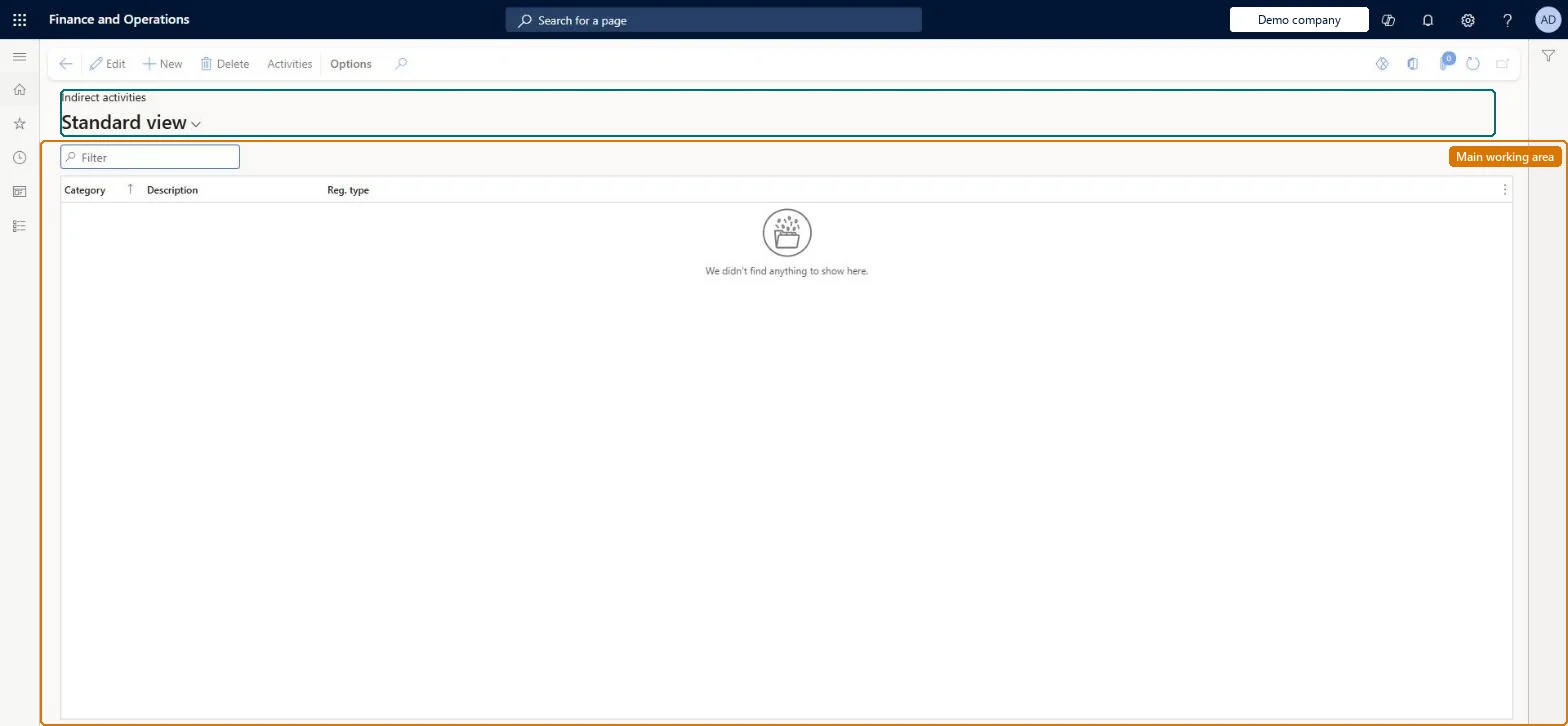
A setup page where you group indirect activities, such as meetings, breaks and switch codes, into categories that each hold activities of one registration type.
PAGE GUIDEWhat the page does and how to use it8 sections. Choose a role to highlight what matters to you.
Everyone
1What it is and why
What it is
A setup page where you group indirect activities, such as meetings, breaks and switch codes, into categories that each hold activities of one registration type.
What you do here
Use this page to create categories and the indirect activities in them, so that workers can register nonproductive time such as meetings, cleaning or breaks.
Example
For example, you create a category of the Break registration type and add a paid lunch break activity to it.
The page in Dynamics 365. page title tab to open what to set or check
About the examples: Examples and screenshots in this guide use BEAT, a demo company in a Dynamics 365 test environment. Use your own company's codes and values instead of copying them.
Setup steps on this page
Set up Indirect activity categories
Use this page to create categories and the indirect activities in them, so that workers can register nonproductive time such as meetings, cleaning or breaks.
Steps from Microsoft
Go to Time and attendance > Setup > Indirect activity categories.
Select New.
Fill in the Category and Description fields.
In the Reg. type list, select the registration type.
Select Activities and create the activities for the category.
On the General tab of each activity, select Registration if workers will register on it.
Separate categories for breaks, switch codes and other indirect activities; set each break as Paid or unpaid to match the company's break policyBreaks and switch codes are both defined as types of indirect activity; a paid break counts in pay time and uses the Break pay type in the pay agreement, an unpaid break doesn't.
How are categories split?Expecting workers to register a fixed lunch break. Fixed breaks belong in the time profile as planned breaks; registered breaks are for profiles without them.Test: Paid break category
Feature management and licence
Licence or add-in
Time and attendance roles come from the security read in the Technical section. On this system the page is opened with roles such as Production manager. The Microsoft Learn article for this page names no Feature management feature to turn on.
Per company: each legal entity has its own categories. Checked in Dynamics 365
Can it be undone
Reversible: Category and activity settings apply to registrations calculated afterwards. Days already transferred keep their pay items unless reversed before the pay transfer. Microsoft Learn
If you change it later
Changing break settings such as Paid or Break tolerance changes whether break time counts towards pay and when a late return from a break leads to a pay deduction. Microsoft Learn
Technical architect
6Technical
Menu item
JmgIpcCategoryChecked in Dynamics 365
Form
JmgIpcCategoryChecked in Dynamics 365
Table
JmgIpcCategoryShown as “INDIRECT ACTIVITIES” in Record infoKey field: CategoryChecked in Dynamics 365
Data entities
JmgIndirectTimeAndAttendanceActivityCategoryEntityIndirect Activity Categories Microsoft data model
Who can open it
PrivilegesMaintain indirect activities categories JmgIpcCategoryMaintainView indirect activities categories JmgIpcCategoryViewDutiesInquire into indirect activity costs master data JmgIndirectActivityCostMasterInquireMaintain indirect activity costs master JmgIndirectActivityCostMasterMaintainMaintain indirect activities master JmgIndirectActivityMasterMaintainInquire into indirect activities master JmgIntoIndirectActivityMasterinquire1 security roleProduction manager ProdProductionManagerChecked in Dynamics 365
Roles to set it up and use it
To set it up or change itProduction manager ProdProductionManagerGive people one of these roles. On this system, 1 role can open this page.Checked in Dynamics 365
Actions on the page
(Action Pane without tabs): ActivitiesChecked in Dynamics 365