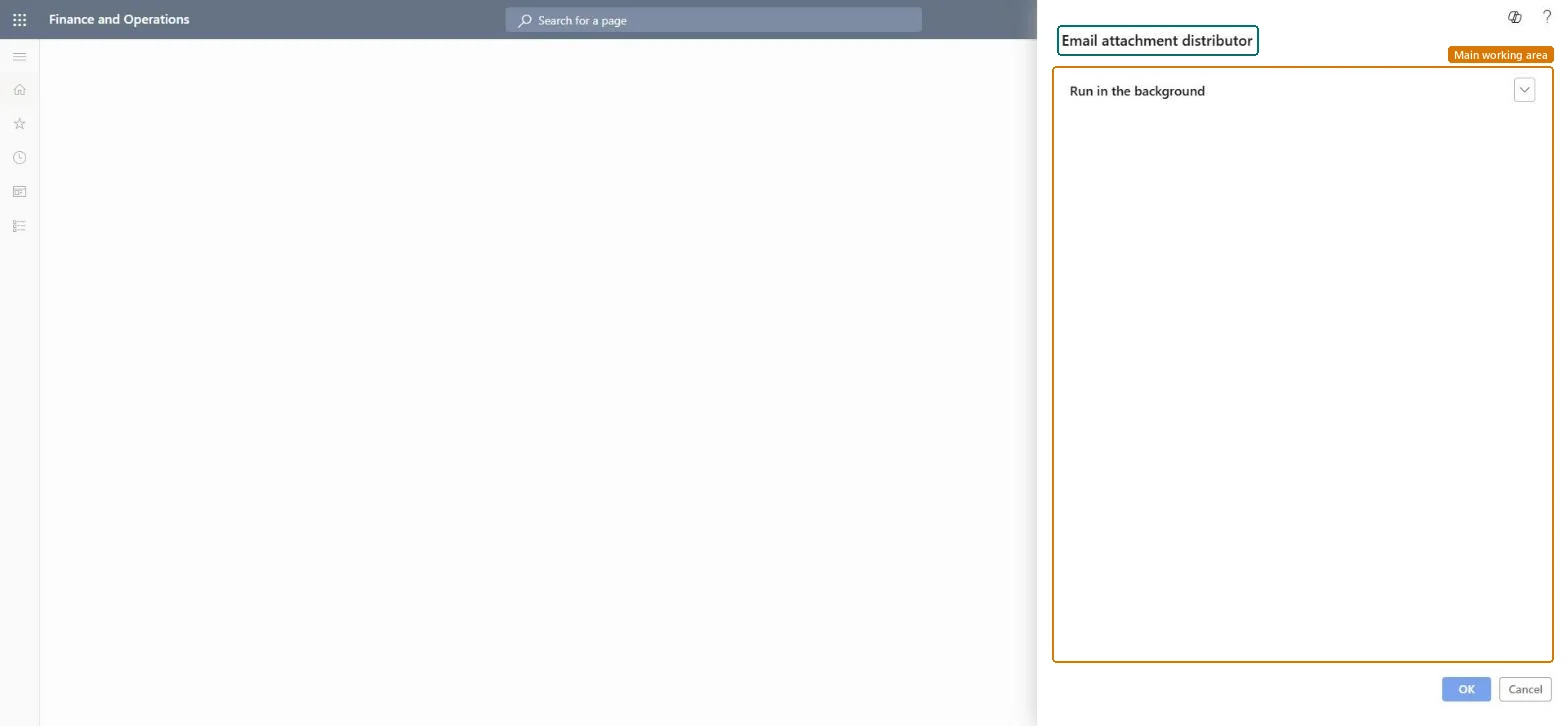
A periodic job, titled Email attachment distributor on its dialog, that runs the attachment distribution for email the server sends; the dialog has only a Run in the background section.
System administrationPeriodic tasksEmail processing
action:SysEmailAttachment
Business process
Administer system features
Menu item
action:SysEmailAttachment
Setup steps
1 on this page
Show what matters for
PAGE GUIDEWhat the page does and how to use it8 sections. Choose a role to highlight what matters to you.
Everyone
1What it is and why
What it is
A periodic job, titled Email attachment distributor on its dialog, that runs the attachment distribution for email the server sends; the dialog has only a Run in the background section.
What you do here
Use it next to the Email distributor batch, at once or as a background job, when the server sends email with attachments.
Example
For example, BEAT sends statements by batch email; the administrator schedules the Email attachment distributor on the same recurrence as the Email distributor batch and checks Batch email sending status afterwards.
The page in Dynamics 365. page title tab to open what to set or check
About the examples: Examples and screenshots in this guide use BEAT, a demo company in a Dynamics 365 test environment. Use your own company's codes and values instead of copying them.
When to run it
When to run it
When the server sends email with attachments, for example documents sent by batch processes.
How often
On demand, or as a recurring background job next to the Email distributor batch.
Batch settings
Run it in the background on a recurrence that matches the Email distributor batch.
What the output shows
Attachments handed over for the queued email. A message that fails because of its size usually means it is over the Attachment size limit on Email parameters.
A recurring background job on the same recurrence as the Email distributor batch, only where the server sends email with attachmentsThe attachment size limit on Email parameters caps every single email, so failures show up on Email history with their details.
Load order: Email attachments has no data entity in Data management, so it can't be loaded from a file or a configuration template. It is a periodic job; set it up again in each environment.Checked in Dynamics 365