PAGE GUIDEWhat the page does and how to use it8 sections. Choose a role to highlight what matters to you.
Everyone
1What it is and why
What it is
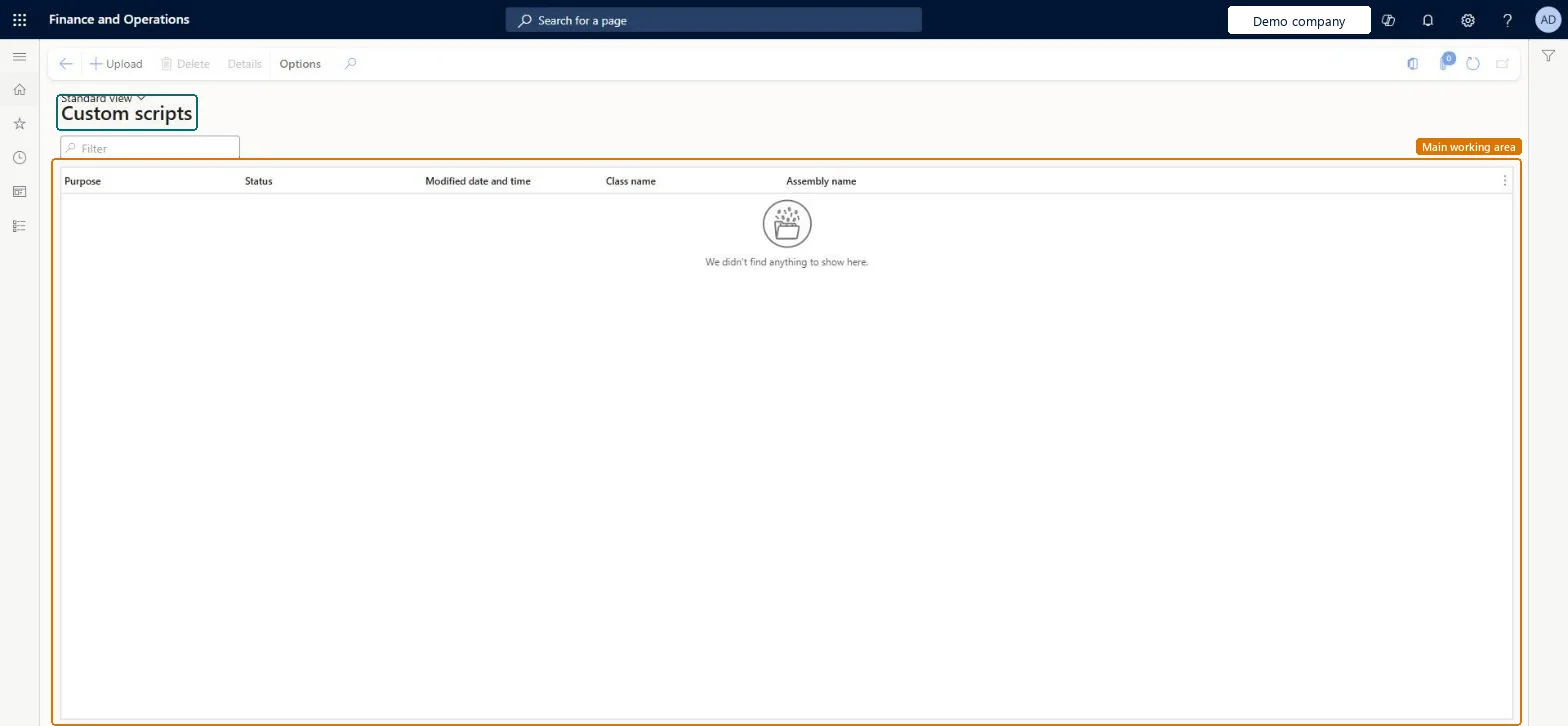
A list page where you upload, approve, test and run deployable packages that contain custom X++ scripts, without downtime.
What you do here
Use this page to correct minor data inconsistencies, of about ten records at most, without disruptive downtime.
Example
For example, three BEAT sales lines carry a wrong reference; a developer uploads a package whose script asserts the company and that exactly three rows change, a second user approves it, the test log shows three rows, and the script is run and marked Purpose resolved.
The page in Dynamics 365. page title tab to open what to set or check
About the examples: Examples and screenshots in this guide use BEAT, a demo company in a Dynamics 365 test environment. Use your own company's codes and values instead of copying them.
When to run it
When to run it
When a handful of records (about ten at most) are inconsistent and can't be corrected through normal business processes or other self-service tools.
How often
On demand, once per data issue.
What the output shows
An event log for each script with who uploaded, approved, tested and ran it and when, plus the script details that show which entities were touched. A test log that shows more changed records than expected means the script must not be run.
Correct a few records with an approved custom script
Fix about ten inconsistent records without downtime, with approval and a test run.
Steps from Microsoft
Go to System administration > Periodic tasks > Database > Custom scripts.
Select Upload, choose the deployable package that contains exactly one runnable X++ class, and state the purpose of the script.
Have a different user open Details and select Approve or Reject; the person who uploaded the script can't approve it.
Select Run test. The script runs in a transaction that is rolled back while logs are collected; select Accept test log if the result is right, or Abandon if it isn't.
Select Run to run the script for real, then select Purpose resolved or Purpose unresolved. Either choice locks the script.
Give Maintain custom scripts and Approve custom scripts to two different trusted users, test every script outside production first, and only change about ten recordsLearn: the uploader can't approve their own script, every package needs a test run, and the feature is for minor corrections of roughly ten records only.
On this system the page opens for Approve custom scripts and Maintain custom scripts. It needs the Maintain custom scripts and Approve custom scripts duties on at least two trusted users. No Feature management feature needs to be turned on for this page.
The script runs in the company context it is started in; Learn advises the script to assert the company, for example by throwing an error if it isn't DAT. Microsoft Learn
Can it be undone
No: A script that ran isn't undone automatically. You may need to write and run another script to reverse its effect. Microsoft Learn
If you change it later
A script that didn't work isn't undone automatically; you may need to run another script to reverse it. Microsoft Learn
Technical architect
6Technical
Menu item
AppConsistencyCustomScriptListPageChecked in Dynamics 365
Form
AppConsistencyCustomScriptListPageChecked in Dynamics 365
To set it up or change itApprove custom scripts AppConsistencyCustomScriptApproveMaintain custom scripts AppConsistencyCustomScriptMaintainGive people a role that holds these duties. On this system, 2 roles give access to this page.Checked in Dynamics 365
Actions on the page
Options: Page options, ShareChecked in Dynamics 365
Load order: Custom scripts has no data entity in Data management, so it can't be loaded from a file or a configuration template. It is a one-time correction tool and must not be used for data migration; upload the package again in the environment where the data must be corrected.Microsoft Learn