Service managementPerform periodic tasksService subscriptions
SMAIndexSubscription
Business process
Invoice subscription orders in Dynamics 365 Supply Chain Management
Menu item
SMAIndexSubscription
Show what matters for
PAGE GUIDEWhat the page does and how to use it7 sections. Choose a role to highlight what matters to you.
Everyone
1What it is and why
What it is
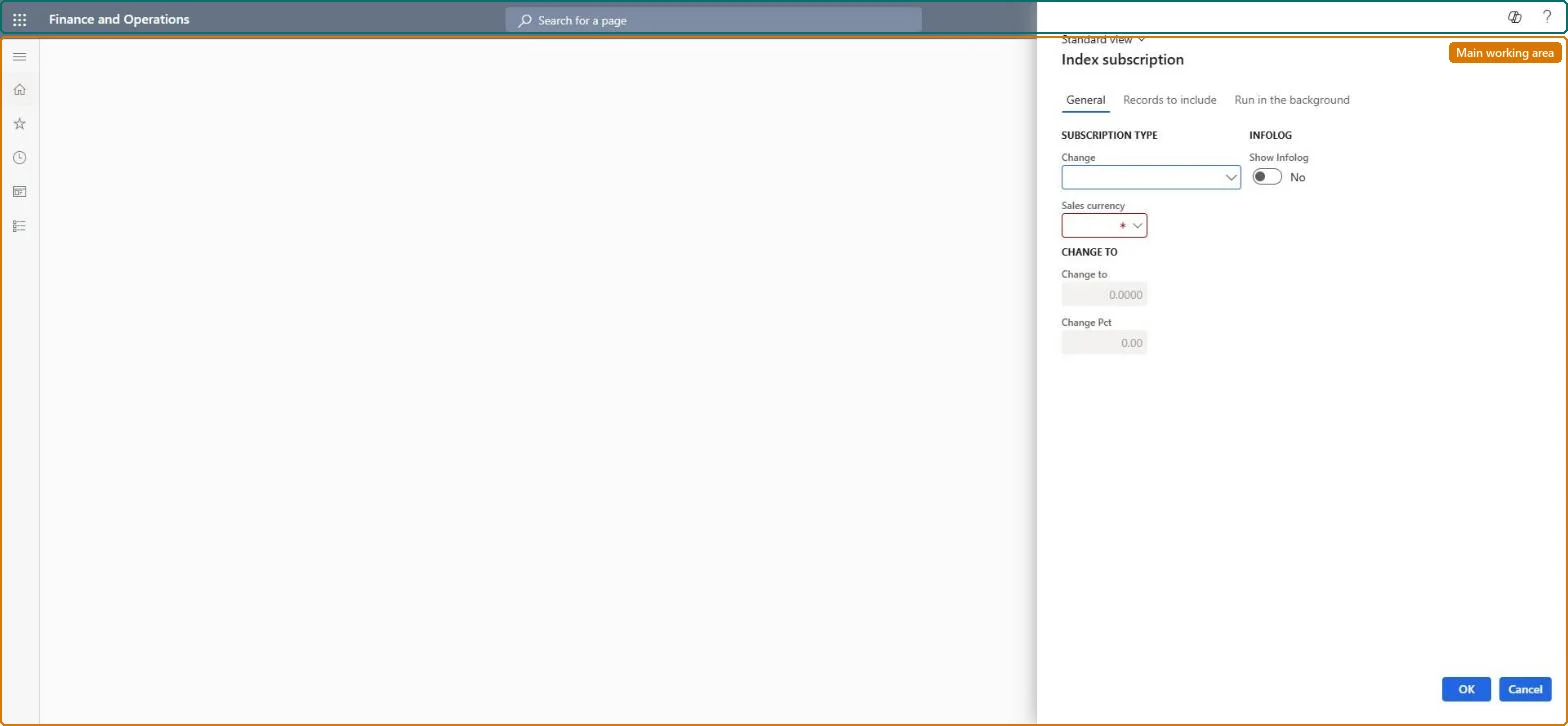
A periodic task dialog that updates the base price or the index of the selected service subscriptions, either by a percentage or to a new value.
What you do here
Use this page to re-price subscriptions in bulk, for example an annual index increase, by choosing one of Index by a percentage, Index to, Base price by percentage or Base price to and entering the change.
Example
For example, if the base price is EUR 120 and you select Base price by percentage with 10 in Change Pct, the base price becomes 132.
The page in Dynamics 365. page title tab to open what to set or check
About the examples: Examples and screenshots in this guide use BEAT, a demo company in a Dynamics 365 test environment. Use your own company's codes and values instead of copying them.
When to run it
When to run it
When subscription prices change, for example at an annual index increase, before you create the next indexed subscription fees.
How often
On demand, each time a price or index change is agreed, often once a year.
What the output shows
Updated Base price or Index on each selected subscription, with an Infolog message per subscription if Show Infolog is on. Fees created earlier keep their price; only fees created afterwards use the new value.
Yes: Run the job again with the old value (Index to or Base price to) to restore it. Fees created in between keep the price they were created with. Microsoft Learn
If you change it later
The change rewrites the Base price or Index on the subscriptions themselves, so every indexed fee created afterwards uses the new value. Microsoft Learn
Technical architect
5Technical
Menu item
SMAIndexSubscriptionChecked in Dynamics 365
Form
SMASubscriptionindexDialogChecked in Dynamics 365
Roles to set it up and use it
To use itService delivery manager SMAServiceDeliveryManagerSales manager TradeSalesManagerGive people one of these roles. On this system, 2 roles can run this page.Checked in Dynamics 365