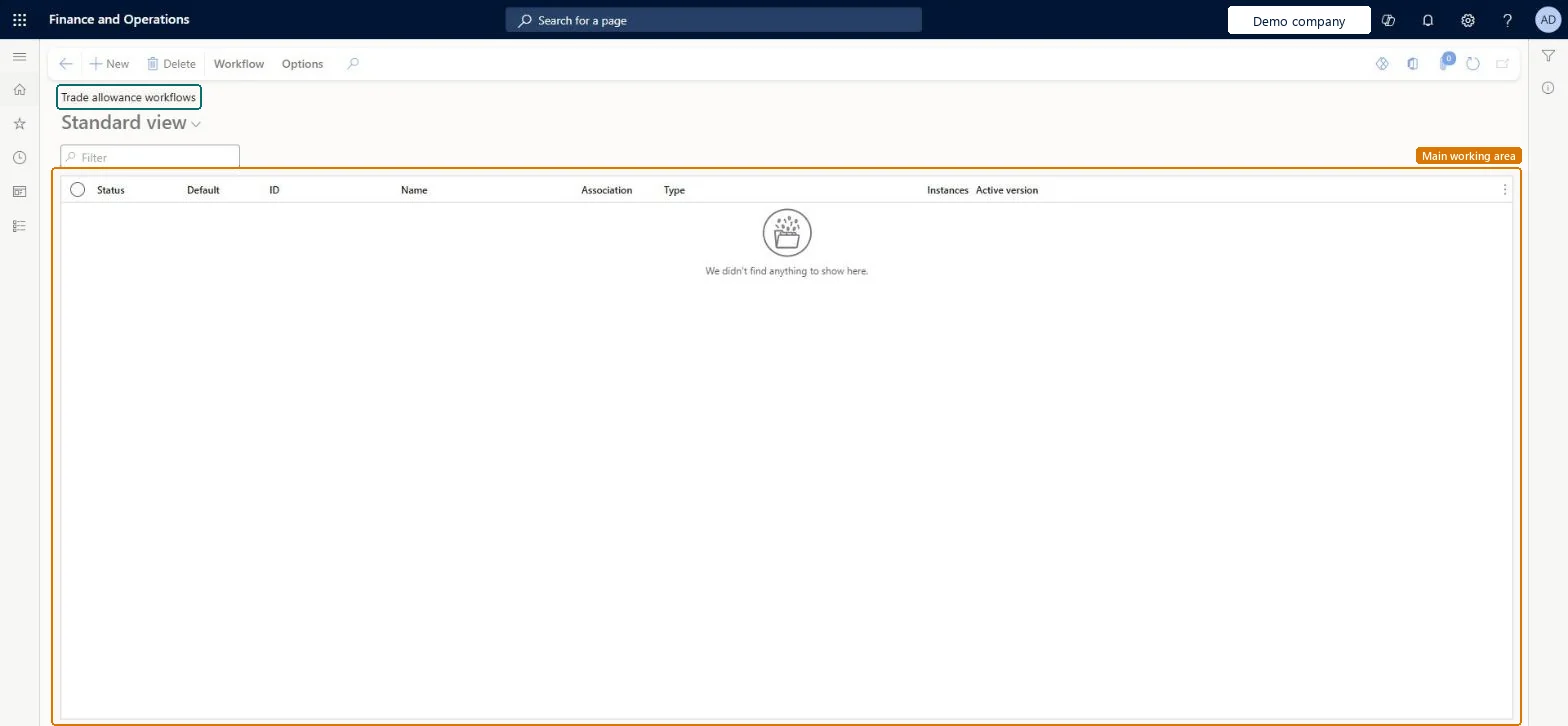
The list of workflow configurations for trade allowance management, with status, default flag, ID, name, association, type, number of instances and active version for each.
PAGE GUIDEWhat the page does and how to use it8 sections. Choose a role to highlight what matters to you.
Everyone
1What it is and why
What it is
The list of workflow configurations for trade allowance management, with status, default flag, ID, name, association, type, number of instances and active version for each.
What you do here
Use it to create and activate the approval workflows used in trade allowance management.
Example
BEAT wants documents above 50,000.00 to need a second approval from the sales director, while smaller ones need only the sales manager. It builds one workflow of the type with a conditional decision on the amount and two approval steps, and activates it as the only workflow of that type.
The page in Dynamics 365. page title tab to open what to set or check
About the examples: Examples and screenshots in this guide use BEAT, a demo company in a Dynamics 365 test environment. Use your own company's codes and values instead of copying them.
Setup steps on this page
Set up Trade allowance workflows
Create and activate the approval workflows used in trade allowance management.
Steps from Microsoft
Go to Sales and marketing > Setup > Trade allowance > Trade allowance workflows.
Select New and choose the workflow type in the list that opens; the workflow editor starts.
Build the approval steps, and on Activation set conditions if more than one workflow uses the same type.
Resolve every message in the Errors and warnings pane, select Save and close and then Activate the new version.
Submit a trade allowance document and check the work item in Workflow history.
One default workflow per workflow type, with conditional decisions inside it for amount thresholds, rather than many workflows of the same type.With one workflow for a type it runs regardless of activation conditions; several workflows of a type need activation conditions and a default.
On the live system, Marketing manager, Accounts receivable clerk and Sales manager use this page.
Checked in Dynamics 365
Solution architect
5Design impact
Shared or per company
Each configuration belongs to one workflow type; when several share a type, activation conditions pick the one a document uses and the default one is used otherwise. Microsoft Learn
Can it be undone
Reversible: You can activate an earlier version again or keep the new one inactive. Microsoft Learn
If you change it later
A saved change creates a new version that documents use only once it is activated. Microsoft Learn
Technical architect
6Technical
Menu item
TAMPromoMgmtWorkflowConfigurationChecked in Dynamics 365
Form
WorkflowTableListPageRnrChecked in Dynamics 365
Table
WorkflowTableShown as “Workflow configurations” in Record infoKey field: SequenceNumberChecked in Dynamics 365
To use itSales manager TradeSalesManagerAccounts receivable clerk CustInvoiceAccountsReceivableClerkMarketing manager CRMMarketingManagerGive people one of these roles. On this system, 3 roles can open this page.Checked in Dynamics 365
Actions on the page
Workflow: Manage, HierarchyOptions: Personalize, Page options, ShareChecked in Dynamics 365
Load order: Trade allowance workflows has no data entity in Data management. Create the workflow in the workflow editor in the target environment and activate it there.Checked in Dynamics 365