PAGE GUIDEWhat the page does and how to use it8 sections. Choose a role to highlight what matters to you.
Everyone
1What it is and why
What it is
A setup page where you specify the campaign targets that campaigns can use.
What you do here
Use this page to name who a campaign is aimed at, so campaigns can be selected and compared by target. These campaign pages belong to the built-in marketing features. Where Dynamics 365 Sales is used, quotations and orders are shared with Supply Chain Management through prospect-to-cash dual-write.
Example
For example, BEAT sets up the targets SMB, HORECA and RETAIL, and its autumn mailing to 240 cafe and restaurant contacts is created with target HORECA.
The page in Dynamics 365. page title tab to open what to set or check
About the examples: Examples and screenshots in this guide use BEAT, a demo company in a Dynamics 365 test environment. Use your own company's codes and values instead of copying them.
Step by step, with screenshots
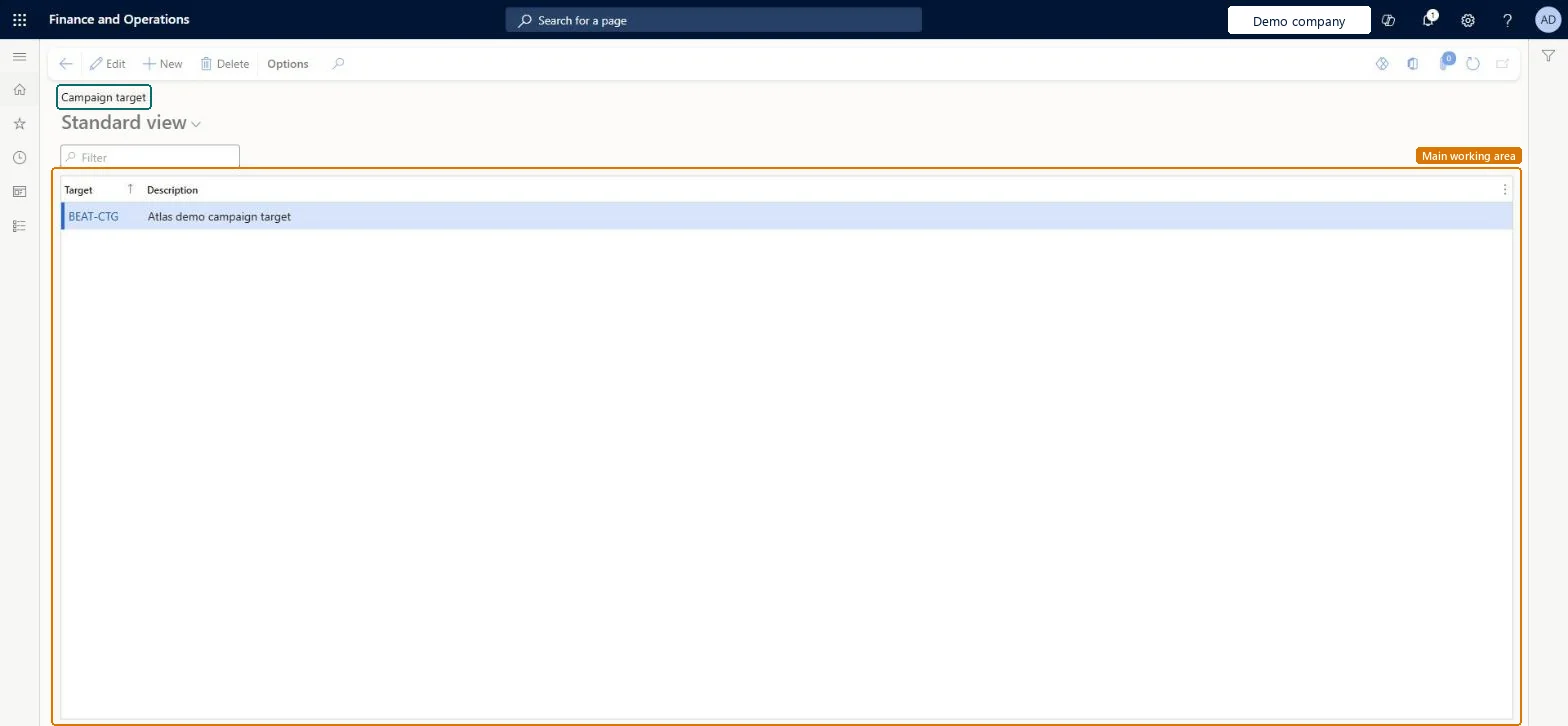
Set up Campaign target1 screen
Screen 1
Create a campaign target
Go to Sales and marketing > Setup > Campaigns > Campaign target
Select New
Enter the target code and description
Select Save
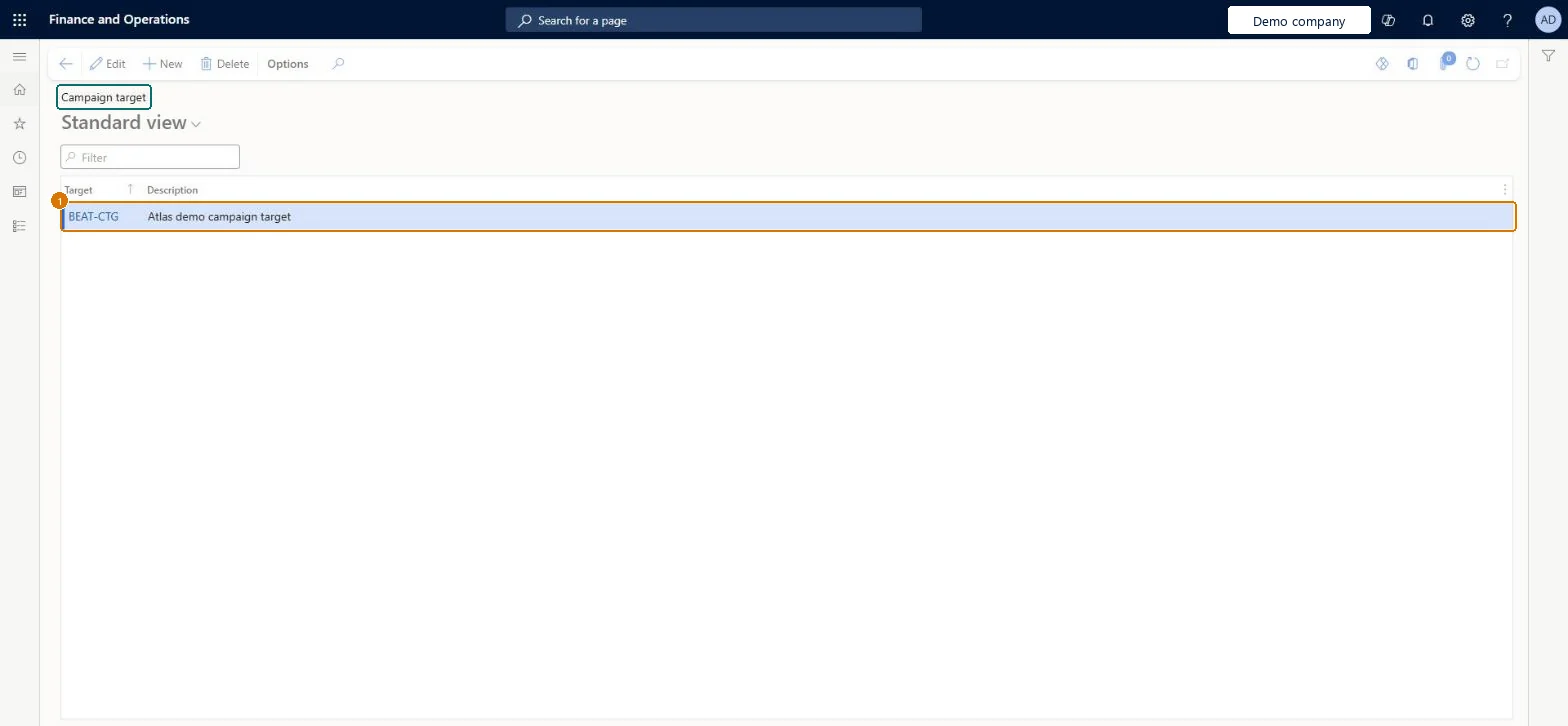
1Target
BEAT-CTG
Description
Campaign target
Show the full screen page title tab to open what to set or check
Steps from Microsoft
Go to Sales and marketing > Setup > Campaigns > Campaign target.
Select New and enter the Target code, for example HORECA.
Enter a Description that names the audience, such as Hotels, restaurants and cafes.
Then open All campaigns and select the target on the campaign.
Targets that describe the audience (segment or customer type), kept separate from campaign types, which describe the kind of campaign.The campaign target is chosen on the campaign together with group and type; keeping each list to one meaning keeps campaign filters clear.
Reversible: You can add, edit or delete campaign targets; check campaigns that use a code before you delete it. Microsoft data model
If you change it later
Campaigns keep the campaign target they were given; changing the description here changes what is shown on every campaign that uses the code. Microsoft data model
Technical architect
6Technical
Menu item
smmCampaignTargetTableChecked in Dynamics 365
Form
smmCampaignTargetTableChecked in Dynamics 365
Table
smmCampaignTargetTableShown as “Campaign target” in Record infoChecked in Dynamics 365
PrivilegesMaintain campaign targets smmCampaignTargetTableMaintainView campaign targets smmCampaignTargetTableViewDutiesInquire into campaign progress smmCampaignProgressInquireMaintain campaigns smmCampaignsMaintainEnable marketing process smmMarketingProcessEnable3 security rolesMarketing coordinator CRMMarketingCoordinatorMarketing manager CRMMarketingManagerSales manager TradeSalesManagerChecked in Dynamics 365
Roles to set it up and use it
To set it up or change itSales manager TradeSalesManagerMarketing manager CRMMarketingManagerMarketing coordinator CRMMarketingCoordinatorGive people one of these roles. On this system, 3 roles can open this page.Checked in Dynamics 365
Actions on the page
Options: Personalize, Page options, ShareChecked in Dynamics 365
smmCampaignTargetEntity (Campaign targets): loaded for each company, in Microsoft's default template 330 - Sales and marketing.Load order: Microsoft's default template 330 - Sales and marketing loads Campaign targets at execution unit 1, level 30, sequence 10. Lower levels load first, and entities at the same level load in sequence order.Load first: the default templates at lower levels (System setup to General ledger)Microsoft Learn
Checked in a working Dynamics 365 system, version 10.0.49: the menu item, form, table and security, the page, the demo records and the values in the screenshots.