Sales and marketingInquiries and reportsSales and marketing reports
output:smmCampaignResponseFrequency
Business process
Identify and qualify leads
Menu item
output:smmCampaignResponseFrequency
Setup steps
1 on this page
Show what matters for
PAGE GUIDEWhat the page does and how to use it8 sections. Choose a role to highlight what matters to you.
Everyone
1What it is and why
What it is
A report that shows, per campaign, how many campaign targets responded compared with how many were targeted.
What you do here
Use it after a campaign to judge how well it worked and to compare campaigns. Campaigns are part of the built-in CRM; many projects run campaigns in Dynamics 365 Sales instead.
Example
For example, BEAT's spring mailing CAMP-000045 ran from 01.03.2026 to 31.03.2026 and targeted 1,200 contacts; the report shows 96 responses, a ratio of 8.00 percent, against 3.50 percent for the autumn campaign.
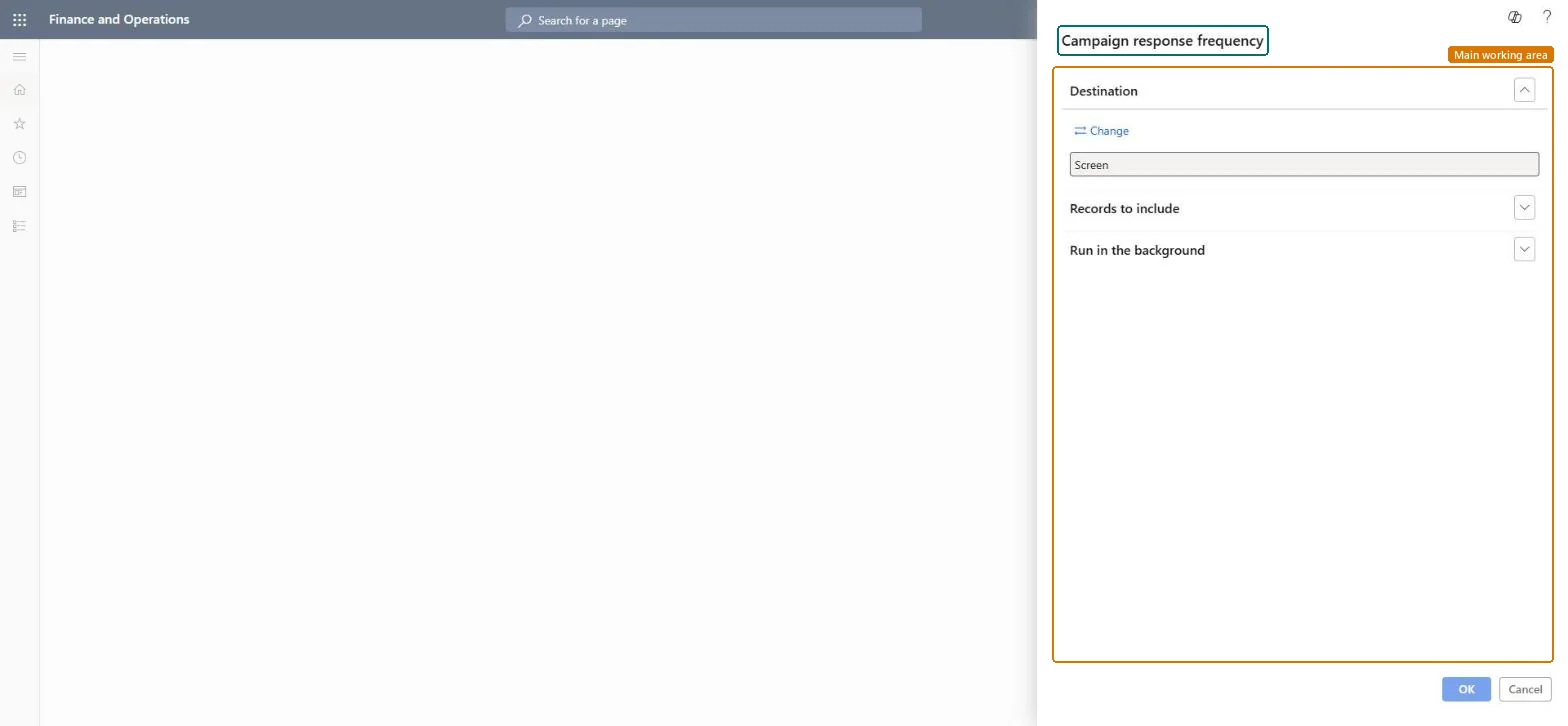
The page in Dynamics 365. page title tab to open what to set or check
About the examples: Examples and screenshots in this guide use BEAT, a demo company in a Dynamics 365 test environment. Use your own company's codes and values instead of copying them.
When to run it
When to run it
After a campaign has run and responses are registered.
Filter on the Campaign ID, or on Campaign date and End date when you compare a period.The ratio only makes sense per campaign; mixing campaigns of different types hides which one worked.
On the live system, Sales manager, Marketing manager and Chief executive officer use this page; 3 roles can run it in total. No Feature management feature is needed to open it.
Checked in Dynamics 365
Solution architect
5Design impact
Shared or per company
Per company: the report reads the data of the legal entity you run it in. To compare legal entities, run it in each one. Checked in Dynamics 365
Can it be undone
Reversible: The report changes no data; it only reads campaign targets and responses. Run it again with other parameters at any time. Checked in Dynamics 365
If you change it later
The ratio uses the responses registered at run time; run it again after late responses are added. Campaigns can be run in Dynamics 365 Sales instead when prospect to cash is used. Microsoft Learn
Technical architect
6Technical
Menu item
output:smmCampaignResponseFrequencyChecked in Dynamics 365
Form
SysOperationTemplateFormChecked in Dynamics 365
Roles to set it up and use it
To use itSales manager TradeSalesManagerMarketing manager CRMMarketingManagerChief executive officer CompanyChiefExecutiveOfficerGive people one of these roles. On this system, 3 roles can run this page.Checked in Dynamics 365
Load order: Campaign response frequency has no data entity in Data management. It is a report: it reads campaigns and their targets and stores nothing of its own.Checked in Dynamics 365