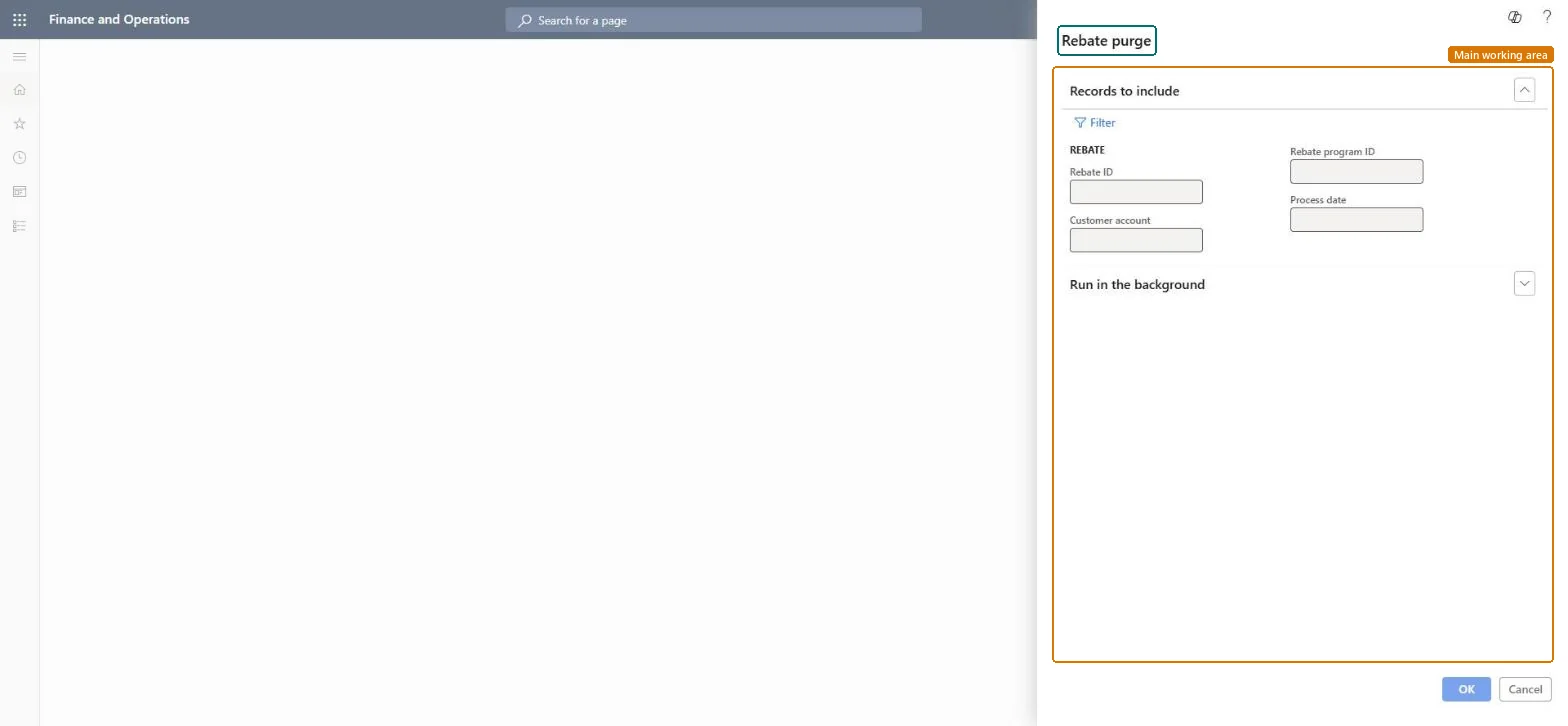
A periodic job that permanently deletes the rebate records created before a date you enter: you enter the earliest date of the rebates to keep. These are the older customer rebates of Sales and marketing. Microsoft describes Rebate management as the newer module for rebate deals, provisions and royalties; choose one of the two for a project.
PAGE GUIDEWhat the page does and how to use it8 sections. Choose a role to highlight what matters to you.
Everyone
1What it is and why
What it is
A periodic job that permanently deletes the rebate records created before a date you enter: you enter the earliest date of the rebates to keep. These are the older customer rebates of Sales and marketing. Microsoft describes Rebate management as the newer module for rebate deals, provisions and royalties; choose one of the two for a project.
What you do here
Use this job to remove outdated rebate information once it is no longer needed.
Example
For example, BEAT keeps two years of rebate history: when it purges at the start of a year, it enters the same date two years earlier, and every rebate created before that date is deleted.
The page in Dynamics 365. page title tab to open what to set or check
About the examples: Examples and screenshots in this guide use BEAT, a demo company in a Dynamics 365 test environment. Use your own company's codes and values instead of copying them.
When to run it
When to run it
Only when old rebate records are no longer needed, after their claims are processed and settled.
How often
On demand, for example once a year.
What the output shows
Rebate records created before the date you entered are deleted.
Claims that were still needed are gone after the purge.
The date is the earliest date to keep, not the last date to delete: rebates created before it are deleted and can't be brought back from the page. Check the date in a copy of the company data before the real run. Microsoft Learn
Test checklist
In a copy of the company data, count the rebates on the Rebates page created before the cut-off date.
Run Purge rebates with the cut-off date.
Check that no rebate created before the date is left.
Check that the number of rebates on or after the date is unchanged.
Run it only on request of the accounts receivable manager, with a cut-off date before which all rebates are processed and settled, after a trial run in a copy of the company data.The job deletes every rebate created before the date entered, and deleted records can't be brought back from the application.
On the live system, Accounts receivable clerk and Accounts receivable manager use this page. Keep the purge with the accounts receivable manager.
Checked in Dynamics 365
Solution architect
5Design impact
Shared or per company
Per company: the job works on the rebate claims of the legal entity it runs in; the claims table holds its records per company. Microsoft data model
Can it be undone
Irreversible: Purged rebate records can't be restored. Run it only after the claims are processed and settled, test the date in a copy first, and keep the job with the accounts receivable manager. Microsoft Learn
If you change it later
Deletes the rebate records created before the date you enter; they no longer show on the Rebates page. Microsoft Learn
Technical architect
6Technical
Menu item
action:pdsRebatePurgeChecked in Dynamics 365
Form
DialogChecked in Dynamics 365
Roles to set it up and use it
To use itAccounts receivable clerk CustInvoiceAccountsReceivableClerkAccounts receivable manager CustInvoiceAccountsReceivableManagerGive people one of these roles. On this system, 2 roles can run this page.Checked in Dynamics 365
Load order: Purge rebates has no data entity in Data management: it is a periodic job and stores no data of its own. Before a purge, export the rebates to keep as history with the Customer rebates entity (SalesRebateEntity) of the Rebates page.Checked in Dynamics 365