A periodic job that takes a snapshot of inventory availability in headquarters for each product or variant and warehouse, for use by channel-side inventory calculation.
Retail and CommerceRetail and Commerce ITProducts and inventory
RetailInventAvailabilityCalcScheduler
Business process
Maintain inventory levels
Menu item
RetailInventAvailabilityCalcScheduler
Show what matters for
PAGE GUIDEWhat the page does and how to use it7 sections. Choose a role to highlight what matters to you.
Everyone
1What it is and why
What it is
A periodic job that takes a snapshot of inventory availability in headquarters for each product or variant and warehouse, for use by channel-side inventory calculation.
What you do here
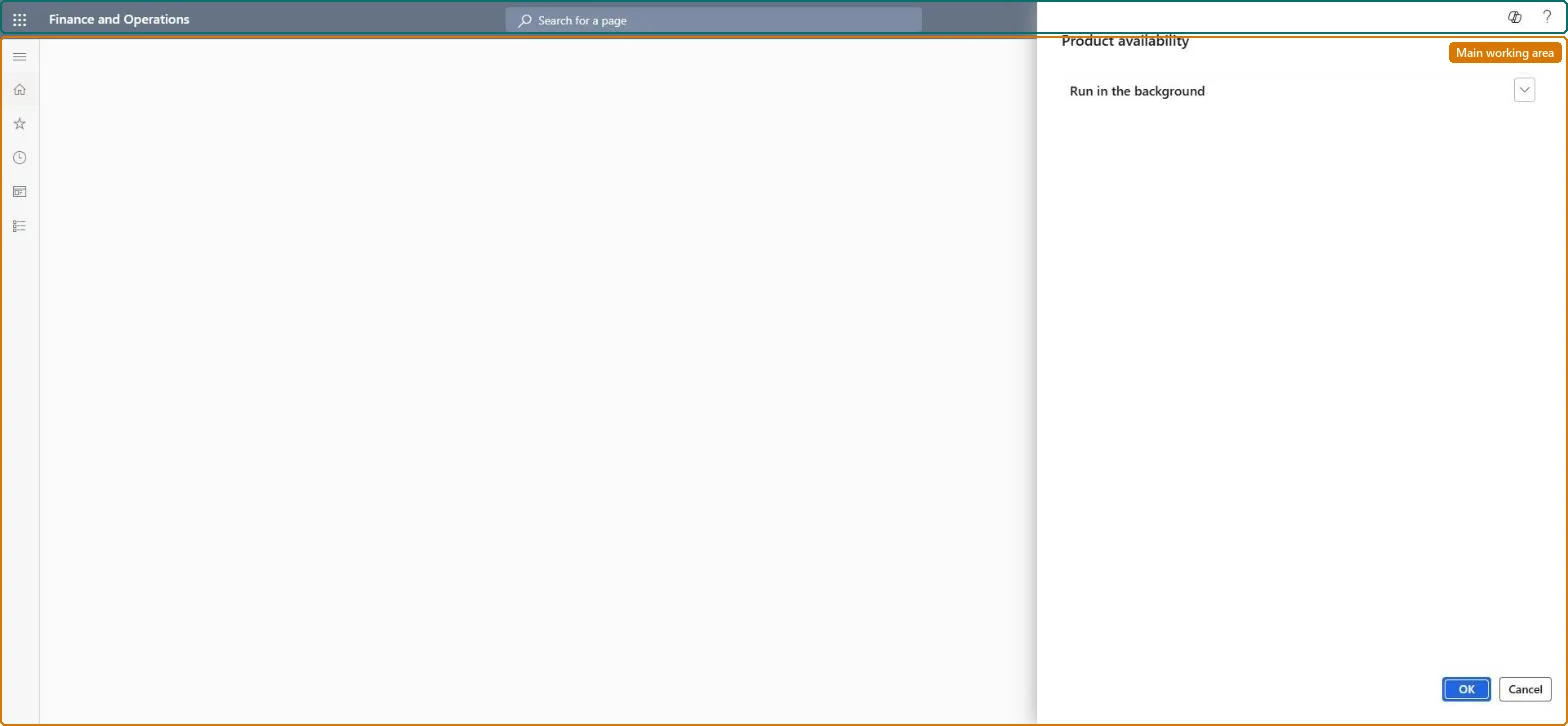
Use this page to create the inventory snapshot that the 1130 (Product availability) distribution job then sends to channel databases, so that POS and e-commerce can estimate on-hand inventory.
Example
For example, schedule the Product availability job hourly, followed by the 1130 job, so stores see near-current estimated stock.
The page in Dynamics 365. page title tab to open what to set or check
About the examples: Examples and screenshots in this guide use BEAT, a demo company in a Dynamics 365 test environment. Use your own company's codes and values instead of copying them.
When to run it
When to run it
Right before the 1130 (Product availability) distribution job, after the P job, Synchronize orders and statement posting have run.
How often
Hourly, as Microsoft recommends, together with job 1130.
Batch settings
Recurring hourly batch job followed by 1130.
What the output shows
A snapshot of inventory availability per product or variant and warehouse, which 1130 sends to channel databases for POS and e-commerce estimates. Estimates that lag behind usually mean the upstream jobs or 1130 run less often than this job.
Go to Retail and Commerce > Retail and Commerce IT > Products and inventory > Product availability.
Before each run, make sure the P job, Synchronize orders and statement posting jobs have run, because the snapshot includes only transactions processed in headquarters.
Optionally set the job to run in batch mode with a recurrence, then select OK.
Go to Retail and Commerce > Retail and Commerce IT > Distribution schedule and run the 1130 (Product availability) job right after it.
Afterwards, open inventory lookup in the POS for a product and compare it with on-hand in headquarters.
Nothing to undo: Each run replaces the snapshot; there is nothing to reverse. Microsoft Learn
If you change it later
The snapshot only includes transactions already processed in headquarters, so it may not be fully accurate in real time. Microsoft Learn
Technical architect
5Technical
Menu item
RetailInventAvailabilityCalcSchedulerChecked in Dynamics 365
Form
DialogChecked in Dynamics 365
Roles to set it up and use it
To use itRetail service RetailServiceRetail operations manager RetailOperationsManagerInformation technology manager SysServerITManagerGive people one of these roles. On this system, 3 roles can run this page.Checked in Dynamics 365