PAGE GUIDEWhat the page does and how to use it7 sections. Choose a role to highlight what matters to you.
Everyone
1What it is and why
What it is
A periodic job that processes modes of delivery so that channel sales order processes can use them.
What you do here
Use this page after you add or change modes of delivery to build the relationships between each mode of delivery, its channels and its items.
Example
For example, after creating a curbside pickup mode of delivery and linking it to stores and products, run Process delivery modes and then the 1120 distribution job.
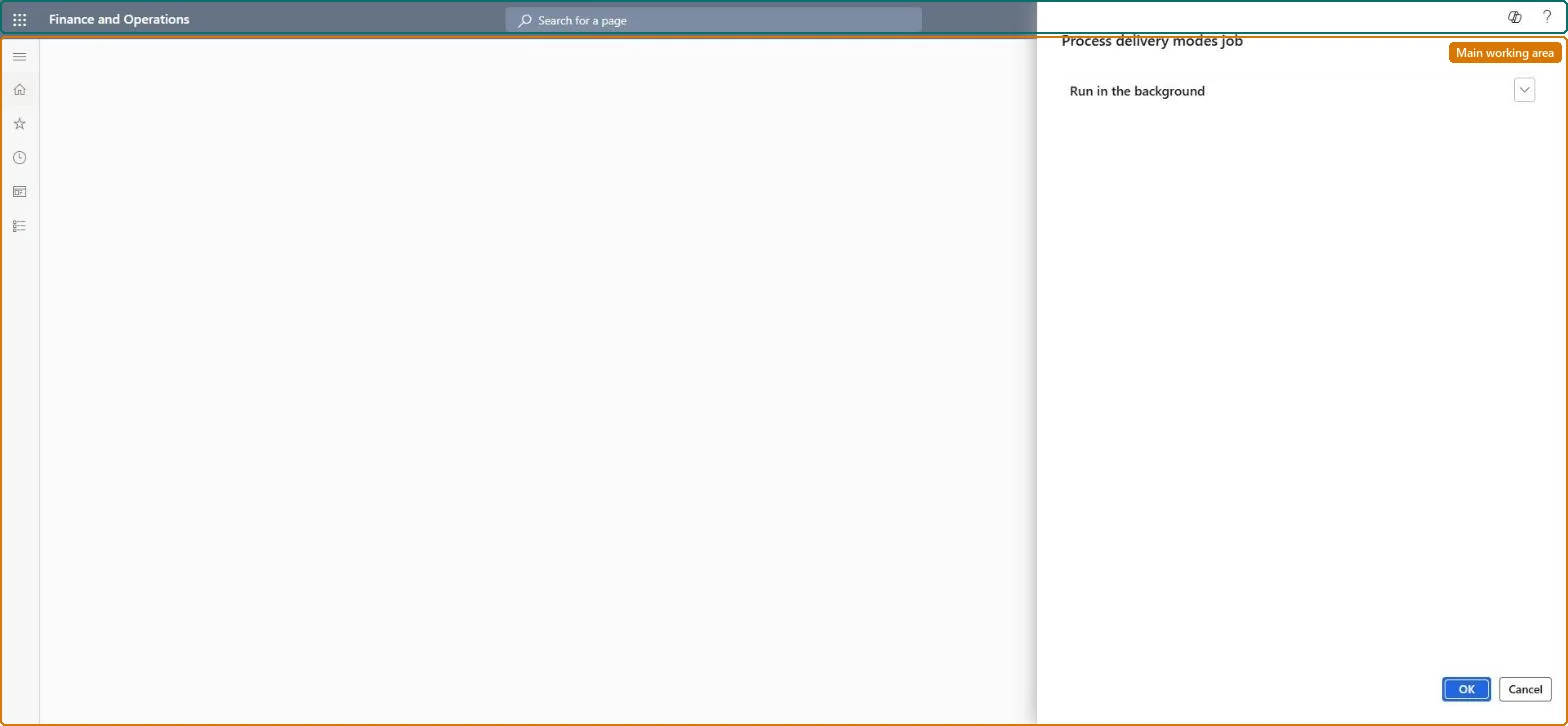
The page in Dynamics 365. page title tab to open what to set or check
About the examples: Examples and screenshots in this guide use BEAT, a demo company in a Dynamics 365 test environment. Use your own company's codes and values instead of copying them.
When to run it
When to run it
After you add or change modes of delivery or their channel and item relationships.
How often
On demand, after each change to modes of delivery.
What the output shows
Updated relationships between modes of delivery, channels and items that channel sales order processes use. A mode that doesn't appear in a channel usually means this job or the distribution job hasn't run since the change.
Nothing to undo: The job rebuilds relationships from the setup; change the setup and run it again. Microsoft Learn
If you change it later
Changes to delivery modes or their channel relationships do not take effect until this job is run again. Microsoft Learn
Technical architect
5Technical
Menu item
RetailDlvModeExploderJobSchedulerChecked in Dynamics 365
Form
DialogChecked in Dynamics 365
Roles to set it up and use it
To use itRetail operations manager RetailOperationsManagerGive people one of these roles. On this system, 1 role can run this page.Checked in Dynamics 365