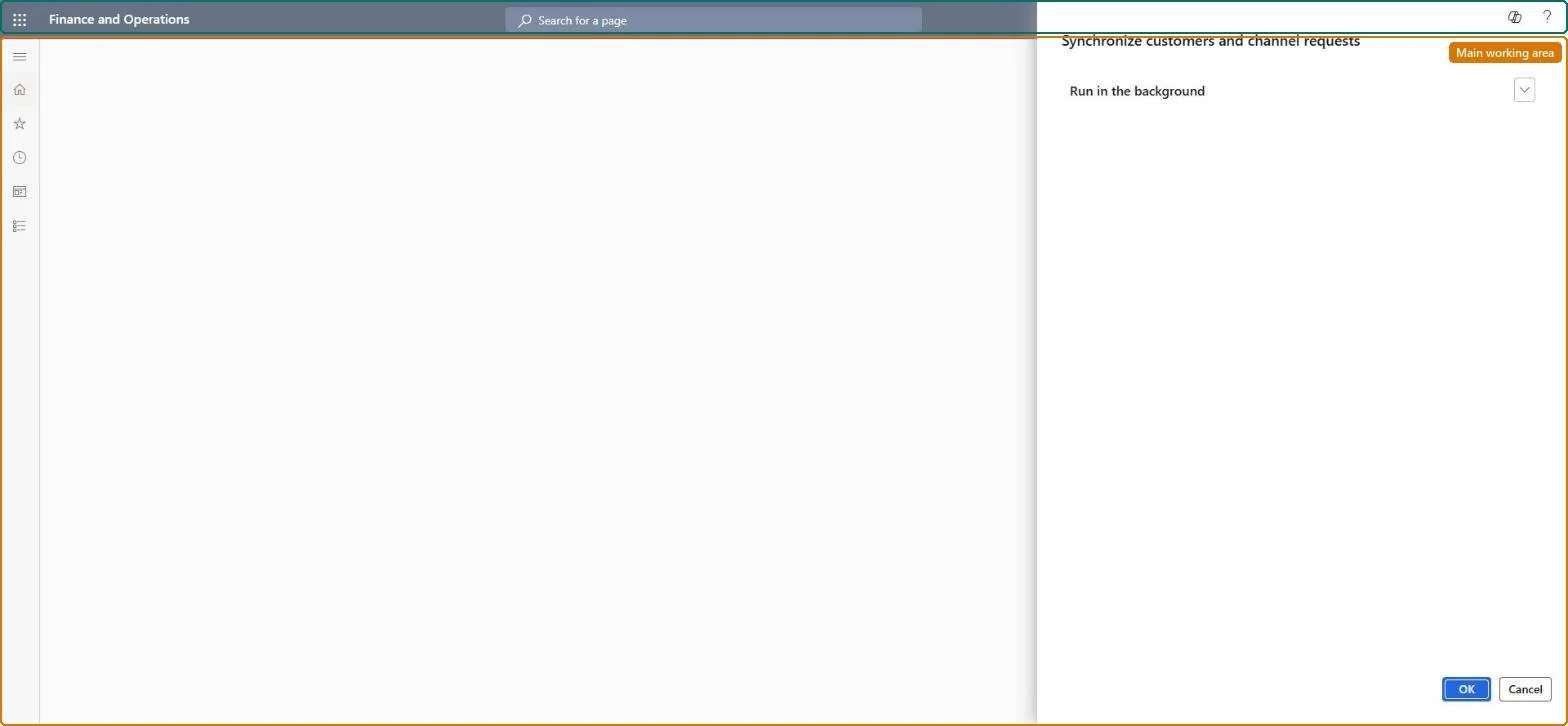
A batch job in Commerce headquarters that processes customer and channel requests uploaded from channels, such as customers created in async mode and B2B onboarding requests.
Create B2C eCommerce sales channel in Dynamics 365 Commerce
Menu item
RetailAsyncCustomerCreator
Show what matters for
PAGE GUIDEWhat the page does and how to use it7 sections. Choose a role to highlight what matters to you.
Everyone
1What it is and why
What it is
A batch job in Commerce headquarters that processes customer and channel requests uploaded from channels, such as customers created in async mode and B2B onboarding requests.
What you do here
Use this page after the P-job to convert async customers to customers in headquarters and to create prospects from B2B partner onboarding requests, then run the 1010 job to send results to channels.
Example
For example, after the P-0001 job pulls B2B onboarding requests into headquarters, this job creates them as prospects of the B2B prospect type.
The page in Dynamics 365. page title tab to open what to set or check
About the examples: Examples and screenshots in this guide use BEAT, a demo company in a Dynamics 365 test environment. Use your own company's codes and values instead of copying them.
When to run it
When to run it
After each P-job run, whenever channels create or edit customers in async mode or offline, or B2B partners submit onboarding requests.
How often
Recurring, together with the P-job and the 1010 job. Microsoft says to schedule it even when async mode is off, because offline POS creates async customers.
Batch settings
A recurring batch job scheduled in the same chain as the P-job and the 1010 job.
What the output shows
Customer accounts in headquarters for async customers, and B2B prospects for onboarding requests. Customers still shown as Pending sync in POS usually mean the 1010 job hasn't run yet, or the operation failed in Customer synchronization status.
Go to Retail and Commerce > Retail and Commerce IT > Customer > Synchronize customers and channel requests.
Run the P-job (P-0001) first, so async customers, customer edits and B2B partner onboarding requests from the channels reach headquarters.
Run this job to convert async customers into customers with real account numbers and to create prospects of the B2B prospect type from onboarding requests.
Then run the 1010 (Customers) distribution schedule job, so the new customer accounts reach the channels.
Check Customers > Customer synchronization status for failed operations; fix the fields there and select Synchronize.
No: Customers and prospects created by the job stay in headquarters. Edit them, or reject an onboarding prospect, instead. Microsoft Learn
If you change it later
Creates customer accounts for async customers and B2B prospects for onboarding requests in headquarters, and applies customer edits made in the channels. Microsoft Learn
Technical architect
5Technical
Menu item
RetailAsyncCustomerCreatorChecked in Dynamics 365
Form
DialogChecked in Dynamics 365
Roles to set it up and use it
To use itRetail service RetailServiceRetail operations manager RetailOperationsManagerGive people one of these roles. On this system, 2 roles can run this page.Checked in Dynamics 365