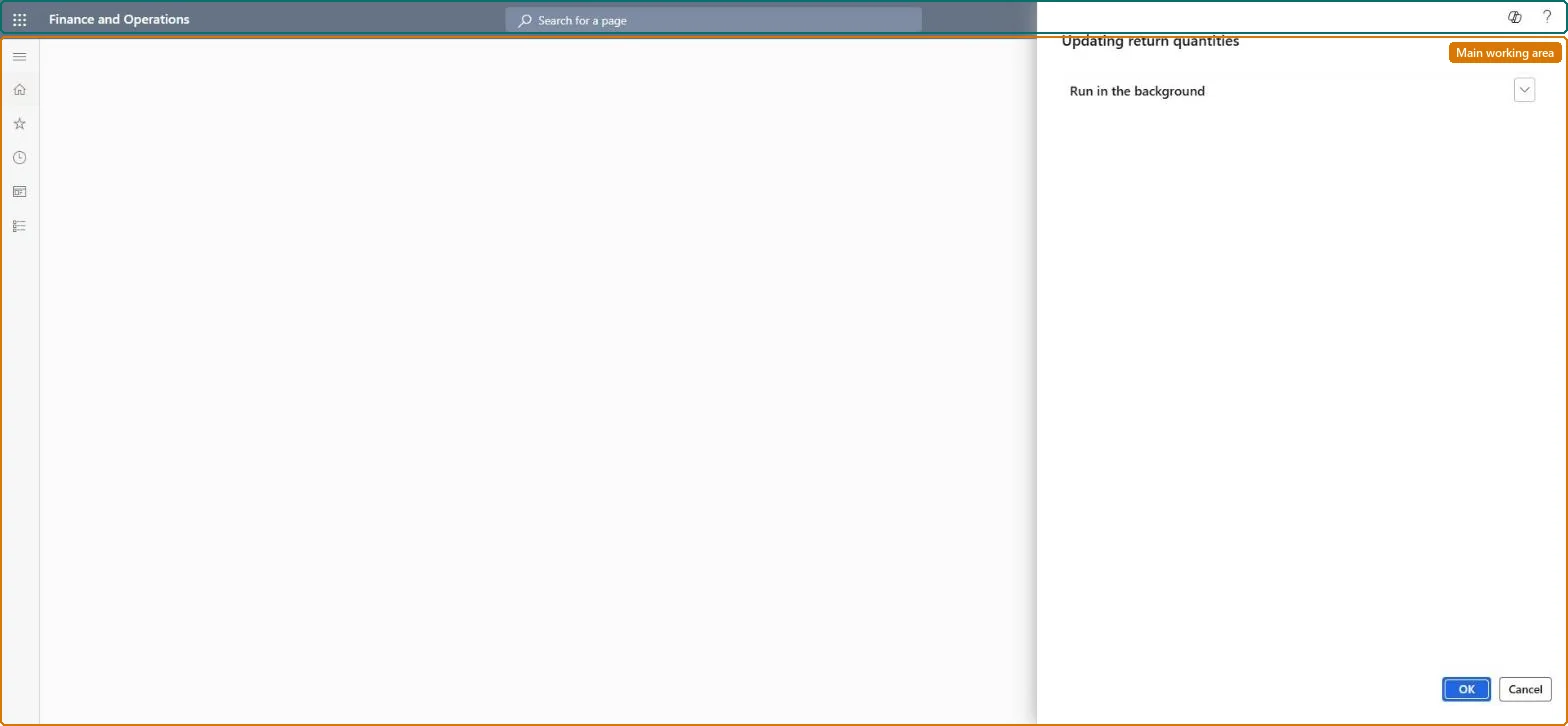
A batch job page that recalculates the quantity still available to return on every sales order in Commerce headquarters, so that stores can validate returns even when the real-time call to headquarters fails.
PAGE GUIDEWhat the page does and how to use it7 sections. Choose a role to highlight what matters to you.
Everyone
1What it is and why
What it is
A batch job page that recalculates the quantity still available to return on every sales order in Commerce headquarters, so that stores can validate returns even when the real-time call to headquarters fails.
What you do here
Use this page to schedule the Update return quantities job to run frequently, at the same cadence as the P job that pulls channel transactions into headquarters, and then send the result to channel databases with the Return quantities (1200) distribution job.
Example
For example, when stores on different Commerce Scale Units cannot see each other's returns, running this job and the 1200 job at high frequency keeps the Available to return quantity in POS accurate.
The page in Dynamics 365. page title tab to open what to set or check
About the examples: Examples and screenshots in this guide use BEAT, a demo company in a Dynamics 365 test environment. Use your own company's codes and values instead of copying them.
When to run it
When to run it
When stores must validate returns even if the real-time call to headquarters fails, for example in offline returns.
How often
Frequently, at the same cadence as the P job.
Batch settings
Recurring batch job at the P job's frequency, followed by 1200.
What the output shows
Quantities still available for return for every sales order in headquarters, sent to stores with job 1200. If statement posting fails for an over-returned quantity, the job or 1200 didn't run often enough.
Nothing to undo: The job recalculates quantities each run; nothing to reverse. Microsoft Learn
If you change it later
If the job runs infrequently, the channel-side Available to return quantities can be stale, so an offline return may be accepted twice and statement posting may later fail for the over-returned quantity. Microsoft Learn
Technical architect
5Technical
Menu item
RetailUpdateReturnedQuantitiesSchedulerChecked in Dynamics 365
Form
DialogChecked in Dynamics 365
Roles to set it up and use it
To use itRetail service RetailServiceRetail operations manager RetailOperationsManagerGive people one of these roles. On this system, 2 roles can run this page.Checked in Dynamics 365